
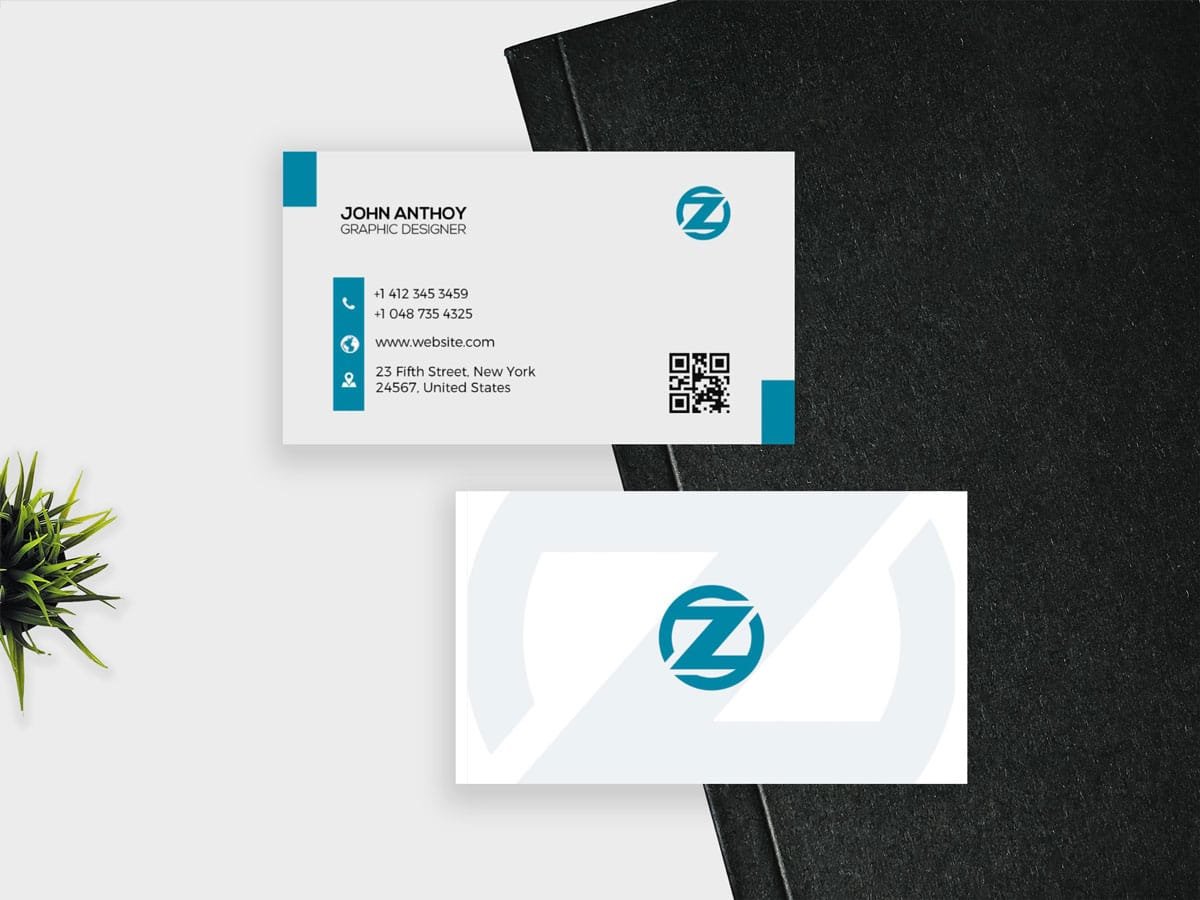
Description
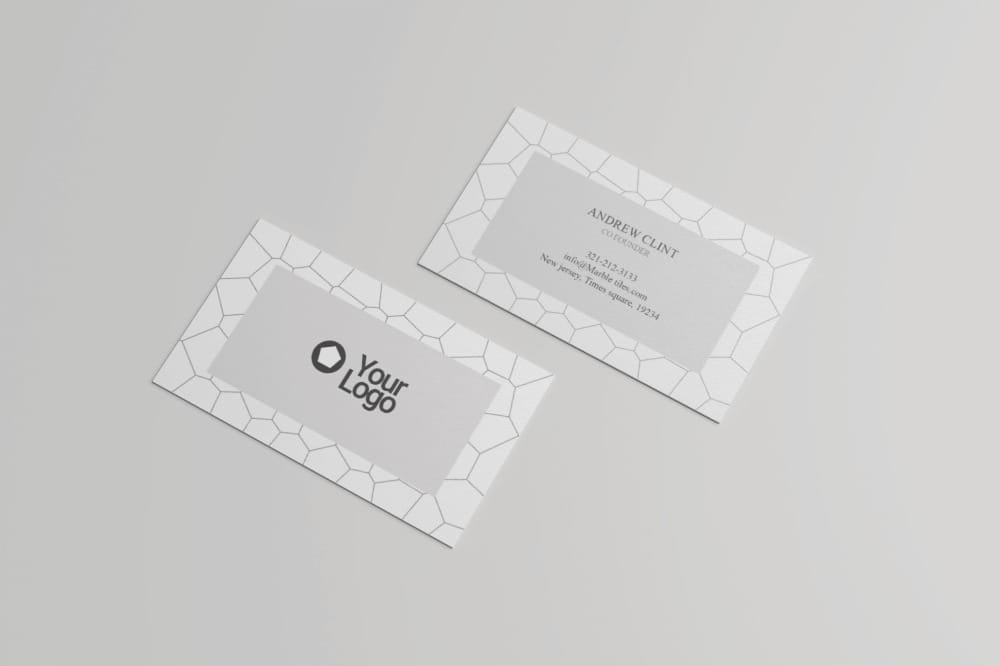
Some business cards are designed to attract attention with patterns, illustrations, or bold graphics. This one takes the opposite approach.
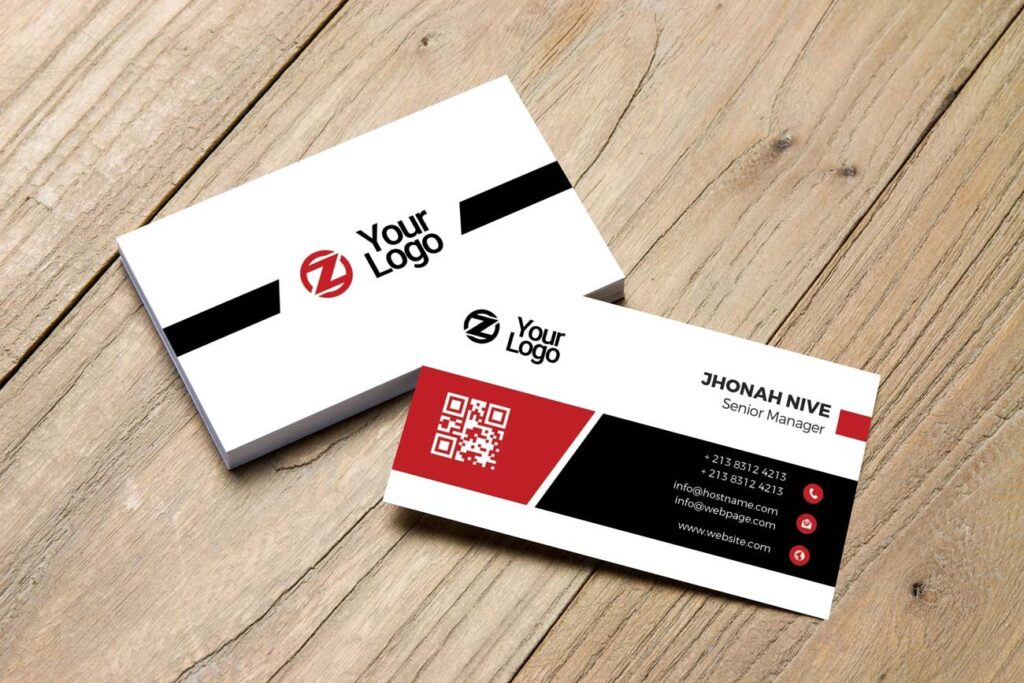
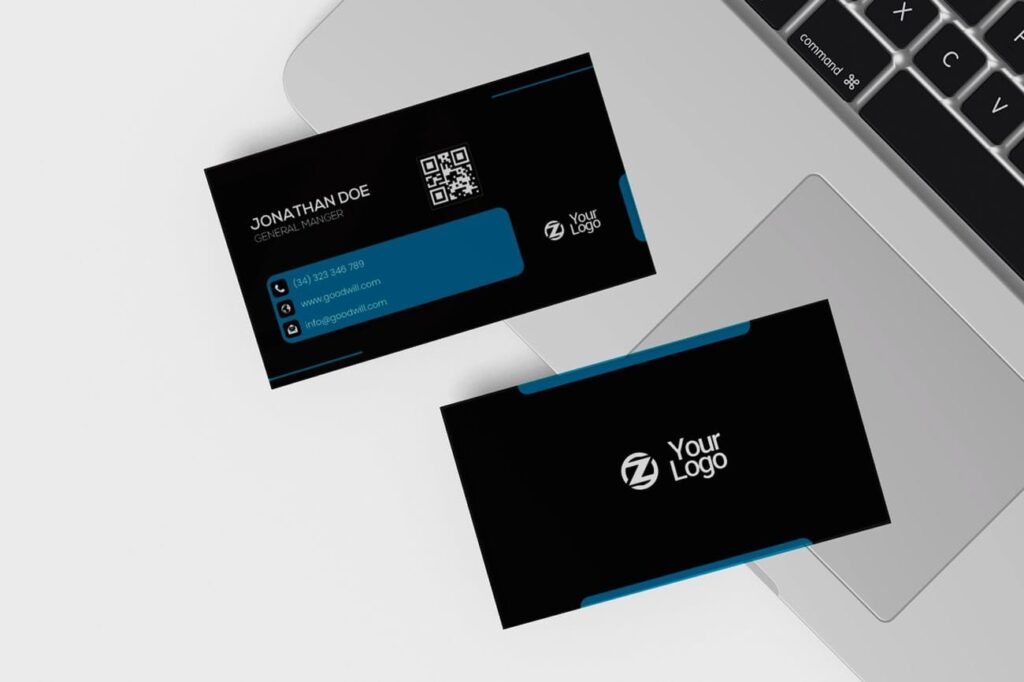
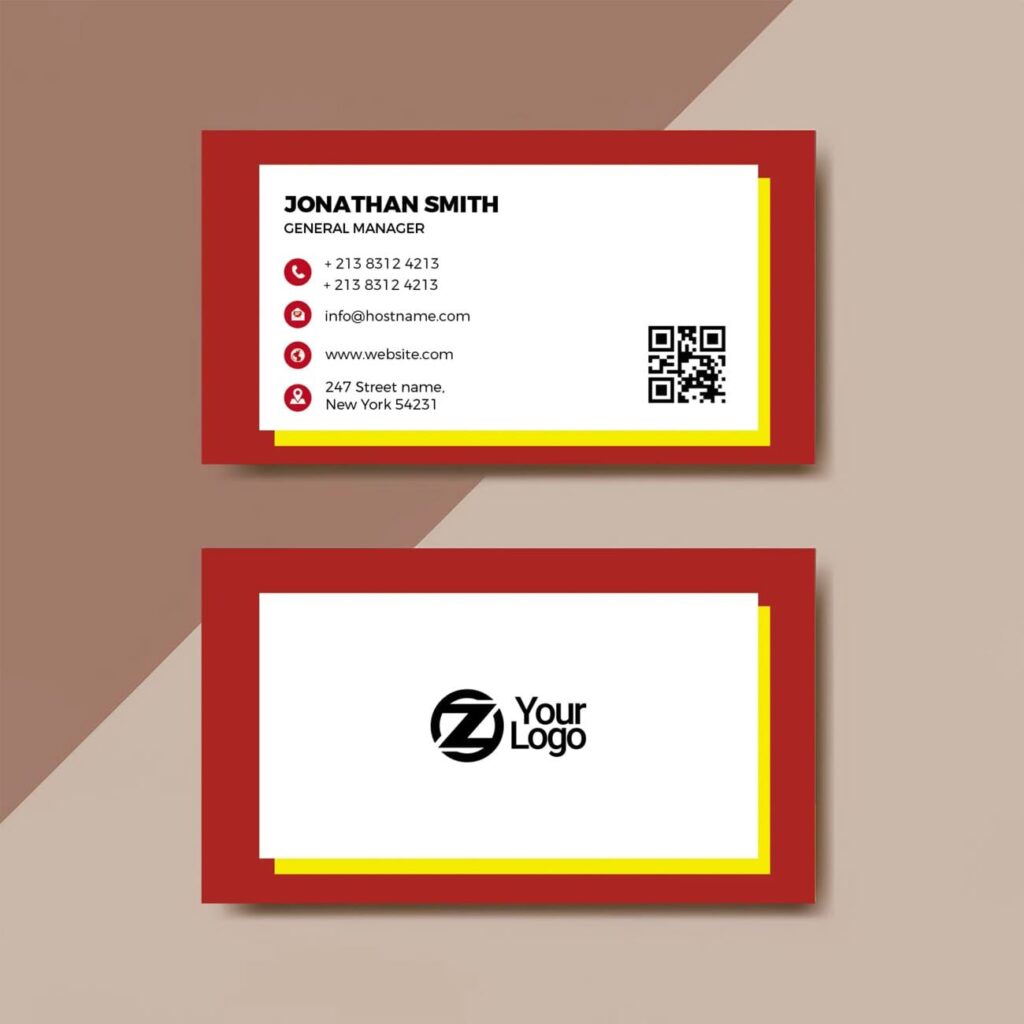
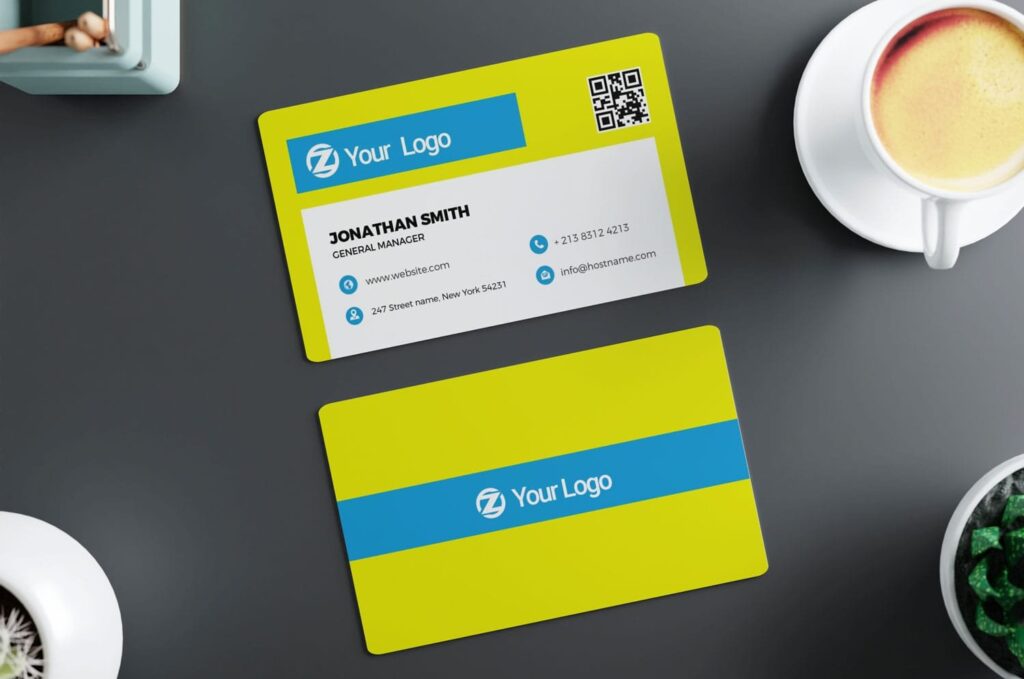
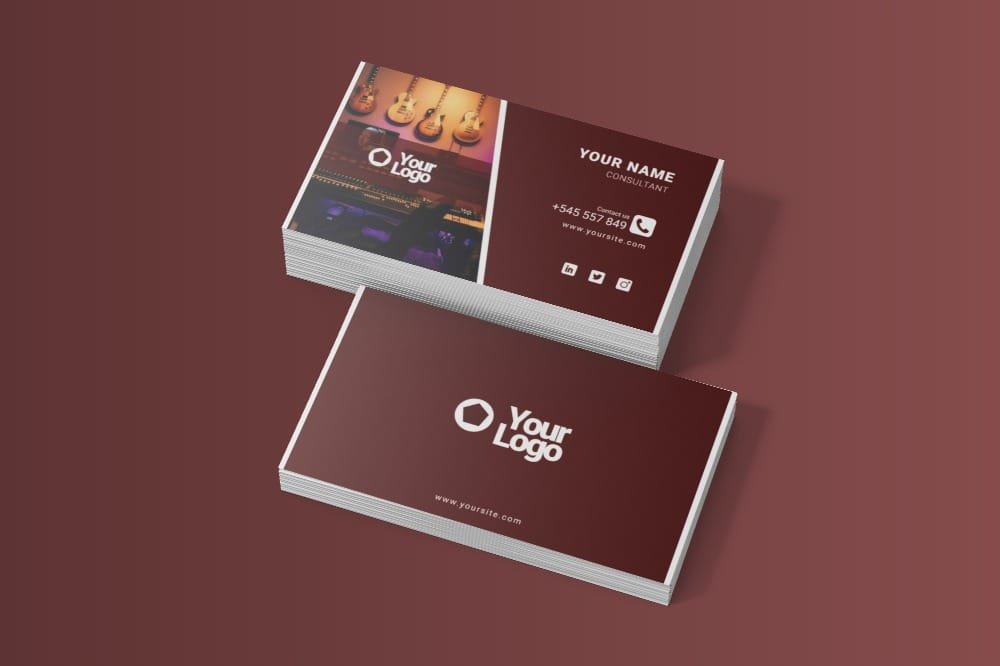
The Free Professional Plain Business Card Template PSD keeps the design focused on the basics: your name, role, contact details, and brand identity. No unnecessary decorative elements are competing for space, making it a practical choice for professionals who prefer a straightforward and timeless look.
The layout can be edited in Adobe Photoshop, with control over the text, fonts, colours, and branding details. The file is prepared in CMYK colour mode at 300 DPI, giving you a high-resolution base for print preparation.
When Simple Is the Better Choice
A plain business card can be useful when the person or business needs to communicate trust, clarity, and consistency rather than visual novelty.
The limited number of design elements puts more attention on typography and spacing. This means small decisions—such as the size of a name, the distance between contact details, or the choice of typeface—have a bigger effect on the final result.
The template gives you a structured starting point while leaving enough flexibility to match an existing brand identity.
Key Features
- Fully editable PSD template
- Plain and minimal layout
- CMYK colour mode
- 300 DPI resolution
- Editable text and fonts
- Customisable colours
- Space for essential contact details
- Well-organised Photoshop layers
- Suitable for personal and commercial projects
Best For
This template works well for:
- Consultants
- Accountants
- Lawyers
- Architects
- Corporate professionals
- Freelancers
- Small business owners
- Agencies
- Personal brands
- Service-based businesses
Designer Tip
On a plain business card, typography does most of the visual work. Instead of adding more graphics, create hierarchy through font size, weight, and spacing.
The name should usually be the easiest element to find. Contact details can be smaller, but they should still be comfortable to read at the card’s actual size.
Try not to use too many typefaces. One well-chosen font family with different weights is often enough for a clean business card.
What to Remove
Before printing, ask whether every piece of information really needs to be on the card.
If a social media handle, full address, or extra tagline isn’t useful to the person receiving it, removing it may improve the design. Empty space isn’t wasted space—it can make the remaining information easier to understand.
A plain layout works best when it stays disciplined.
Before You Print
The file is prepared in CMYK colour mode at 300 DPI. Check all names, phone numbers, email addresses, and website details carefully before exporting the final artwork.
View the card at its real physical size to make sure smaller text remains readable. Also confirm the required dimensions, bleed, safe area, and export format with your chosen printer.
Technical Details
- File Format: PSD
- Colour Mode: CMYK
- Resolution: 300 DPI
- Design Style: Plain and minimal
- Editable Elements: Text, fonts, colours, and branding details
- Software Required: Adobe Photoshop
- Layer Structure: Well organised
- License: Free for personal and commercial use
If you prefer a business card that doesn’t rely on trends or decorative effects, this plain PSD template gives you a clean foundation. Add your details, refine the typography, remove anything unnecessary, and create a card that communicates clearly without trying too hard.

Reviews
There are no reviews yet.