
Description
The front of a business card doesn’t need to explain everything. Sometimes its only job is to make the brand easy to remember.
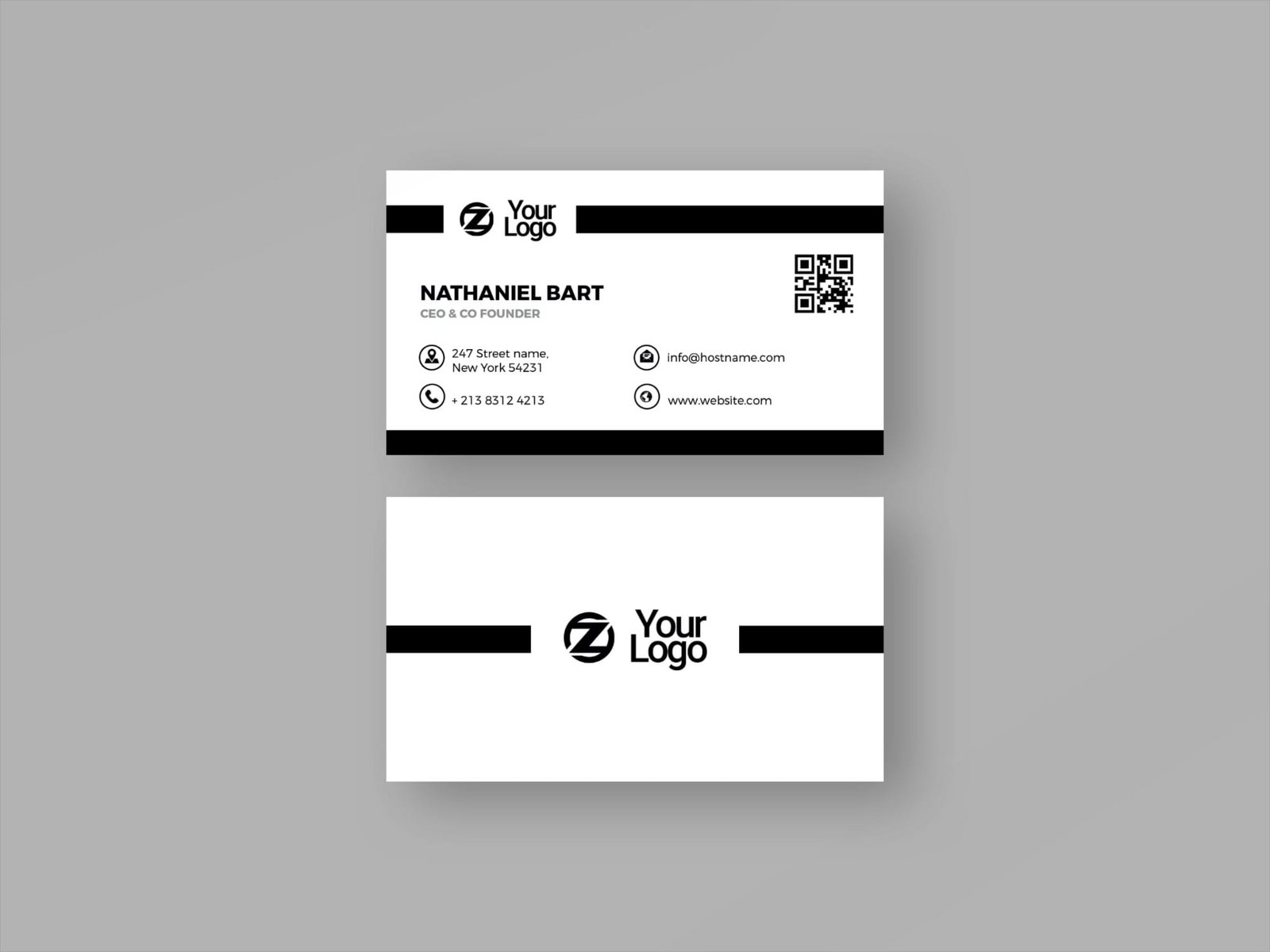
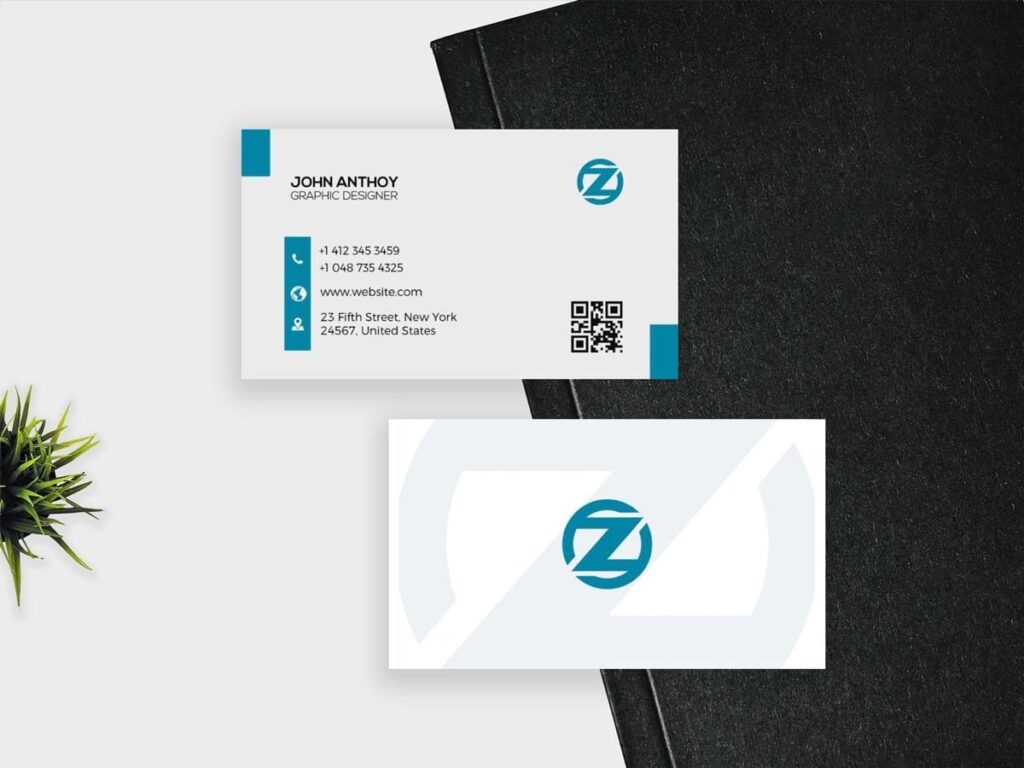
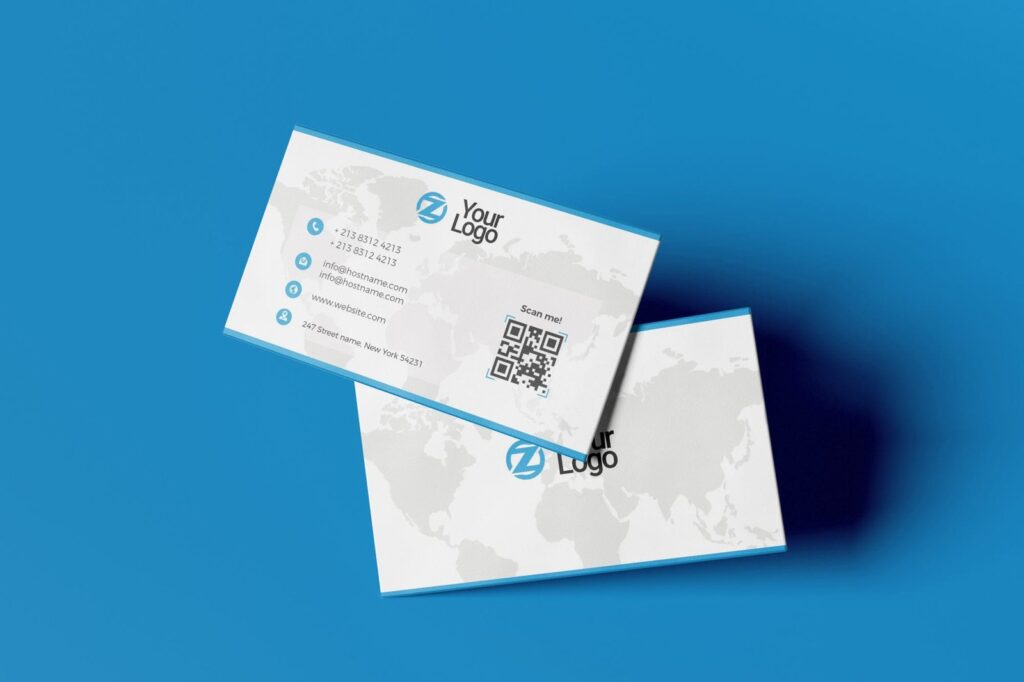
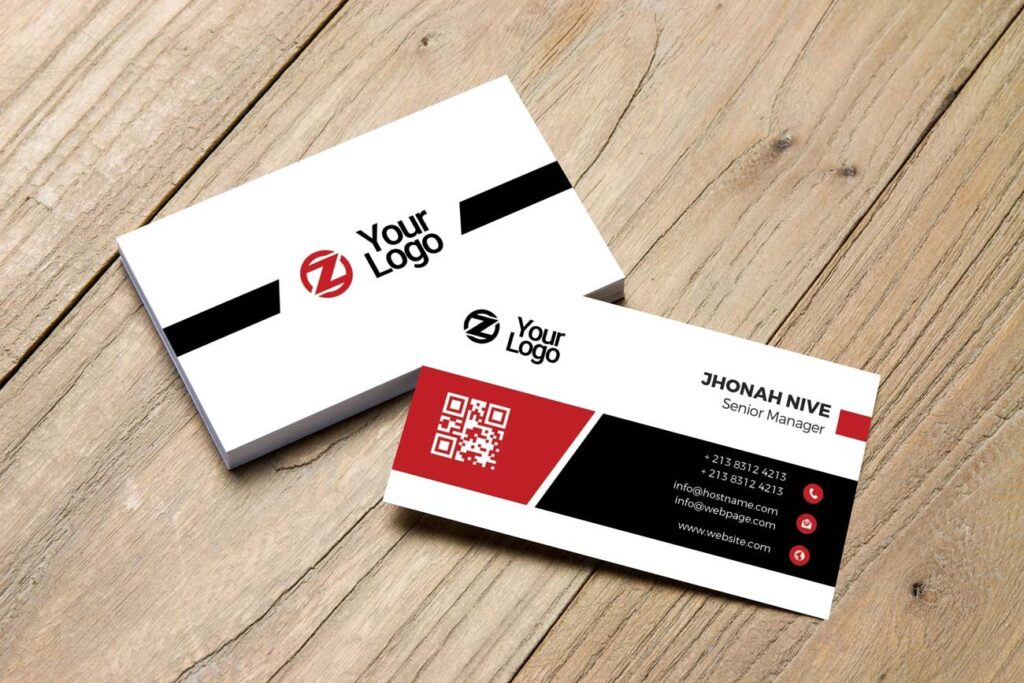
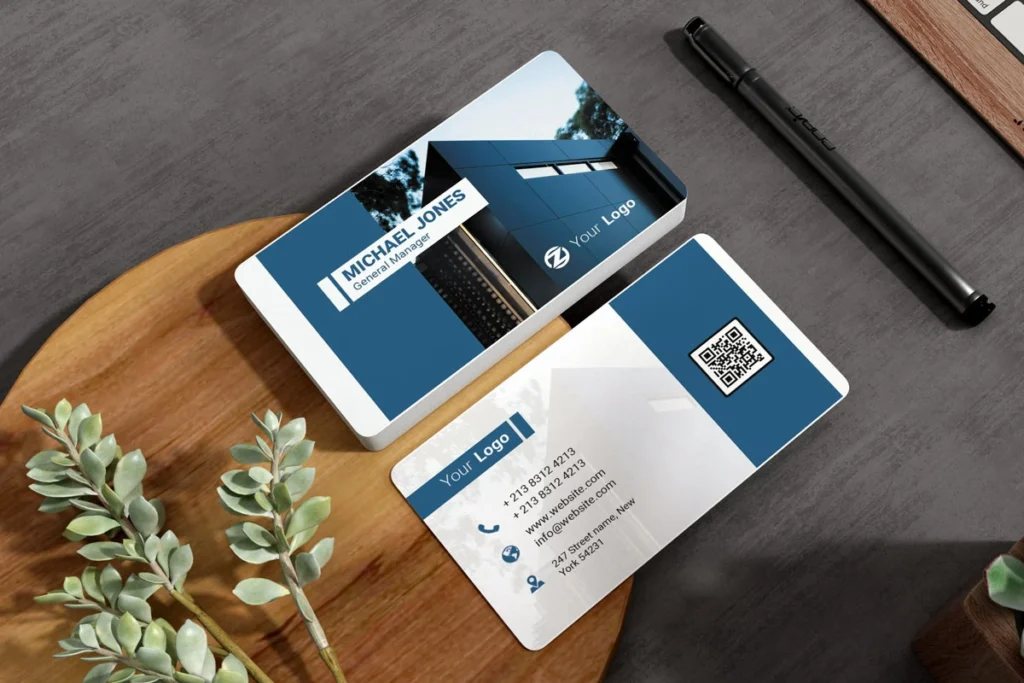
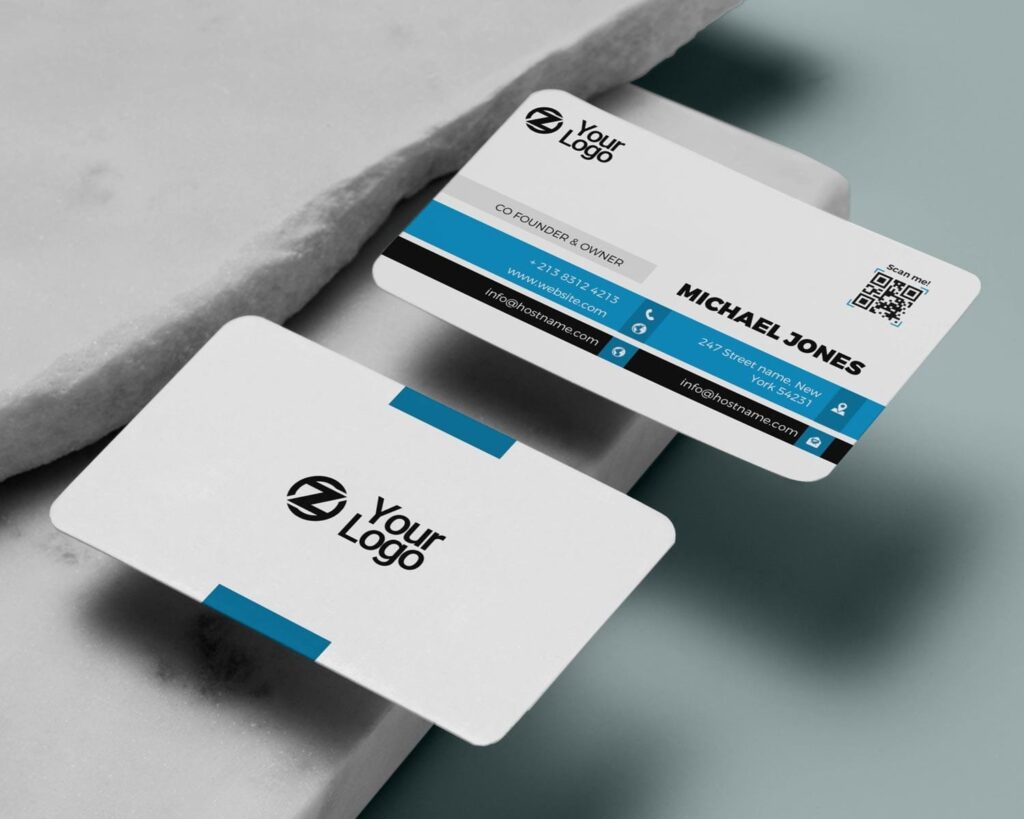
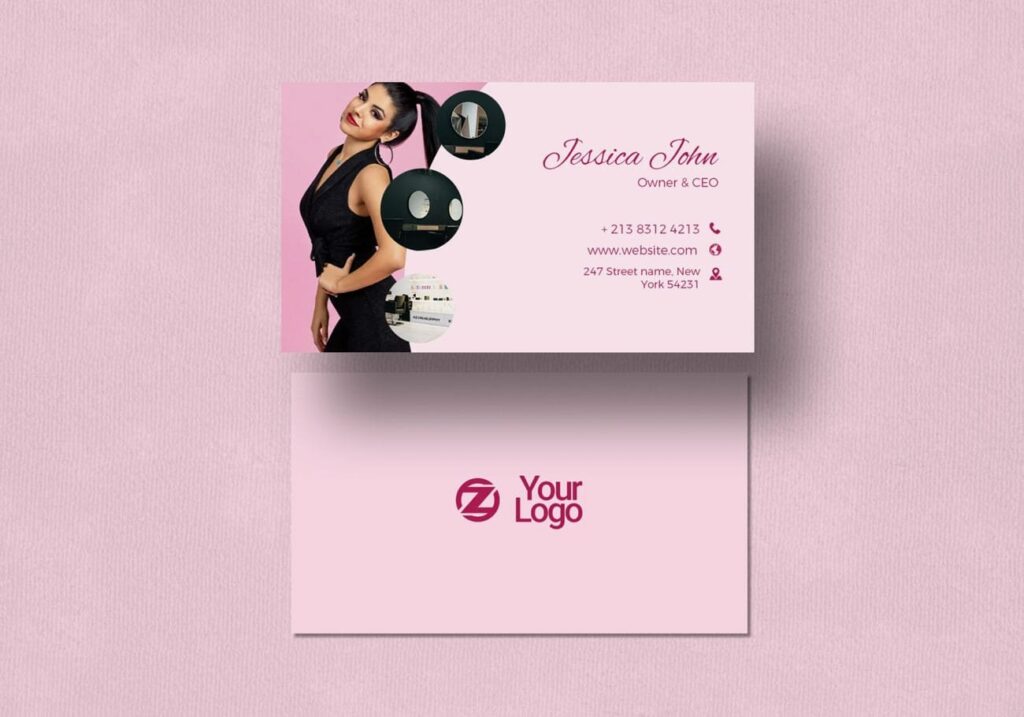
This Free Modern Elegant Business Card Front PSD Template gives you a focused layout for the identity side of the card. Instead of filling the space with phone numbers, email addresses, and other details, the design can be used to highlight a logo, name, or short brand message.
The combination of clean typography, subtle contrast, and balanced spacing creates a modern look that can be adapted for personal brands, businesses, and creative professionals.
Give the Front Side One Clear Job
When both sides of a business card are available, they don’t need to carry the same type of information.
The front can introduce the brand, while the back handles the practical details. This separation can make the entire card easier to understand.
Use this front design for a logo, personal name, company name, or a short line that supports the identity. The editable PSD lets you change the text, colours, and logo placement to match your own style.
Key Features
- Editable PSD template
- Front-side business card design
- Modern and minimal layout
- Clean typography
- Subtle colour contrast
- Customisable text and colours
- Editable logo placement
- Well-organised Photoshop layers
- High-resolution artwork
Best For
This front design can work well for:
- Personal brands
- Consultants
- Fashion businesses
- Technology companies
- Real estate professionals
- Creative agencies
- Designers
- Entrepreneurs
- Corporate identities
- Freelancers
Designer Tip
Decide what someone should remember after seeing the front of the card for only a few seconds.
If the logo is already distinctive, let it take the lead. If the business is built around a person’s reputation, the name may deserve more attention. Trying to make the logo, name, tagline, and decorative elements equally important can weaken the layout.
A strong front side often has one clear focal point.
Plan the Back Side Separately
Since this resource focuses on the front design, think about what will happen on the other side before finalising it.
The back could contain contact details, a website, social profile, QR code, or booking information. Avoid repeating everything from the front unless there’s a practical reason.
Using the two sides for different purposes can make the card feel more organised and give each element more room.
Before You Print
The artwork is provided in high resolution, but print requirements can vary between services.
Before sending the final card to production, confirm the required dimensions, colour mode, bleed, safe area, and export format with your printer. If you create a matching back side, make sure both files use the same size and print setup.
Check the logo and typography at actual card size before exporting. Small details that look sharp while zoomed in may not reproduce as clearly in print.
Technical Details
- File Format: PSD
- Design Side: Front
- Design Style: Modern and elegant
- Editable Elements: Text, colours, and logo placement
- Software Required: Adobe Photoshop
- Layer Structure: Well organised
- Resolution: High resolution
This business card front template works best when you resist the urge to fill every available space. Choose the one thing the front should communicate, keep the layout focused, and build the back side around the information people need next.

Reviews
There are no reviews yet.