
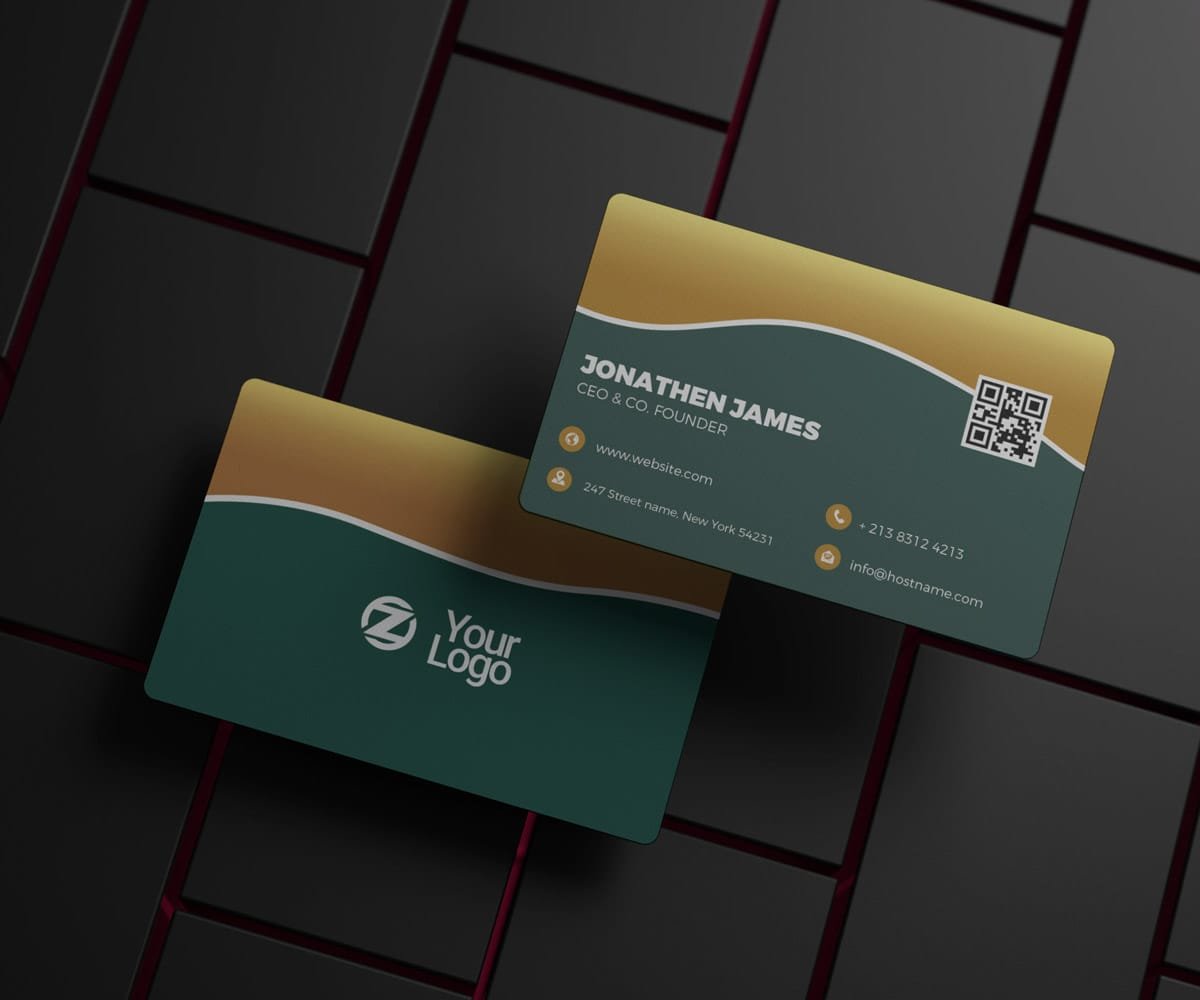
Description
An elegant business card usually doesn’t need more design. It needs better decisions.
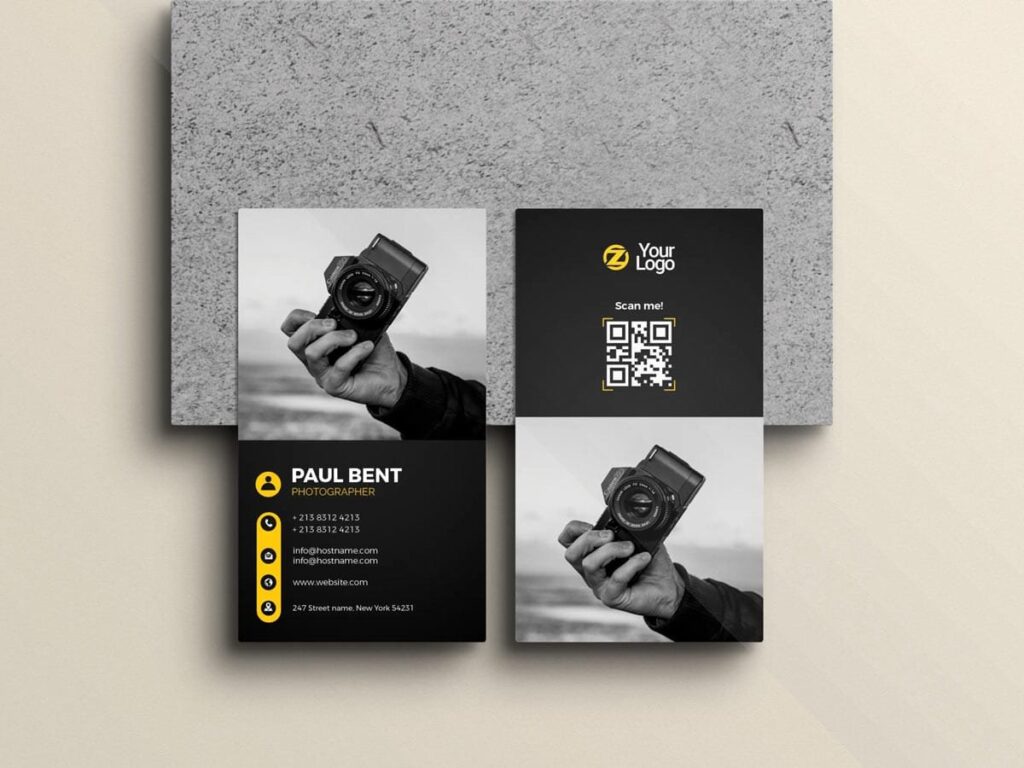
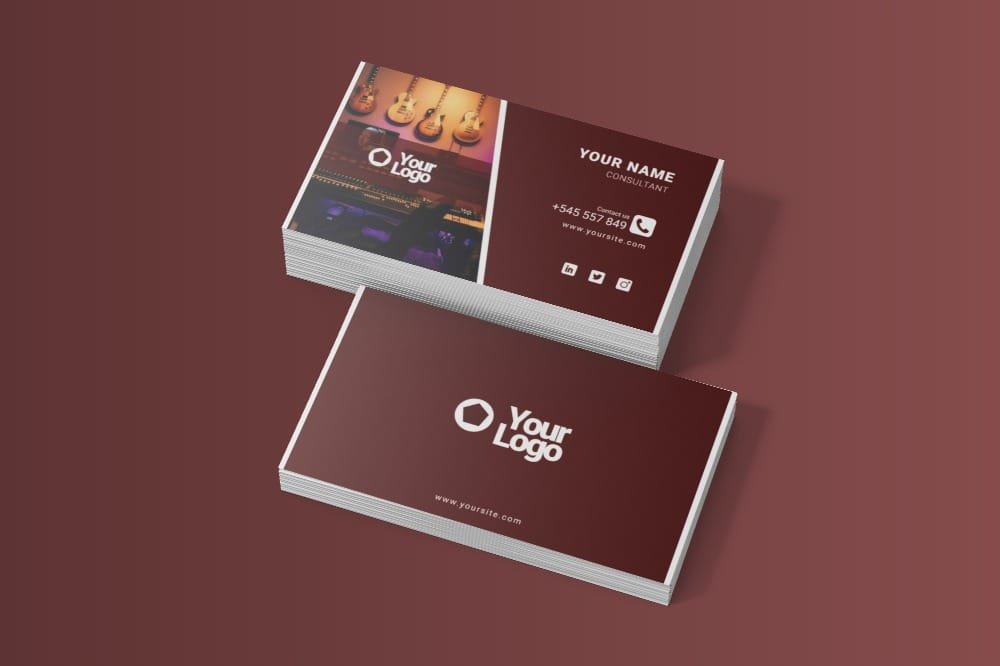
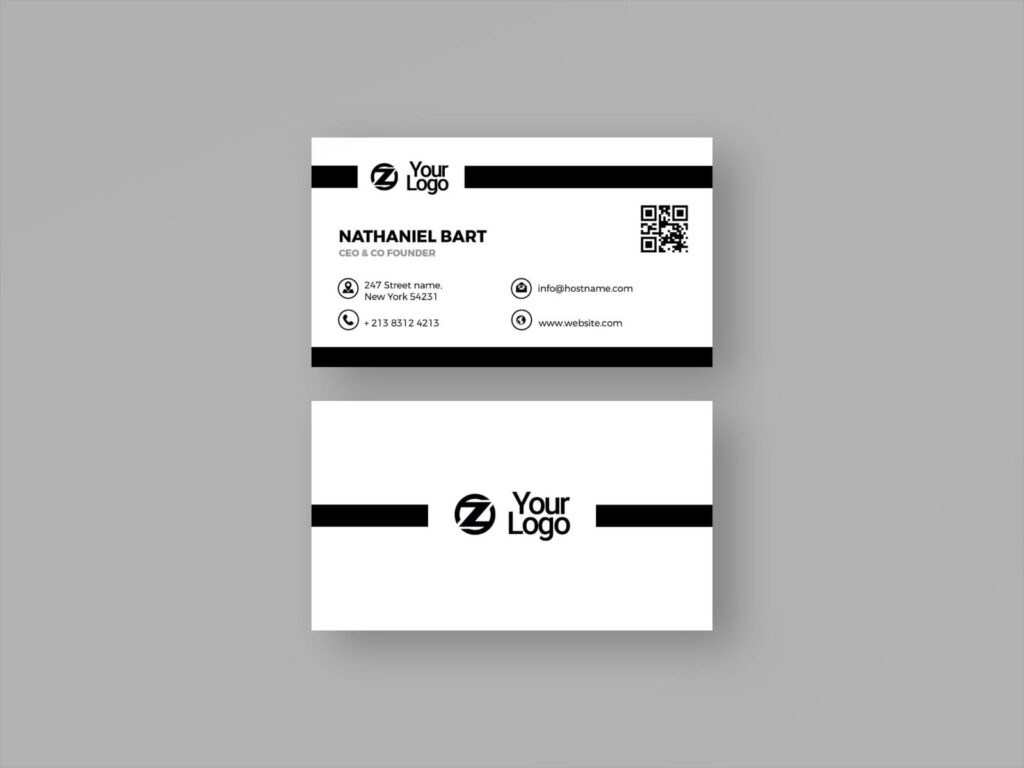
This Free Elegant Business Card Template PSD uses a restrained layout where typography, spacing, and subtle details do most of the work. The design gives your name, logo, and contact information enough room to stand out without surrounding them with unnecessary decoration.
You can edit the text, colours, fonts, and layout elements in Adobe Photoshop. The PSD includes organised layers and Smart Object support, giving you a flexible starting point for personal or business branding.
Elegance Comes From Restraint
It’s easy to keep adding things to a business card: another colour, a larger logo, an extra line, a new graphic element.
The harder part is knowing when the design is finished.
This template works best when the original balance is respected. Replace the sample content with your own details, but avoid filling every empty area simply because space is available.
A clean card can feel more refined when each element has a clear reason to be there.
Key Features
- Fully editable PSD template
- Modern and elegant layout
- Smart Object support
- Editable text and typography
- Customisable colours
- Adjustable layout elements
- High-resolution artwork
- Organised Photoshop layers
- Suitable for personal and business branding
Best For
This template can work well for:
- Consultants
- Personal brands
- Corporate professionals
- Boutique businesses
- Creative studios
- Freelancers
- Designers
- Service providers
- Small companies
- Client identity projects
Designer Tip
After customising the card, make a copy and remove one element.
It could be a tagline, decorative line, social media handle, or secondary colour. Compare both versions at actual card size.
If the simpler version communicates the same information and feels easier to read, keep it.
This small test is useful because elegance often comes from what a design leaves out rather than what it adds.
Protect the Empty Space
When replacing the sample details, pay attention to the spacing around the name, logo, and contact information.
Longer text can quickly change the balance of a minimal layout. Instead of squeezing everything into the original space, shorten unnecessary information or adjust the layout carefully.
Empty areas are part of the composition. Treat them with the same attention as text and graphics.
Before You Print
The design is provided in high resolution, but final print requirements can differ between printing services.
Before exporting, confirm the card dimensions, colour mode, bleed, safe area, and preferred file format with your printer. Check the smallest text at actual size and review every contact detail carefully.
If possible, print one sample before placing a larger order. A physical proof can reveal spacing, colour, and readability issues that are easy to miss on a screen.
Technical Details
- File Format: PSD
- Design Style: Elegant and minimal
- Editing: Smart Objects and editable layers
- Editable Elements: Text, colours, fonts, and layout details
- Software Required: Adobe Photoshop
- Layer Structure: Organised and editable
- Resolution: High resolution
This elegant business card template gives you a polished starting point, but the strongest result will come from keeping the design focused. Add the details your brand actually needs, protect the spacing, and stop editing before simplicity turns into clutter.

Reviews
There are no reviews yet.