
Description
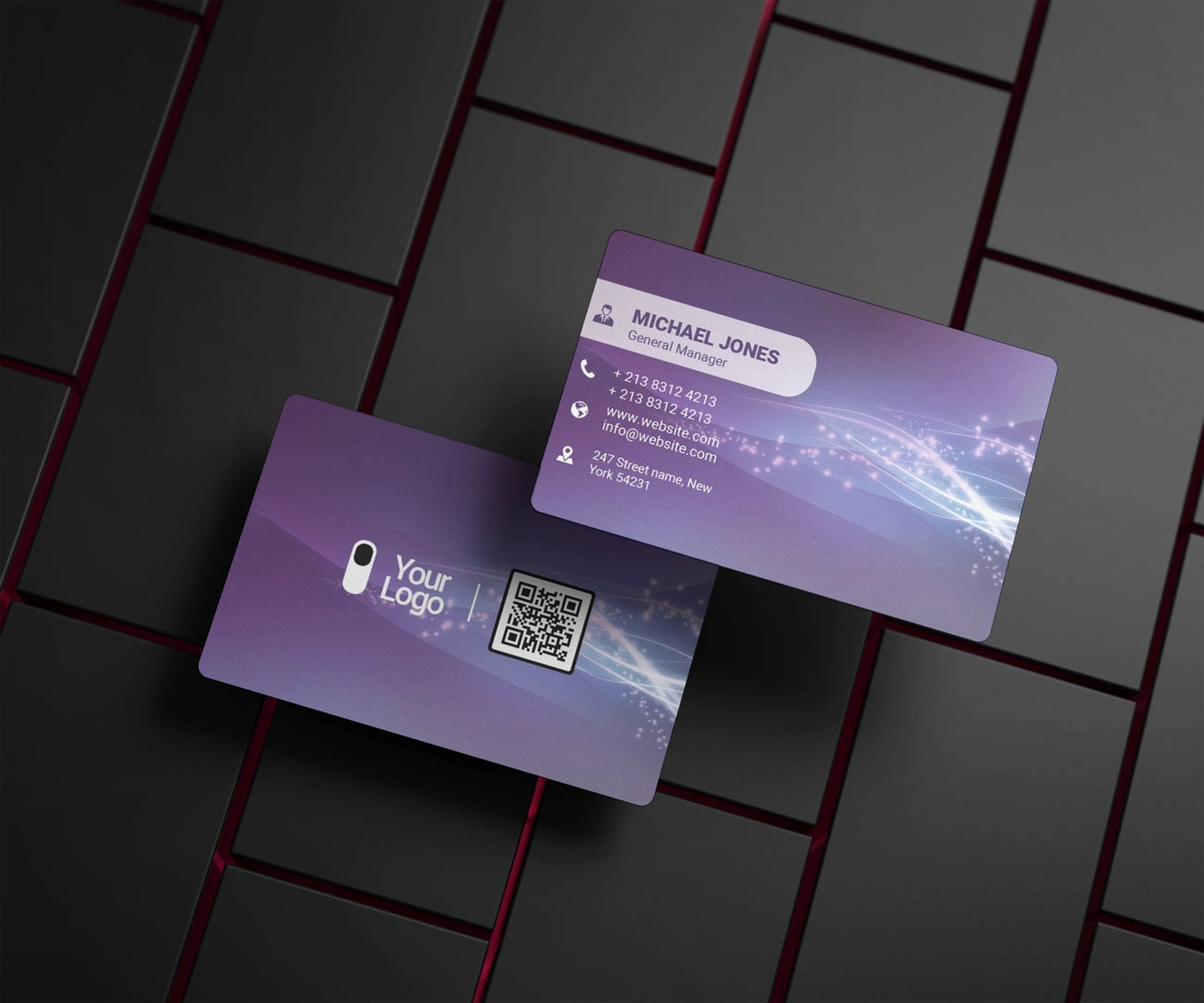
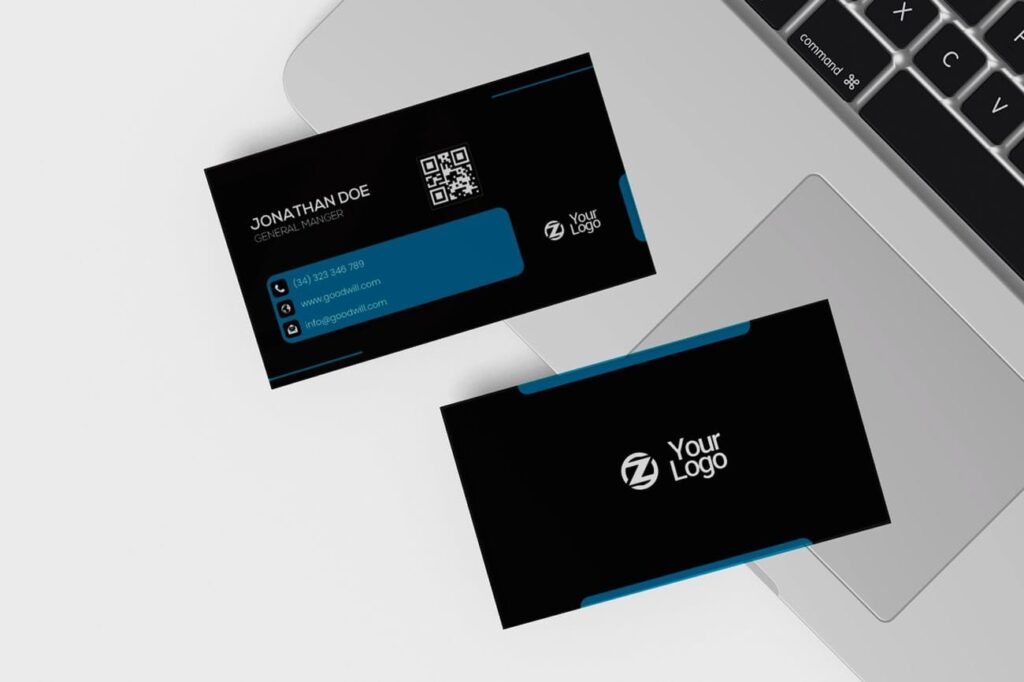
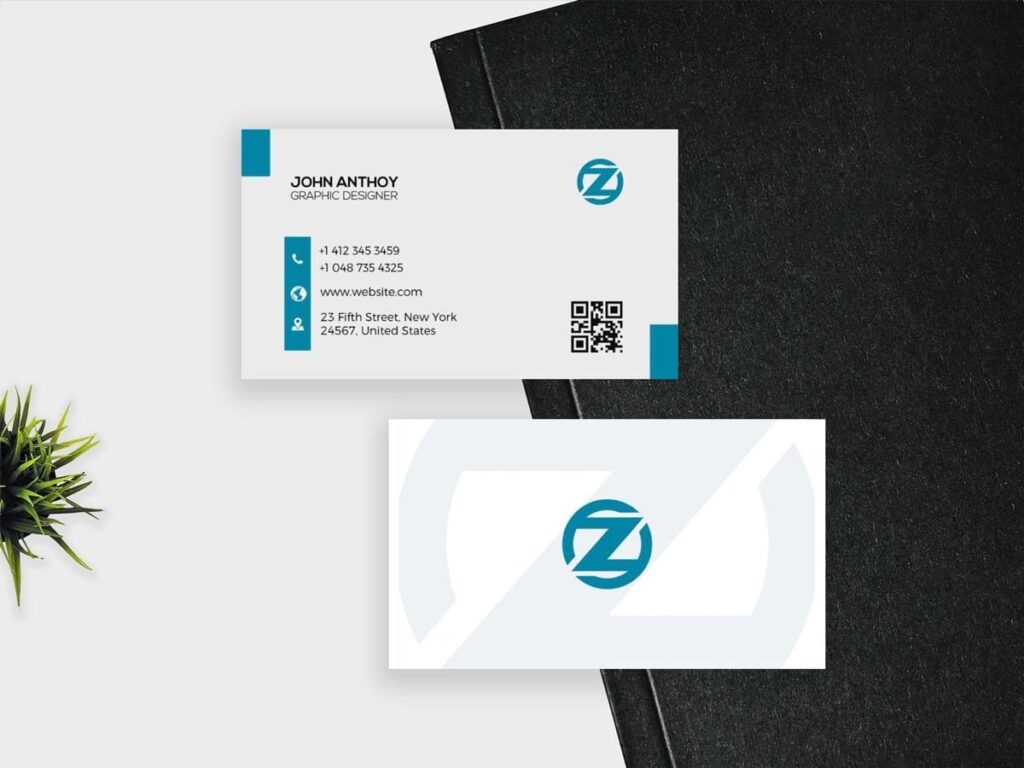
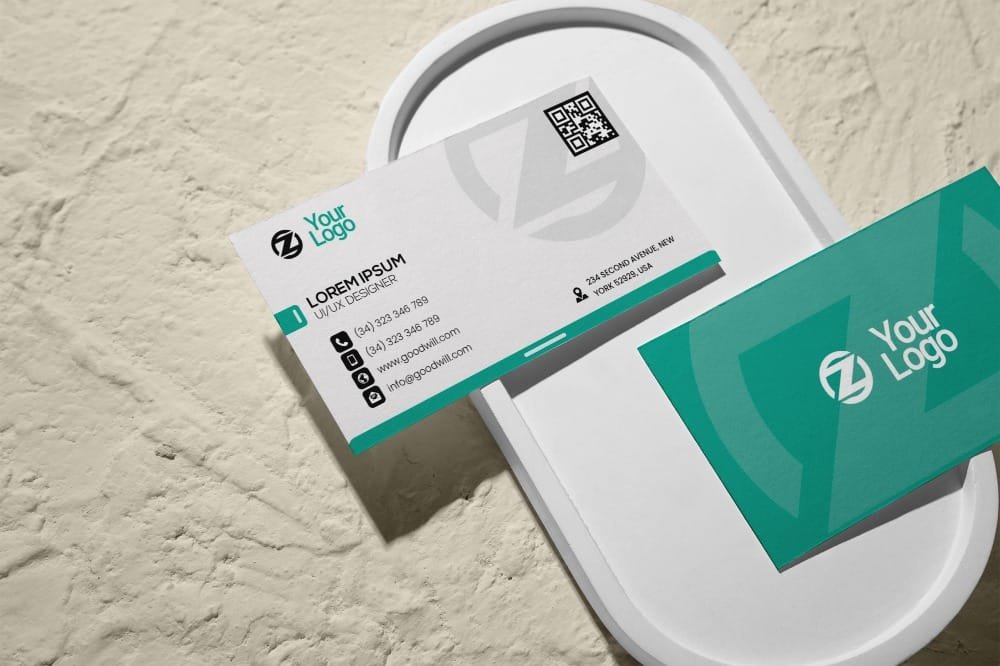
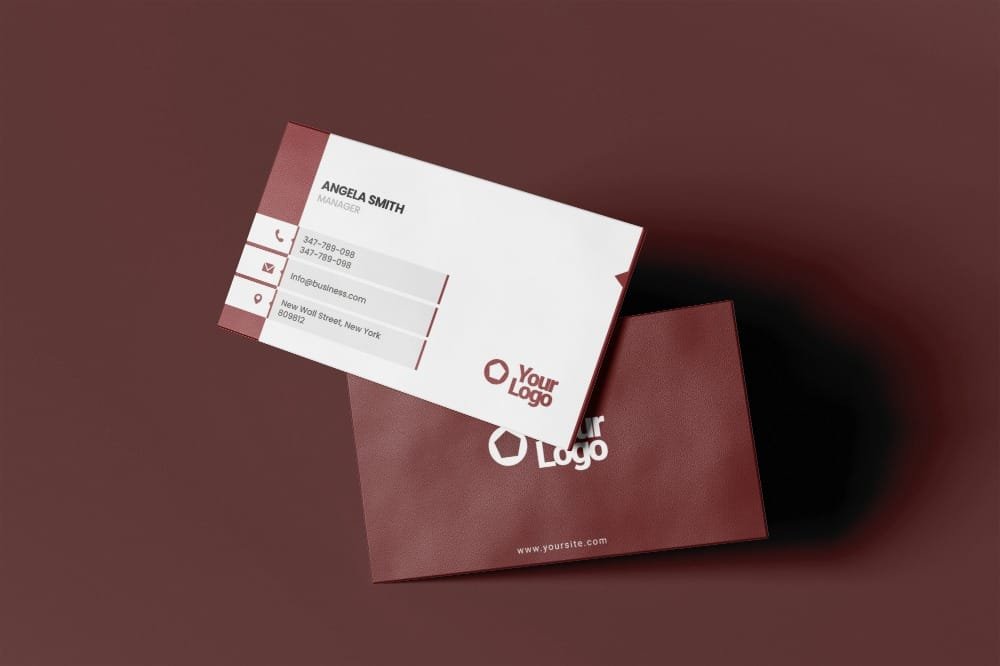
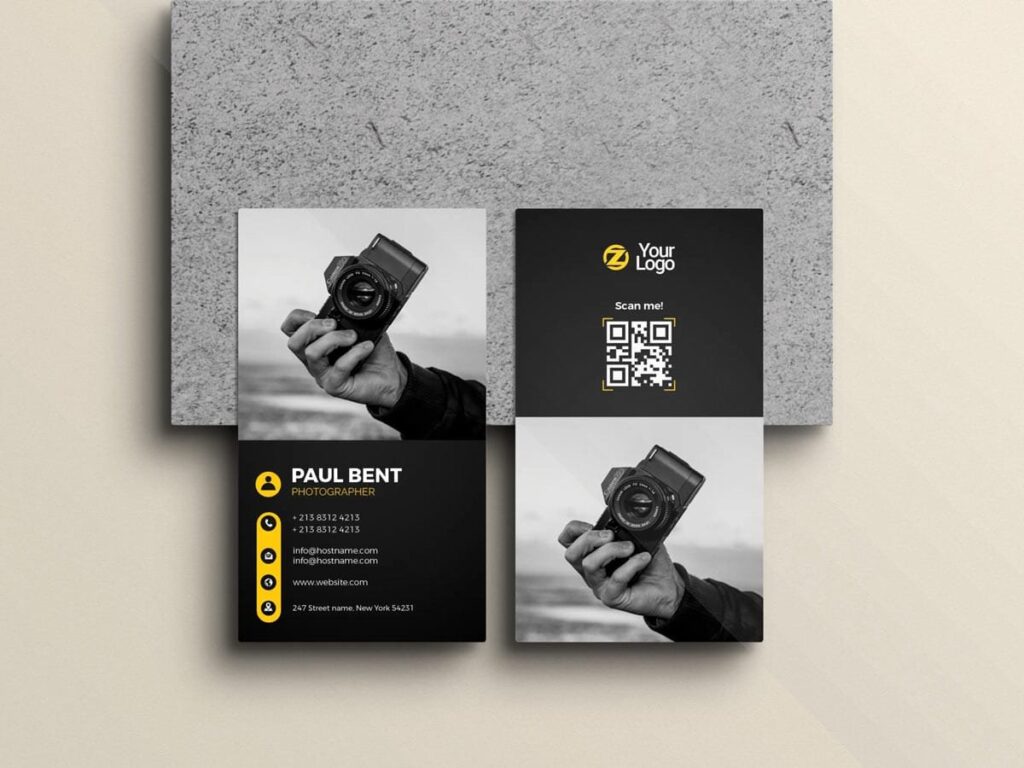
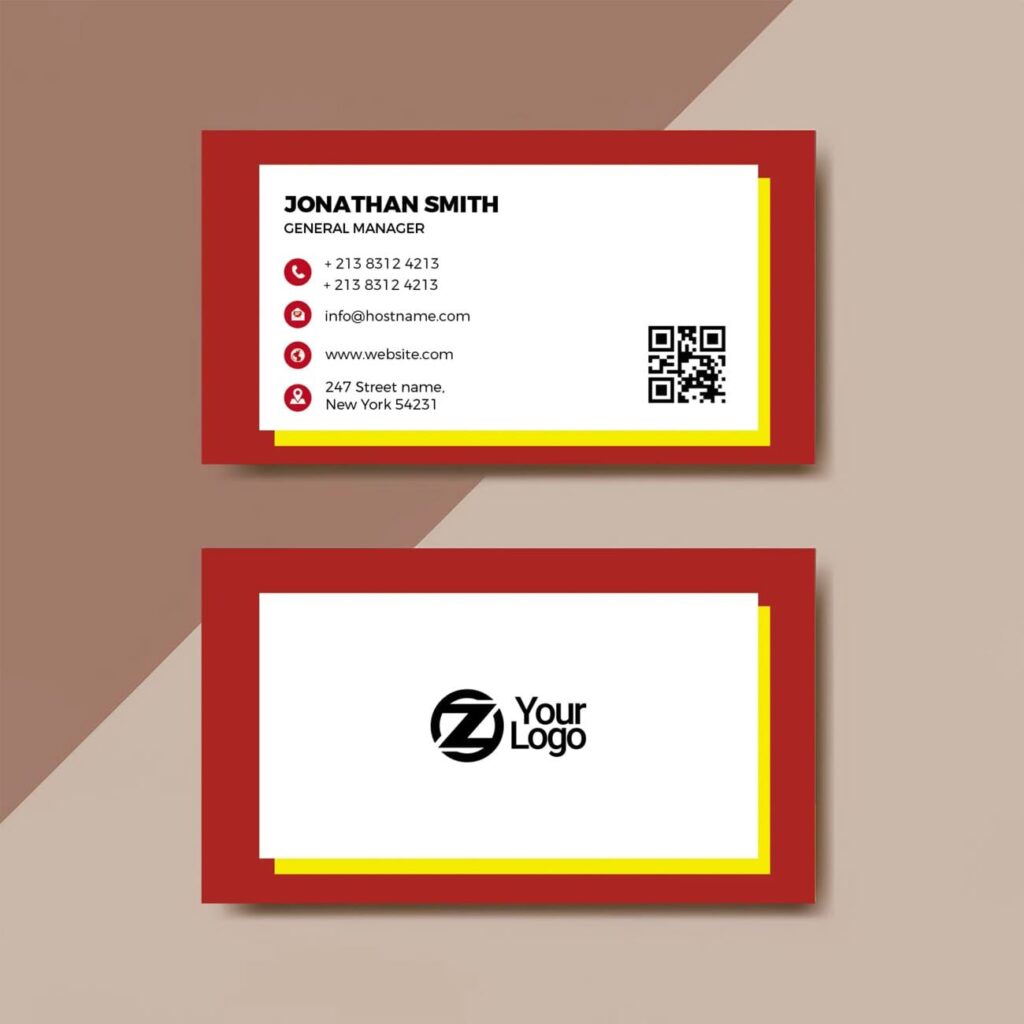
A business card can be colourful without becoming chaotic. This Free Abstract Business Card PSD Template uses geometric shapes, bold colour blocks, and clean typography to create contrast while keeping the important details easy to find.
The layout is designed around the balance between graphic elements and empty space. Instead of filling every corner, the abstract shapes create visual interest in selected areas while the name and contact information stay clear.
You can edit the colours, text, typography, logo, and graphic elements in Adobe Photoshop. The file is fully layered and organised, giving you room to adapt the original design rather than simply replacing the sample details.
Built Around Contrast
The strongest part of this template is the relationship between its bold shapes and simpler information areas.
Large blocks of colour can give a business card energy, but they work best when the rest of the layout has enough breathing room. This design uses that contrast to separate branding from practical information.
You can keep the original palette or create a completely different colour combination. The abstract elements can also be adjusted to better suit a personal brand, studio, agency, or creative business.
Key Features
- Fully editable PSD template
- Modern geometric design
- Bold colour-blocking elements
- CMYK colour mode
- Standard business card layout
- Editable text and typography
- Customisable colours and graphic shapes
- Fully layered and organised Photoshop file
- Free for personal and commercial use
Best For
This template can work well for:
- Graphic designers
- Photographers
- Creative studios
- Marketing professionals
- Startup founders
- Freelancers
- Advertising agencies
- Personal brands
- Digital businesses
- Portfolio identity projects
Designer Tip
When changing the colours, think in terms of roles rather than picking several shades you like.
Choose one dominant colour for the strongest visual area, one supporting colour for contrast, and a neutral colour for the information that needs to stay easy to read.
If every shape is equally bright, the card can lose its focal point. Let one element lead while the others support it.
Also, check the card in grayscale before finishing. If the name and contact details become difficult to separate from the abstract shapes without colour, the contrast may need more work.
Make the Layout Fit Your Identity
The original abstract composition is only a starting point. A photographer might use a more restrained palette, while a creative studio could push the contrast further.
You can also reduce or reposition graphic elements if your logo already has a strong visual style. The goal isn’t to use every decorative shape in the file—it’s to create enough personality without competing with the brand itself.
Before You Print
The PSD is prepared in CMYK colour mode, making it suitable for print preparation. Since bold colour blocks can change noticeably between screen and paper, review the final colours before ordering a large quantity.
Confirm the card dimensions and export requirements with your printer. Also check that all important text remains within the safe area and that any edge-to-edge graphics extend correctly according to the printer’s bleed requirements.
Technical Details
- File Format: PSD
- Colour Mode: CMYK
- Design Style: Abstract and geometric
- Layout: Standard business card format
- Editable Elements: Text, typography, colours, logo, and graphic shapes
- Software Required: Adobe Photoshop
- Layer Structure: Fully layered and organised
- License: Free for personal and commercial use
This abstract business card template is a useful choice when a plain corporate layout feels too safe, but a heavily decorative design would be too much. Use the geometric shapes to create contrast, keep the information clear, and adapt the colour system to build a card that feels connected to your own identity.

Reviews
There are no reviews yet.