
Description
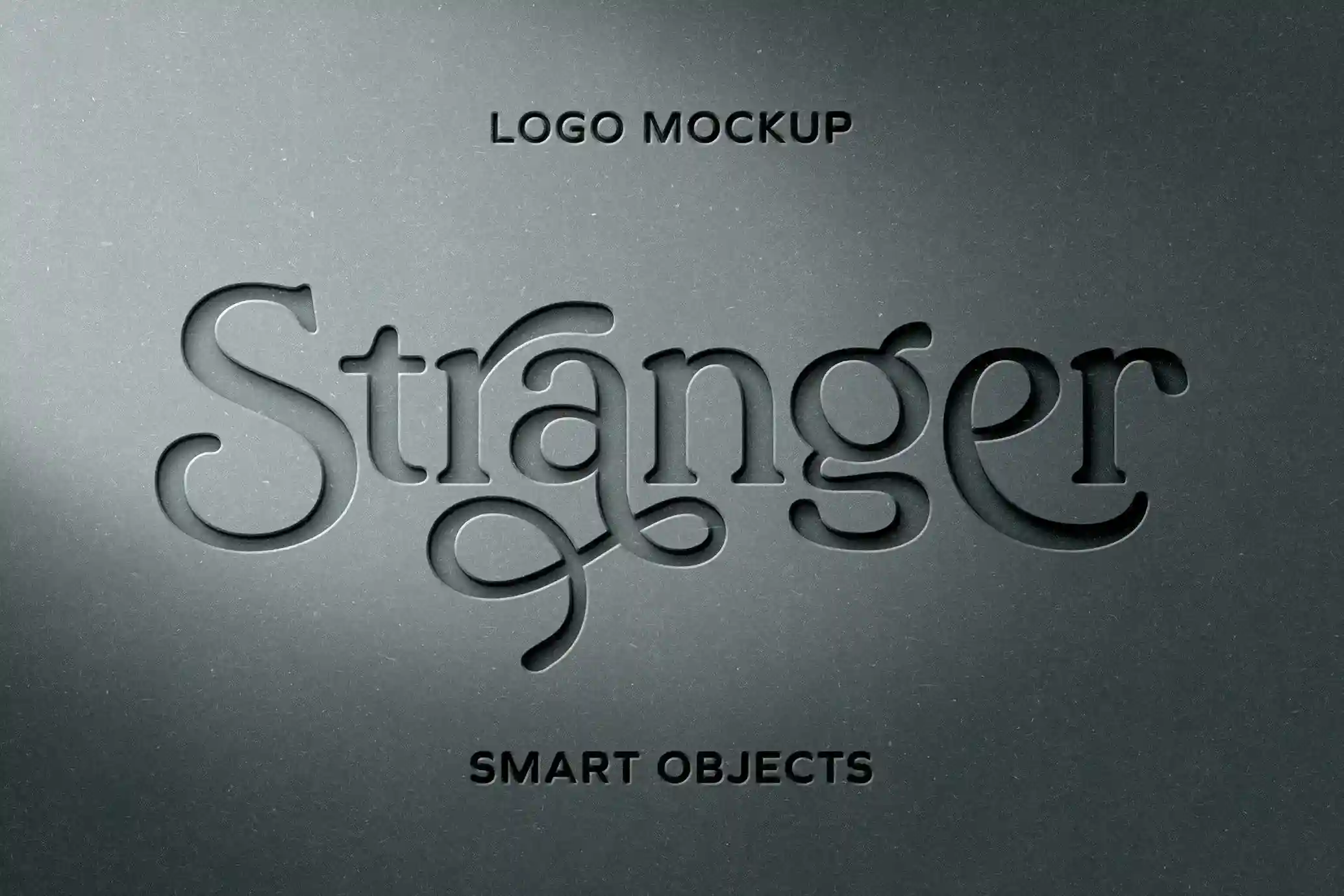
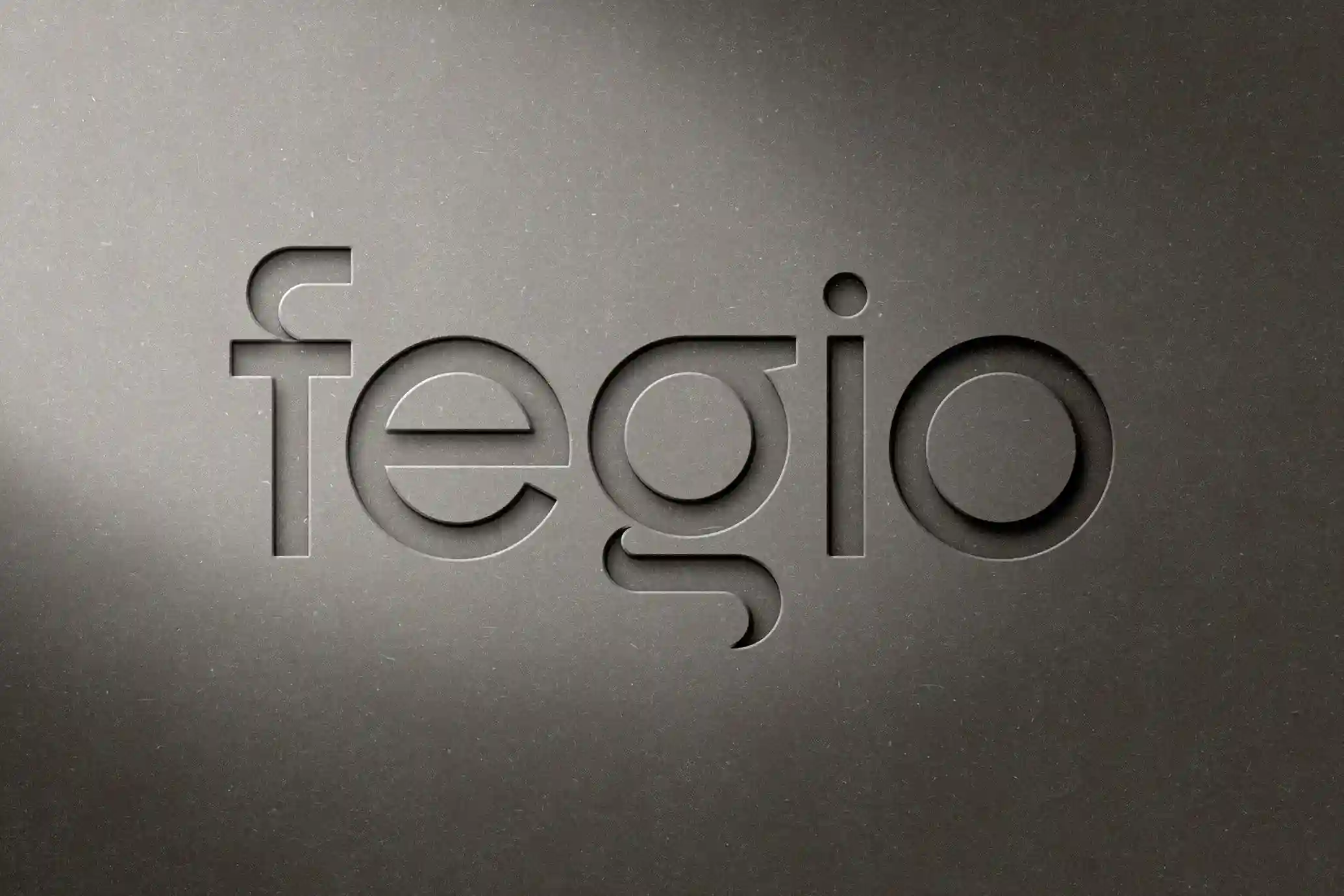
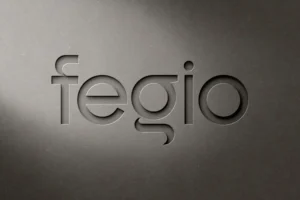
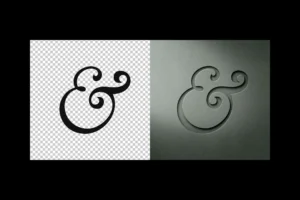
Create a memorable brand presentation with this Free Paper Cut Logo Mockup PSD, designed to transform ordinary logo designs into elegant, sculpted artwork. Instead of relying on printed graphics, this premium Photoshop mockup gives your logo the appearance of being precisely cut into thick paper, producing realistic depth, soft shadows, and a sophisticated handcrafted finish.
Ideal for logo designers, branding agencies, creative studios, and freelancers, this mockup provides a refined way to showcase brand identities in client presentations, portfolios, and marketing materials.
A Unique Paper-Cut Presentation Style
Great branding is often communicated through subtle details.
This mockup recreates the appearance of a professionally crafted paper-cut design, where your logo is revealed through carefully carved layers rather than ink or embossing. The combination of realistic paper thickness, directional lighting, and natural shadowing creates an elegant three-dimensional effect that instantly adds depth and character to your artwork.
Its clean, minimal composition ensures your logo remains the centre of attention while delivering a premium visual experience.
Fully Editable Photoshop Mockup
Designed for a smooth workflow, the PSD file includes organised layers and Smart Objects that allow you to update the mockup within seconds.
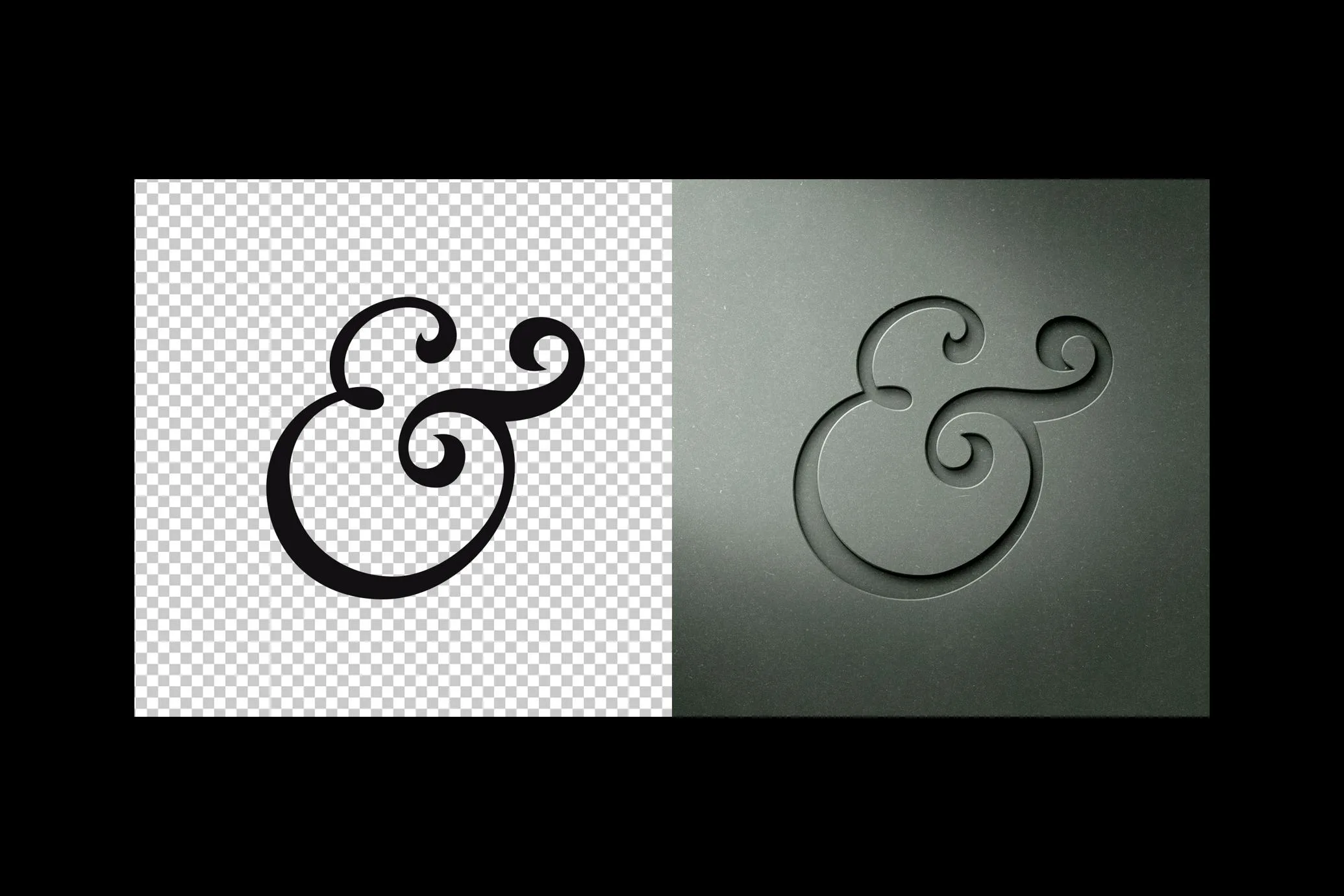
Simply replace the placeholder artwork with your own logo, save the Smart Object, and Photoshop automatically applies the realistic paper-cut effect while preserving the lighting, perspective, and layered paper texture.
You can customise:
- Logo design
- Brand name
- Monogram
- Typography
- Background colour
- Presentation layout
No advanced Photoshop skills or additional plugins are required.
Key Features
- Fully editable PSD mockup
- Smart Object replacement
- Realistic paper cut effect
- Thick layered paper texture
- High-resolution presentation
- Organised Photoshop layers
- Editable background colour
- Natural lighting and soft shadows
- Free for personal and commercial use
Perfect For
This mockup is ideal for:
- Logo presentations
- Brand identity projects
- Luxury branding
- Boutique businesses
- Creative agencies
- Personal portfolios
- Behance case studies
- Client presentations
- Business stationery previews
- Brand guideline documents
Designer Tip
Paper-cut mockups work best with clean and balanced logo designs.
Minimal icons, elegant typography, and well-proportioned monograms produce the strongest visual impact by allowing the carved edges and realistic shadows to define the overall presentation. Simpler compositions often appear more premium than overly detailed artwork.
Smart Object Workflow
Creating your presentation is simple:
- Open the PSD file in Adobe Photoshop.
- Double-click the Smart Object layer.
- Insert your logo or branding artwork.
- Save the Smart Object.
- Return to the main document and your logo will automatically appear with the realistic paper-cut effect.
Because the workflow is completely non-destructive, you can quickly test multiple branding concepts without editing the original mockup.
Ideal for Professional Branding Showcases
This mockup is perfect for presenting your work across a variety of creative projects, including:
- Logo design presentations
- Brand identity case studies
- Client approval concepts
- Portfolio websites
- Behance projects
- Creative agency proposals
- Marketing presentations
- Visual identity guidelines
Displaying branding within a realistic paper environment helps communicate craftsmanship, attention to detail, and design quality in a way that flat logo previews simply cannot.
Technical Details
- File Format: PSD
- Mockup Type: Paper cut logo mockup
- Editing: Smart Object replacement
- Resolution: High resolution
- Background: Fully editable colour
- Editable Elements: Logo, branding artwork, background, and presentation design
- Software Required: Adobe Photoshop
- License: Free for personal and commercial use
Whether you’re presenting a luxury logo, minimalist brand identity, boutique business, or creative studio project, this free Paper Cut Logo Mockup PSD offers a realistic and sophisticated way to showcase your branding with precision, depth, and timeless elegance.


Reviews
There are no reviews yet.