
Description
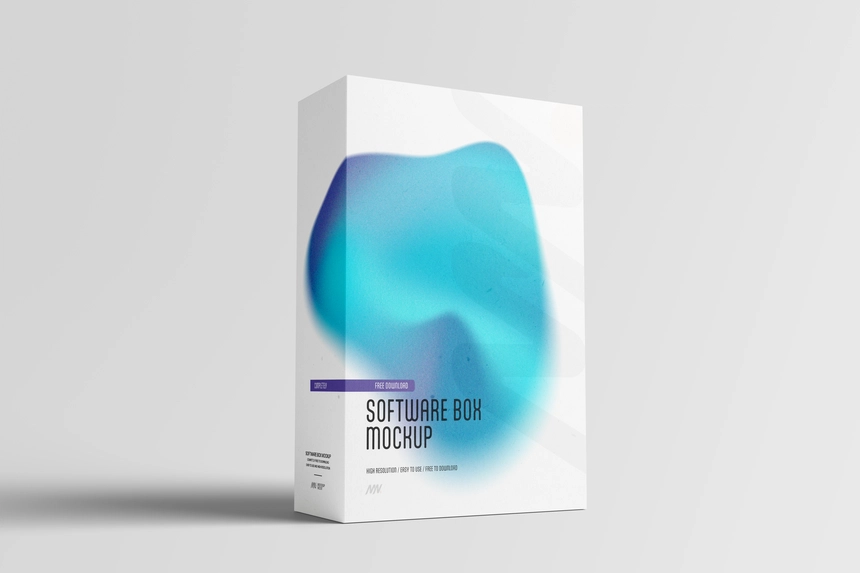
Digital products don’t have physical packaging, yet a well-designed software box can instantly make an application, plugin, course, or digital download feel more established. This Free Realistic Software Box Mockup PSD helps transform flat cover artwork into a convincing retail-style presentation, making your product easier to visualise and more memorable.
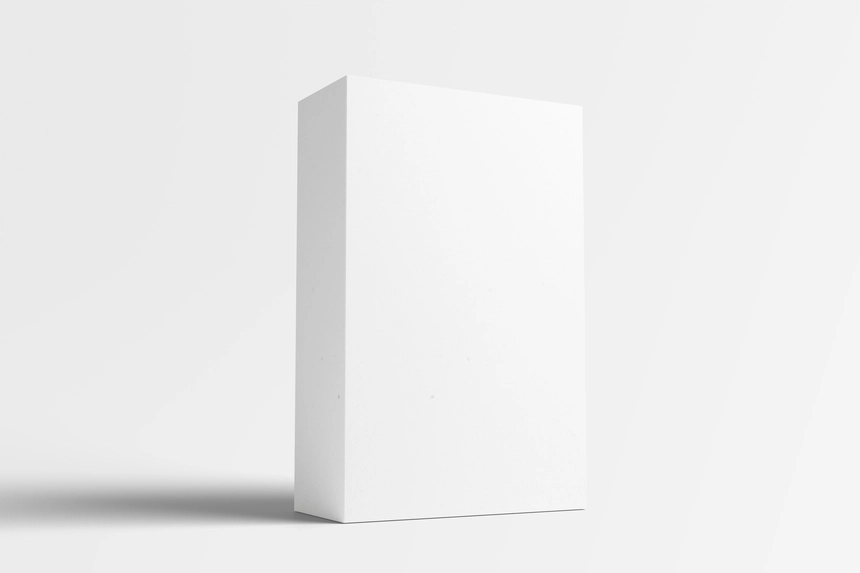
The mockup features a clean three-dimensional software box with realistic proportions, subtle edge highlights, and natural shadows that give depth without distracting from your branding. Whether you’re promoting a desktop application, SaaS platform, game, eBook, design resource, or online course, the box creates a familiar product format that works well across websites, marketplaces, and marketing materials.
Its high-resolution 4500 × 3000 px canvas preserves fine details, allowing logos, typography, icons, and illustrations to remain sharp even in close-up portfolio images or large promotional graphics.
Why Software Boxes Still Work
Although most software is delivered digitally, packaging remains a powerful visual tool. A software box gives customers something concrete to associate with your product, helping communicate value during launches, sales pages, presentations, and advertising campaigns.
This type of mockup is especially useful for digital products that benefit from a premium appearance, including business software, creative assets, online courses, templates, plugins, and downloadable toolkits.
Key Features
- High-resolution PSD (4500 × 3000 px)
- Fully editable Smart Object
- Realistic three-dimensional software box
- Natural lighting with soft shadows
- Isolated background for flexible compositions
- Organised and fully layered Photoshop file
- Free for personal and commercial use
Best For
This mockup is ideal for presenting:
- Software applications
- SaaS products
- WordPress plugins and themes
- Online courses and educational products
- eBooks and digital guides
- Design resource bundles
- Creative toolkits
- Game packaging concepts
- Portfolio case studies
- Product launch campaigns
Designer Notes
Software box artwork usually performs best when the front cover communicates a single clear message. Avoid filling the design with too many badges, feature lists, or decorative graphics. A strong product name, recognisable logo, and one distinctive visual element often create a more professional presentation than an overloaded layout.
Remember that the spine of the box is also visible in many presentations. Including your product name or brand on the side panel makes the packaging feel more complete and believable, especially when the mockup is viewed at an angle.
If you’re launching a collection of digital products, maintaining a consistent box style across every edition helps create a stronger product family and improves brand recognition.
Technical Information
- File Format: PSD
- Resolution: 4500 × 3000 px
- Editing Method: Smart Objects
- Editable Elements: Front, side artwork, background, and shadow
- Software Required: Adobe Photoshop
- Layer Structure: Fully layered and organised
- License: Free for personal and commercial use
Whether you’re preparing a product launch, creating sales page graphics, or presenting concepts to a client, this software box mockup offers a practical way to visualise digital products in a polished, retail-inspired format. Replace the Smart Object with your artwork, customise the background if required, and export presentation-ready visuals for websites, marketplaces, or promotional campaigns.


Reviews
There are no reviews yet.