Description
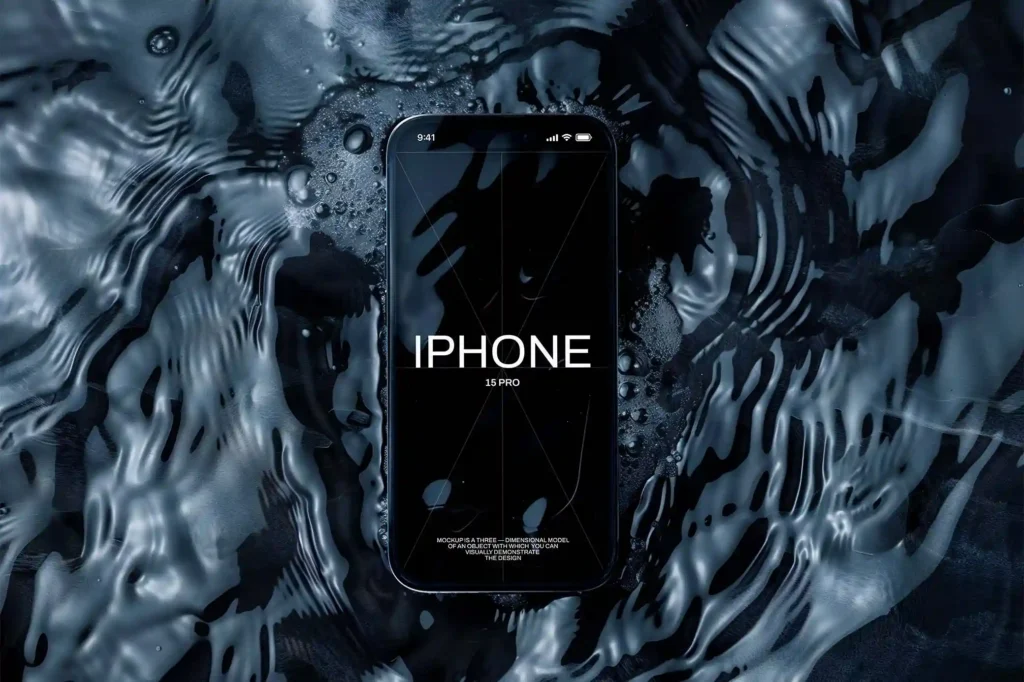
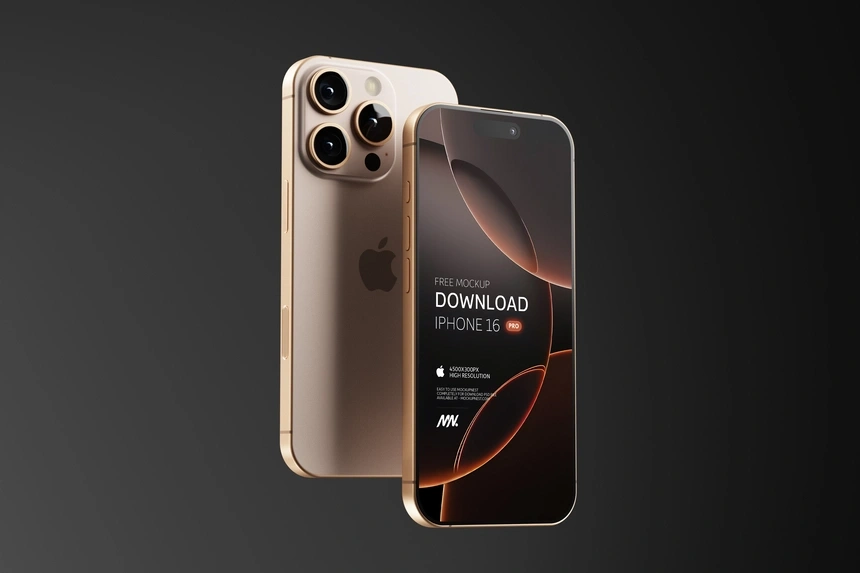
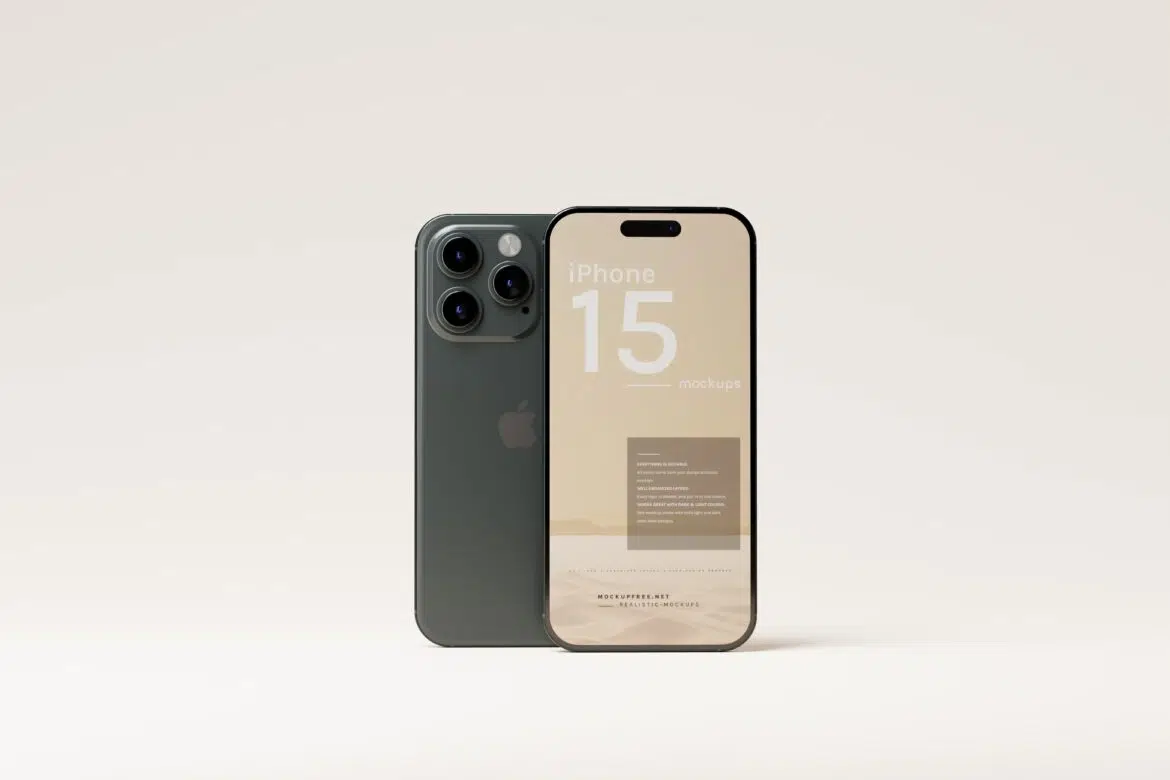
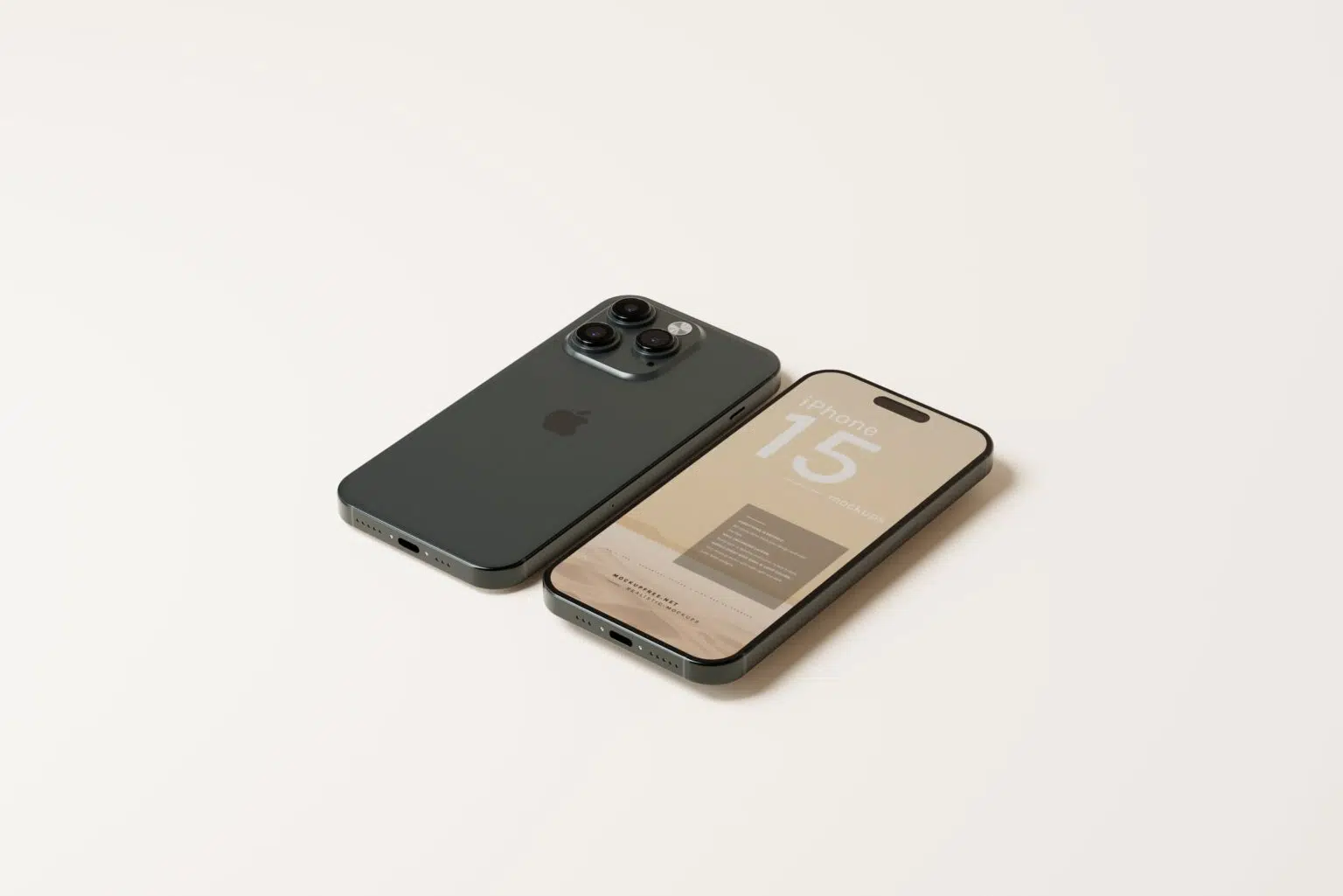
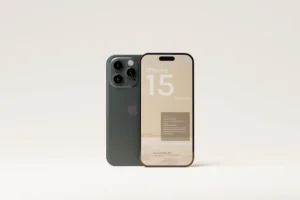
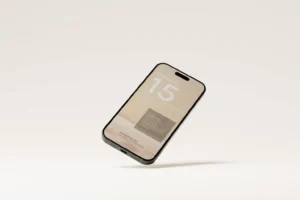
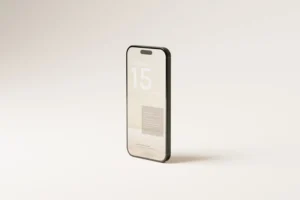
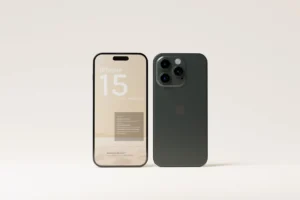
One phone mockup is enough to show a screen. A full set is much more useful when you want to show how an app actually works. This Free iPhone 15 Pro and Pro Max Mockup Pack includes 8 different PSD scenes, giving you enough variety to present more than just one interface.
You can use one scene for the home screen, another for a key feature, and the remaining views for onboarding, profiles, checkout pages, dashboards, or other parts of your project. The different angles help the presentation feel more complete without forcing you to use the same device view again and again.
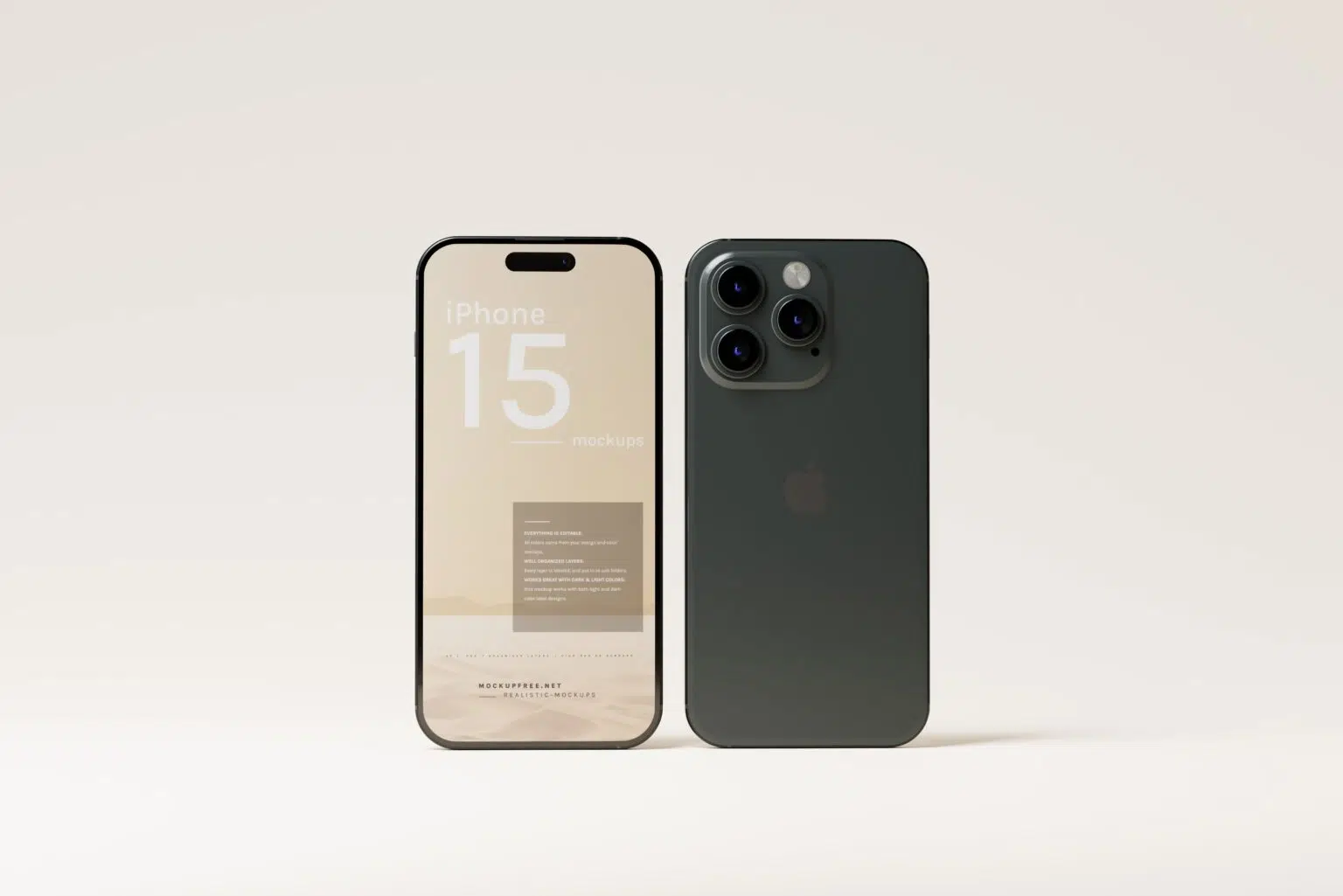
Both the iPhone 15 Pro and iPhone 15 Pro Max are included, making the pack useful for app designs, mobile websites, digital products, and UI/UX portfolio projects.
Eight Scenes, More Ways to Tell the Story
A good app presentation usually needs more than a single screenshot.
With eight mockup scenes, you can build a visual sequence around your project. Start with the main screen, introduce the core feature, and then use the remaining images to show the user journey or important interface details.
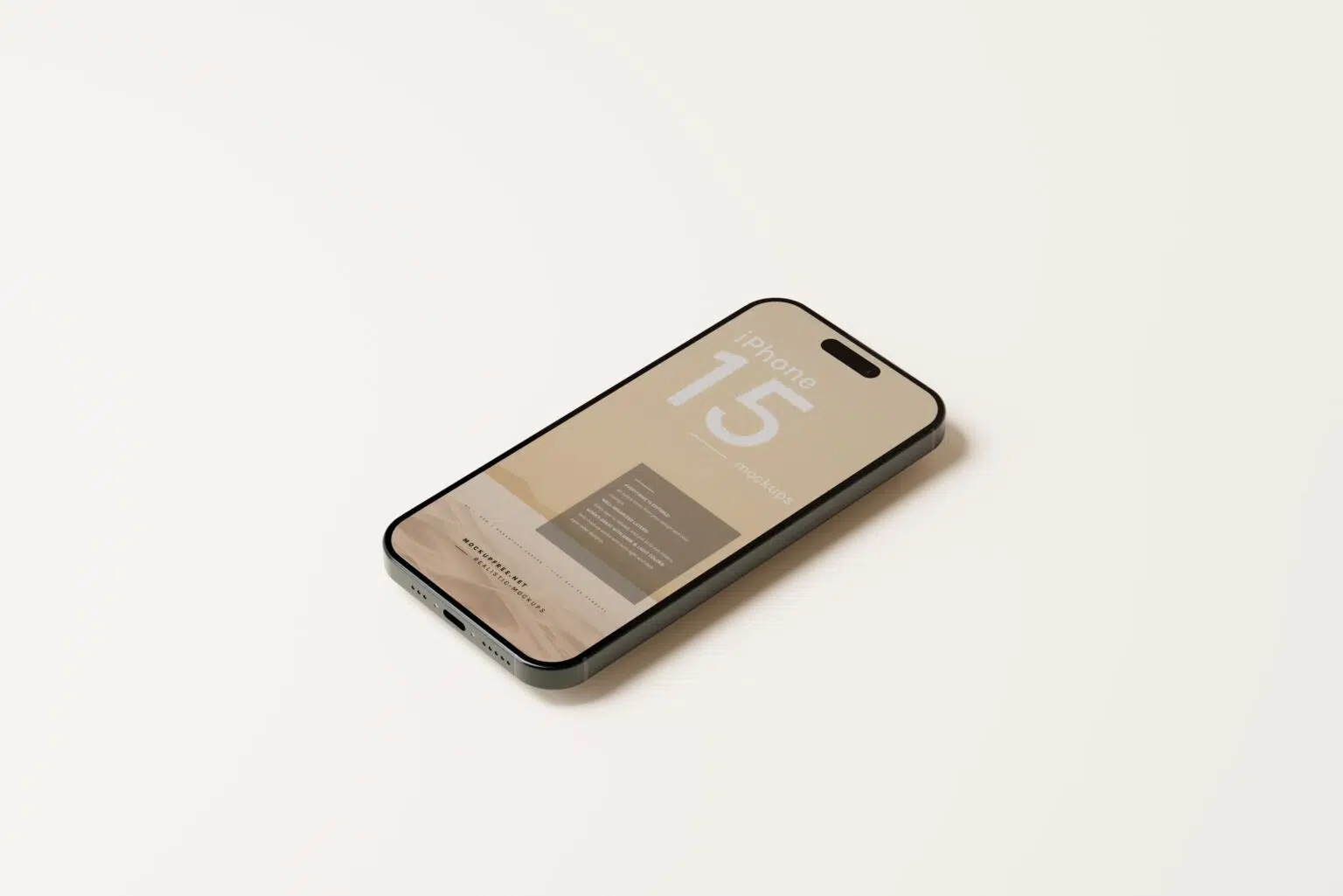
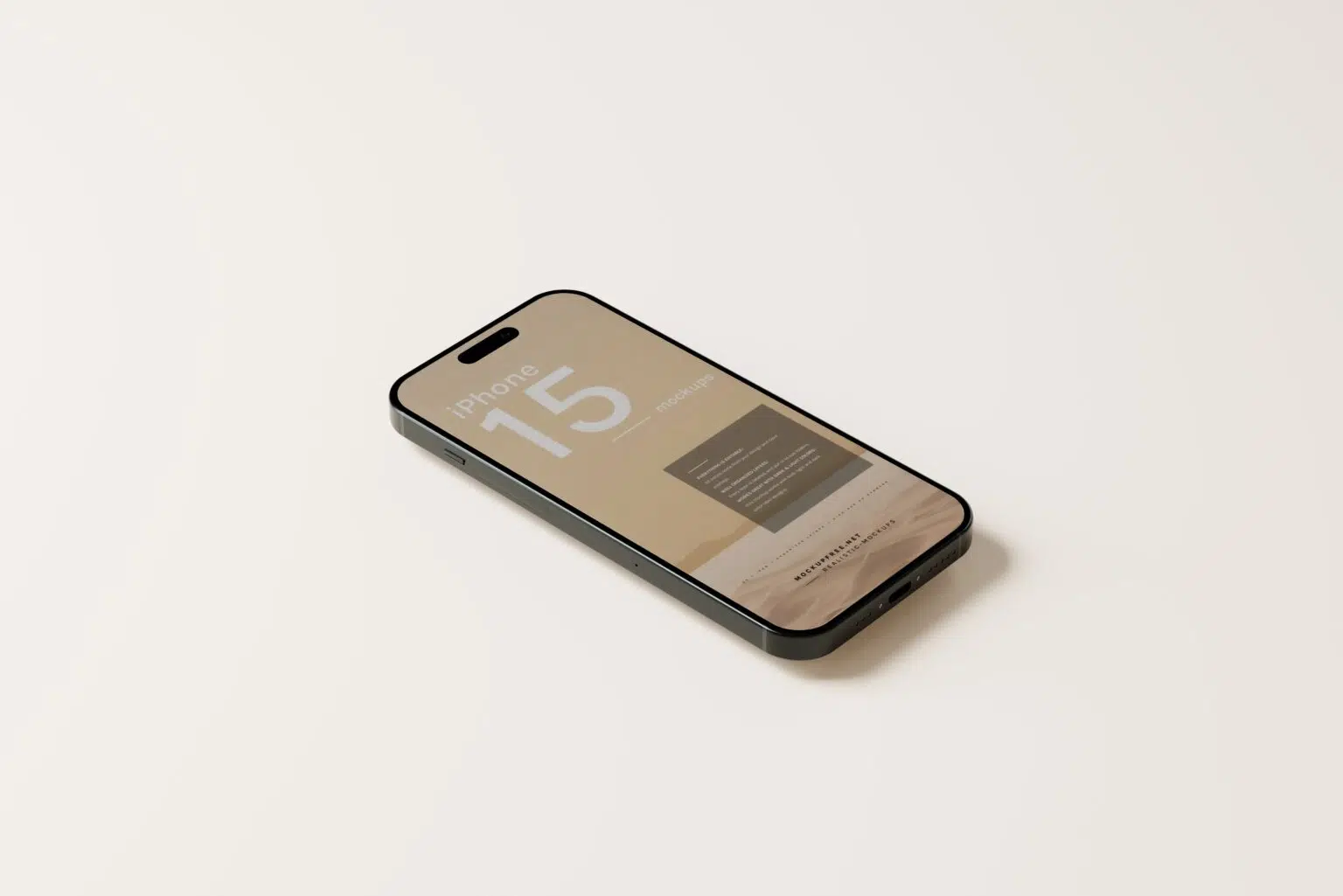
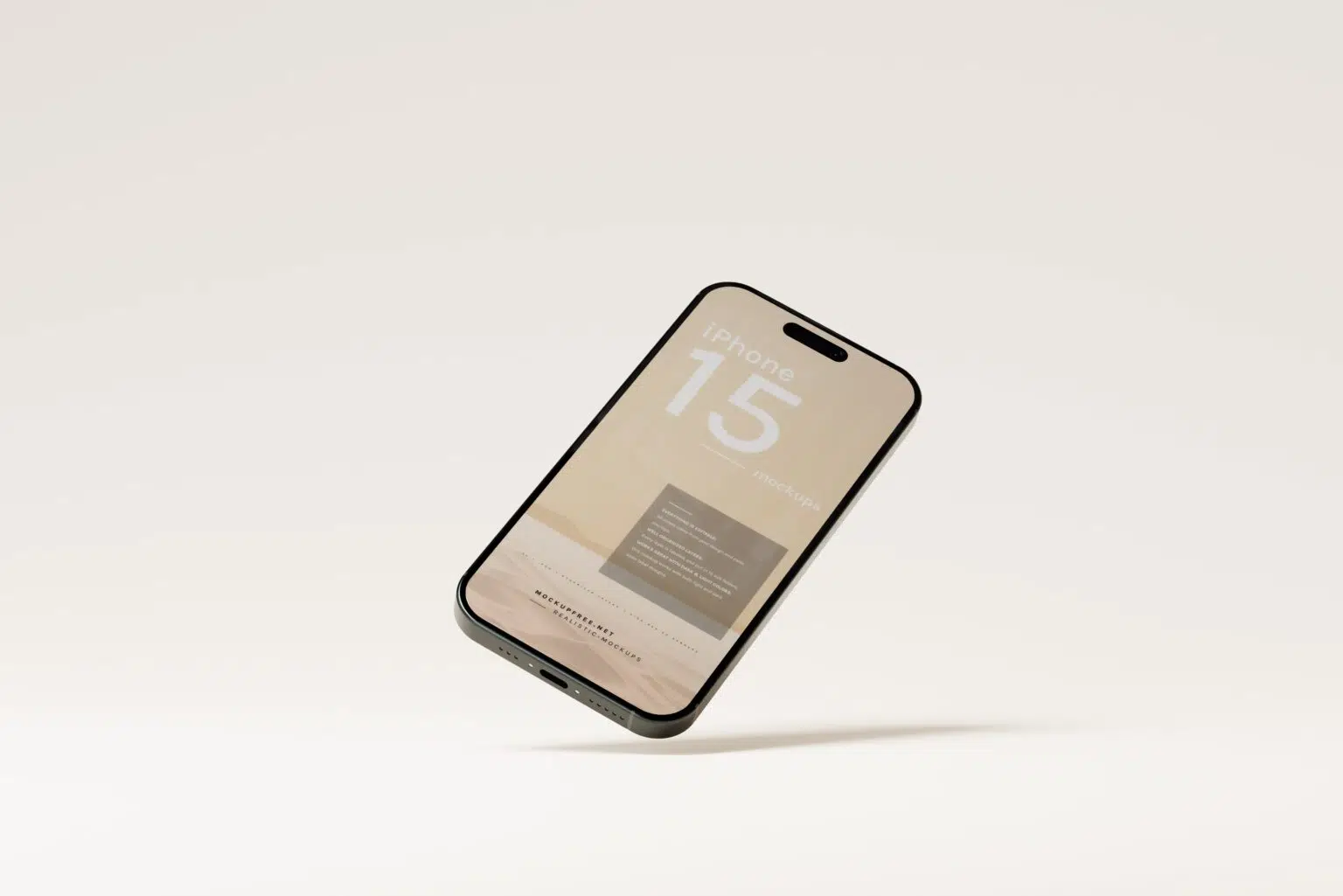
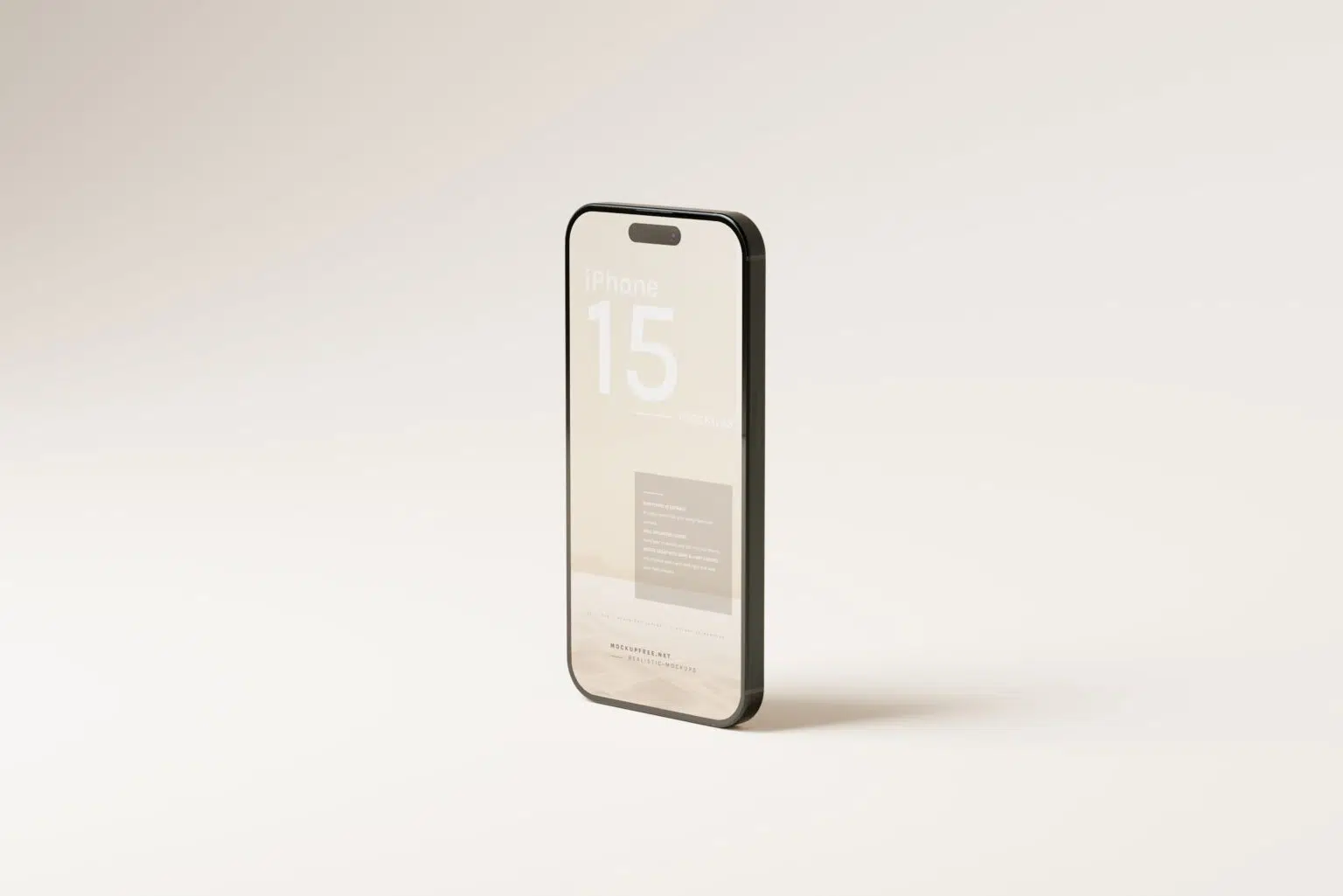
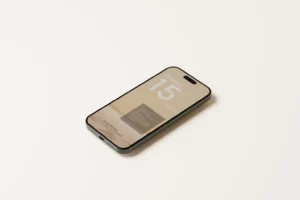
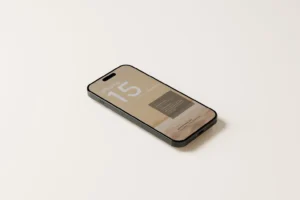
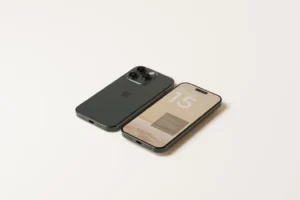
The pack includes a mix of close-up and perspective views, so you can choose a scene based on what you want people to notice. A clear front view works well for detailed interfaces, while angled shots can add variety to cover images and promotional graphics.
Adding your screens is simple. Replace the artwork inside the Smart Objects, and the PSD places your interface onto the device display while keeping the original perspective, lighting, and shadows.
Key Features
- 8 unique PSD mockup scenes
- iPhone 15 Pro and Pro Max devices
- Multiple angles and layouts
- Close-up and perspective views
- Editable screens using Smart Objects
- Realistic lighting and shadows
- High-resolution output
- Fully layered and organised Photoshop files
- Free for personal and commercial use
Best For
This mockup pack works well for:
- Mobile app presentations
- UI/UX case studies
- Website mobile previews
- SaaS product screens
- App Store promotional graphics
- Startup pitch presentations
- Social media campaigns
- Client proposals
- Behance and Dribbble projects
- Digital product launches
Designer Tip
Don’t place random screens into all eight scenes just because they’re available. Decide what story you want the viewer to follow first.
For example, start with your strongest screen, then show the main feature, an important interaction, and the final result. This creates a more useful presentation than displaying eight unrelated parts of the interface.
Use close-up views for screens with small details, such as dashboards or complex controls. Save perspective shots for simpler screens, campaign graphics, or portfolio covers where the overall mood matters more than tiny interface elements.
Technical Details
- File Format: PSD
- Included Scenes: 8
- Devices: iPhone 15 Pro and iPhone 15 Pro Max
- Editing Method: Smart Objects
- Editable Element: Device screen artwork
- Views: Close-up and perspective angles
- Software Required: Adobe Photoshop
- Layer Structure: Fully layered and organised
- Resolution: High resolution
- License: Free for personal and commercial use
Whether you’re presenting a complete app, preparing a client pitch, or building a UI/UX case study, this eight-scene iPhone mockup pack gives you enough variety to show the project from start to finish. Add your screens, choose the right view for each part of the story, and create a consistent presentation without building every device scene from scratch.