Description
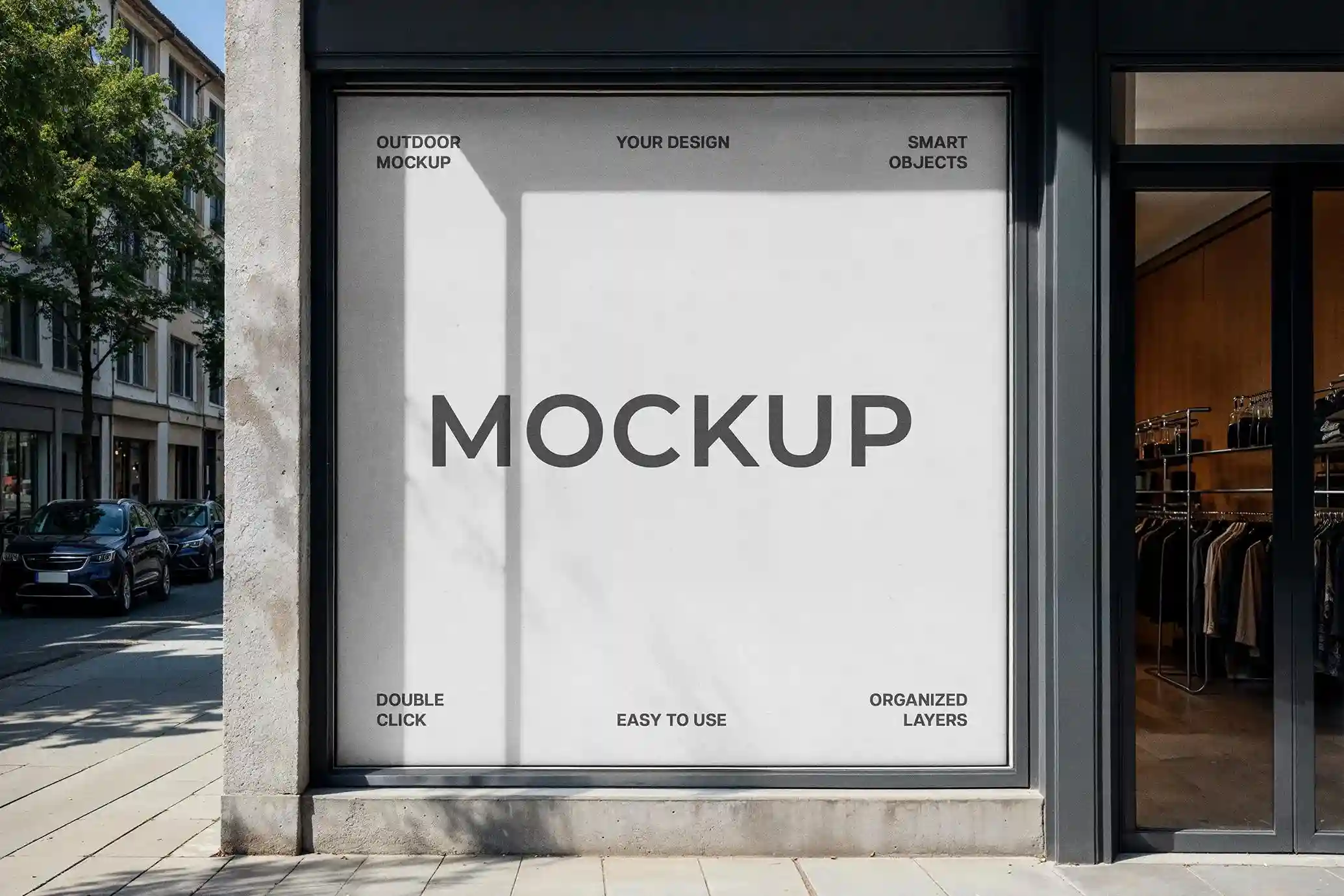
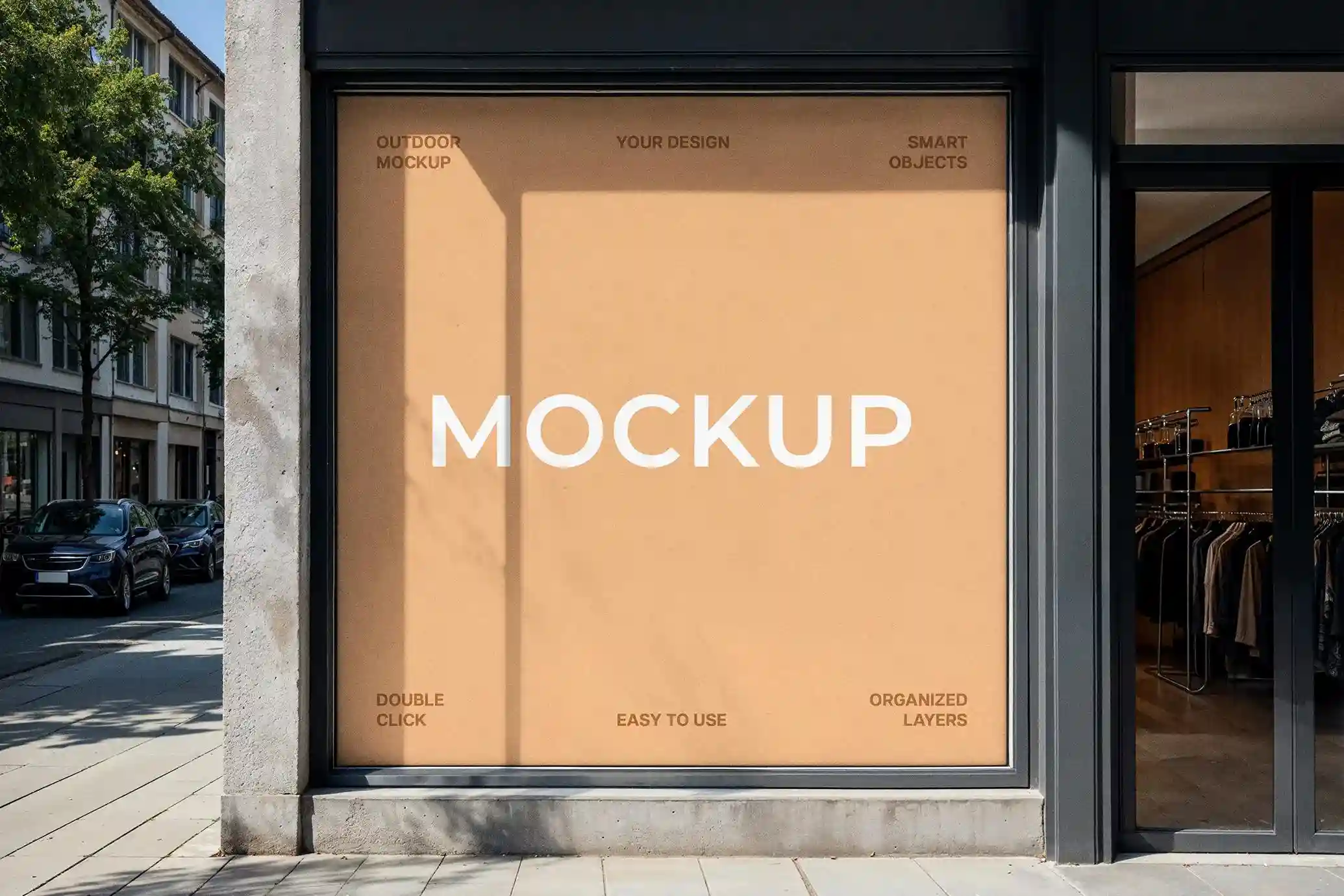
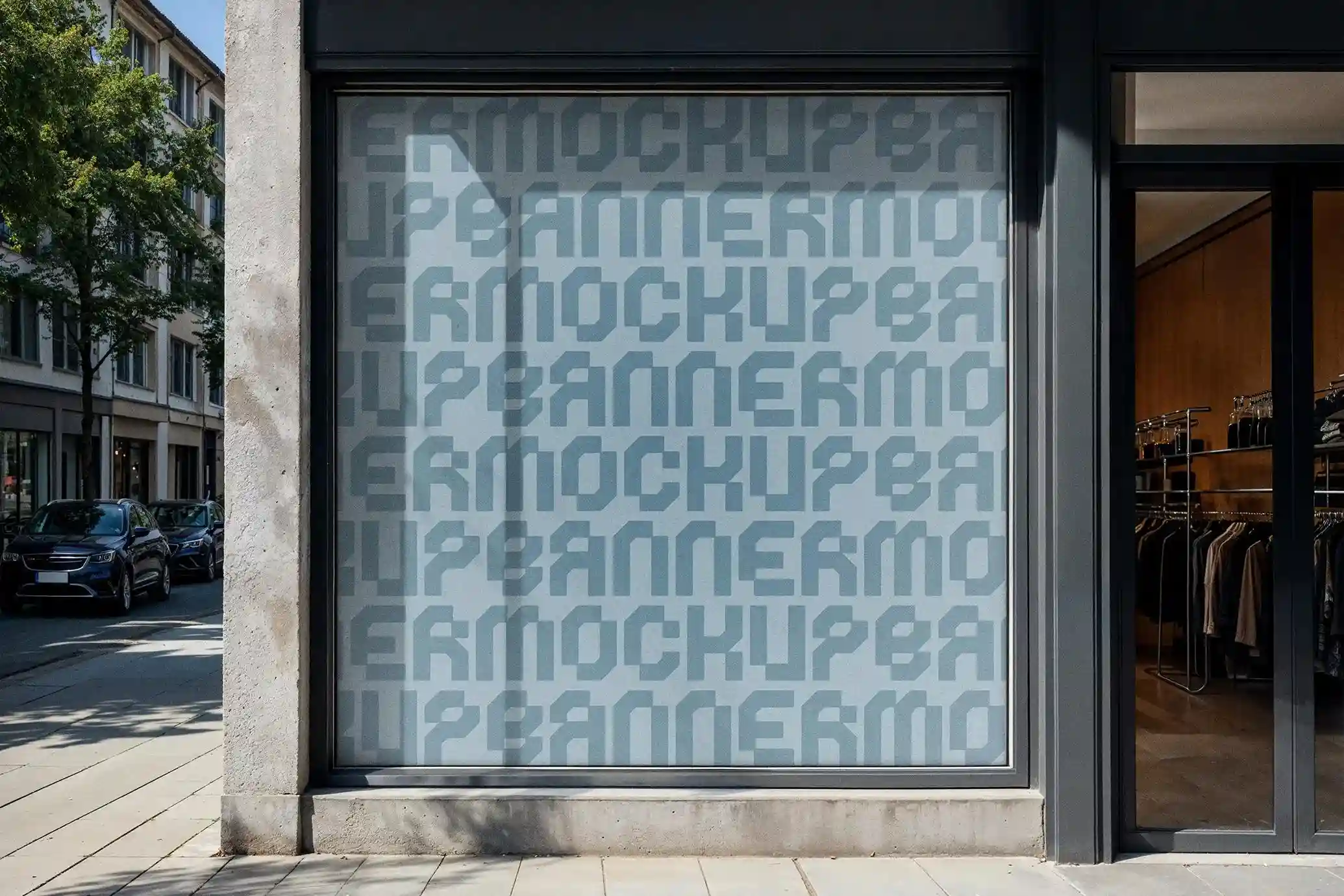
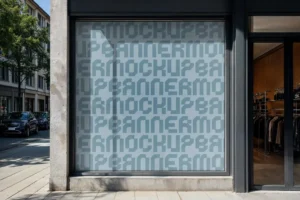
Present your branding in a realistic retail environment with this Free Square Storefront Banner Mockup PSD. Designed to showcase storefront signage in a clean, street-level setting, this mockup features a square banner mounted above a shop entrance against a textured concrete façade with soft natural lighting. The realistic environment helps clients and customers visualize how your design will appear before it goes into production.
The square layout is well suited for store logos, promotional graphics, seasonal campaigns, café branding, retail advertisements, and local business signage. Its front-facing perspective keeps artwork clear and readable, making it a practical choice for presenting branding concepts in portfolios, client proposals, or marketing materials.
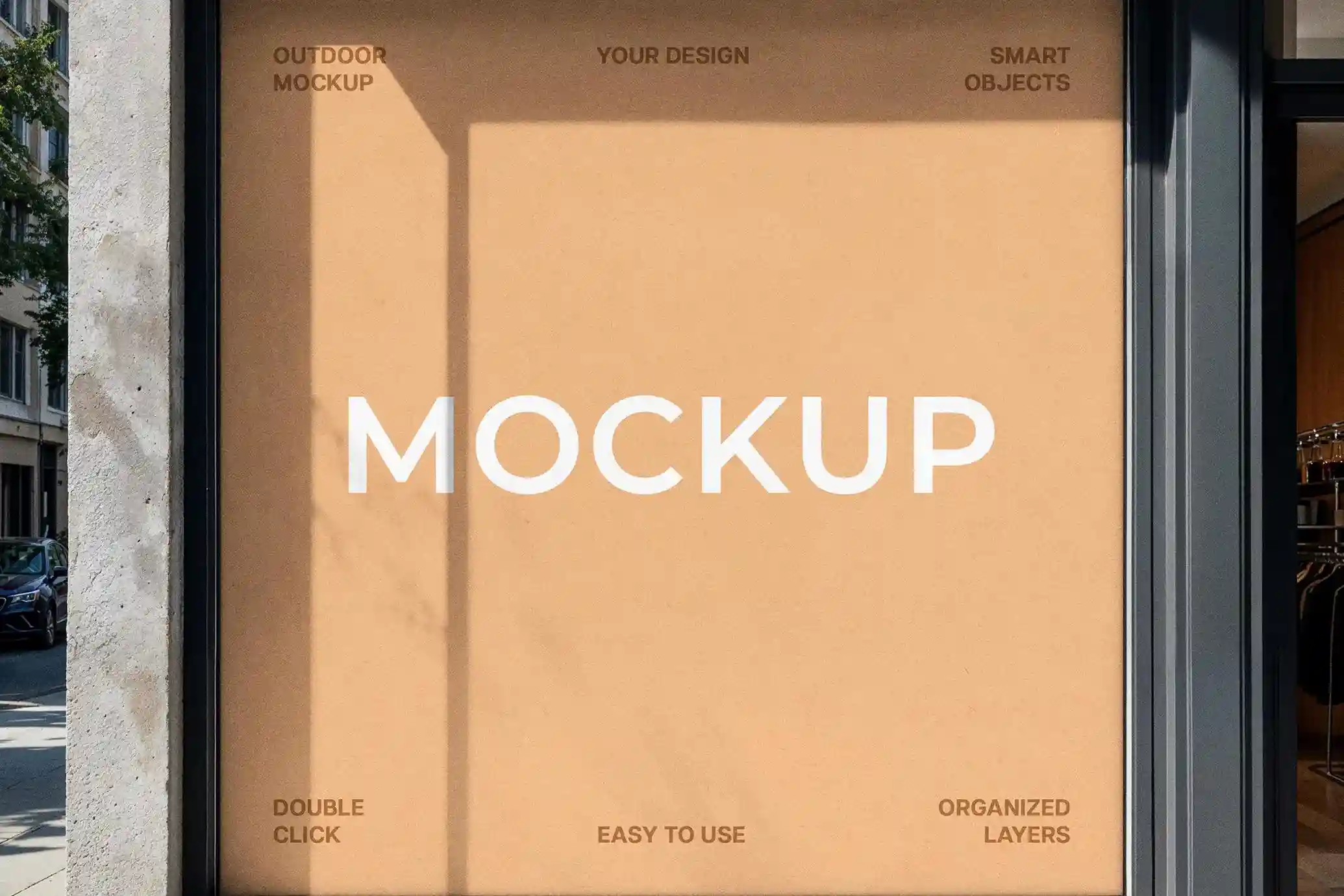
The PSD file uses fully editable Smart Objects, allowing you to replace the placeholder artwork in just a few clicks while preserving the original perspective, lighting, and shadows. Well-organized layers make customization simple, even for quick presentation work.
Why This Mockup Stands Out
Unlike isolated banner presentations on plain backgrounds, this mockup places your design in a realistic storefront environment. The combination of concrete textures, window reflections, and natural daylight creates an authentic preview that helps evaluate how colours, typography, and branding elements work in a real commercial setting.
The square banner format is especially effective for businesses that rely on simple, memorable branding, allowing logos and short promotional messages to remain clear without overcrowding the available space.
Key Features
- High-resolution PSD mockup with realistic storefront details
- Editable square banner using Smart Objects
- Natural lighting, shadows, and window reflections
- Organized and fully layered Photoshop file
- Front-facing composition for clear brand presentation
- Suitable for branding, signage, and promotional artwork
- Free for personal and commercial use
Recommended Uses
This mockup works well for:
- Retail storefront branding
- Shop logo presentations
- Café and restaurant signage
- Seasonal sales and promotional campaigns
- Fashion and lifestyle store branding
- Marketing agency client presentations
- Designer portfolio case studies
- Commercial property advertising
- Website banners and social media previews
Designer Tips
For the most convincing presentation, keep the design clean and easy to read. Large logos, bold typography, and high-contrast colour combinations tend to perform best because storefront signage is often viewed from a distance. If you’re creating promotional artwork, focus on one clear message rather than filling the banner with excessive text.
Technical Information
- File Format: PSD
- Editing Method: Smart Objects
- Banner Orientation: Square
- Software Required: Adobe Photoshop
- Layered File: Yes
- Resolution: High Resolution
- Commercial Use: Yes
Whether you’re presenting a storefront branding concept, preparing marketing visuals, or building a professional design portfolio, this square storefront banner mockup offers a realistic setting that helps communicate your ideas with confidence. Simply replace the Smart Object content, save the file, and your presentation is ready for both digital and print use.
Frequently Asked Questions
Can I edit the banner design?
Yes. The banner uses a Smart Object layer, allowing you to replace the artwork while maintaining the correct perspective and lighting.
What types of projects is this mockup suitable for?
It’s ideal for retail branding, cafés, restaurants, boutiques, promotional campaigns, local business signage, and agency presentations.
Does this mockup work for logo presentations?
Yes. The square format is particularly effective for showcasing logos, storefront identities, and short promotional messages.
Is Adobe Photoshop required?
Yes. Since the file is provided as a PSD with Smart Objects, Adobe Photoshop is required for editing.