Description
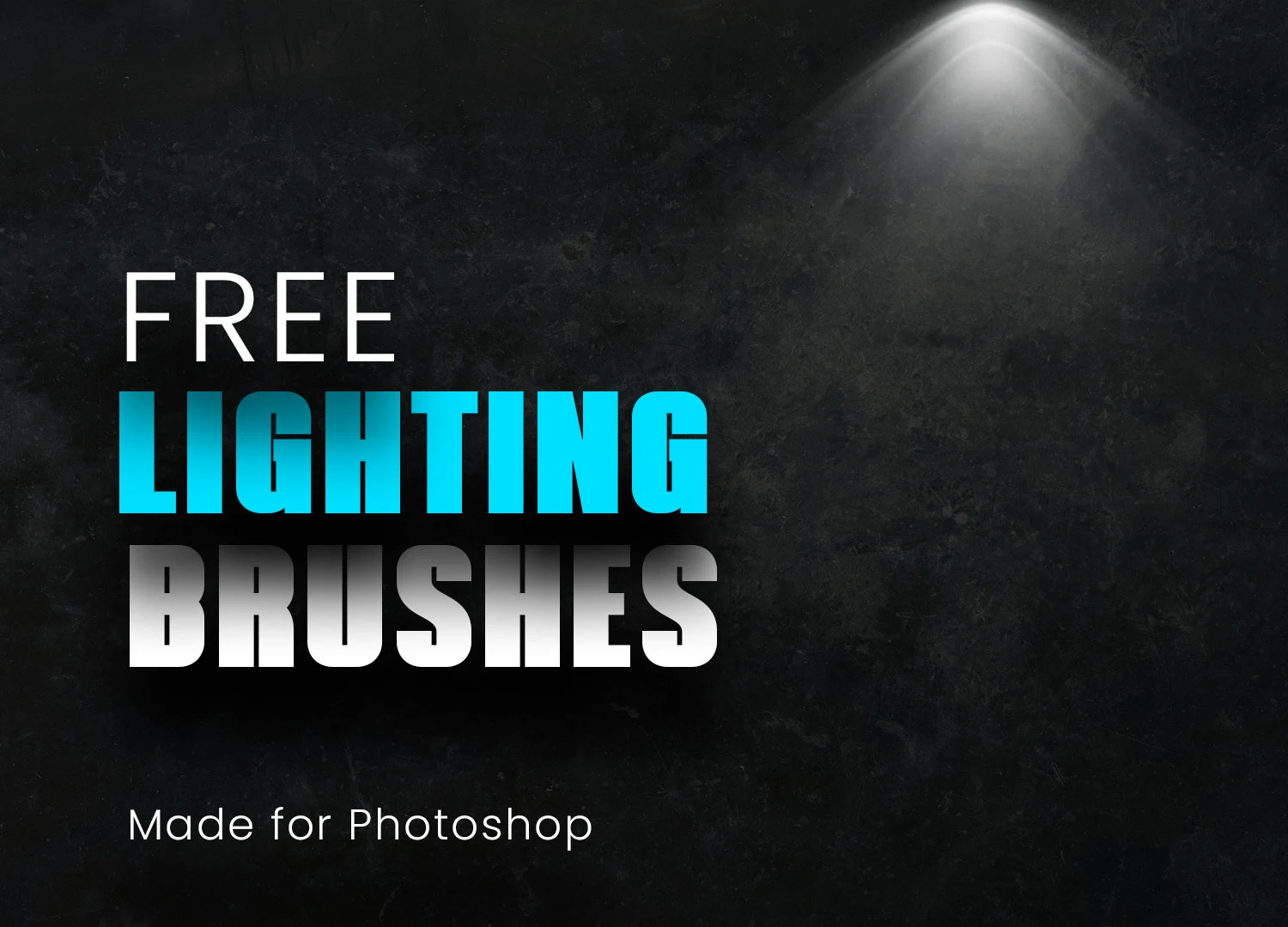
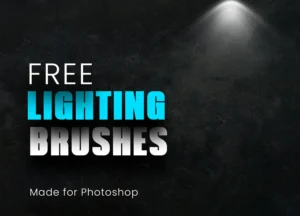
Lighting can completely transform the mood of an image. With this Free 21 Lighting Brushes for Photoshop, you can add realistic glows, light rays, halos, beams, and atmospheric highlights to your artwork without creating complex lighting effects from scratch. Whether you’re editing portraits, designing movie posters, creating fantasy artwork, or enhancing nighttime photography, these high-resolution ABR brushes help you produce professional-looking results in just a few brush strokes.
Designed for speed and flexibility, this collection allows you to paint convincing lighting effects directly onto your composition while maintaining complete creative control over colour, intensity, and blending.
Create Cinematic Lighting Effects with Ease
Natural-looking light is one of the most effective ways to add depth, realism, and emotion to an image.
This brush pack includes 21 carefully crafted lighting brushes inspired by real-world light behaviour, making it easy to create subtle highlights, glowing atmospheres, soft illumination, or dramatic lighting for both realistic and artistic projects.
Whether you’re building a moody night scene or adding warm sunlight to a portrait, these brushes help you create believable lighting without spending hours masking and blending.
What’s Included
- 21 high-resolution lighting brushes
- Adobe Photoshop ABR format
- Realistic glow and light effects
- Soft and dramatic lighting variations
- Ready-to-use Photoshop brushes
- Free for personal and commercial projects
Perfect For
These brushes work well for:
- Photo manipulation
- Portrait retouching
- Digital painting
- Fantasy artwork
- Sci-fi compositions
- Matte painting
- Movie posters
- Night photography
- Concept art
- Social media graphics
Quick Installation
Installing the brushes takes only a few steps:
- Download the ABR file.
- Open Adobe Photoshop.
- Import the brush pack through the Brushes panel.
- Select your preferred lighting brush.
- Paint onto a new layer for easy editing.
Using separate layers gives you greater flexibility when adjusting opacity, blending modes, or colours later.
Designer Tip
Avoid placing every light source at full opacity.
Real lighting gradually fades as it moves away from its source.
For more realistic results:
- Build lighting with multiple layers
- Lower brush opacity
- Use different brush sizes
- Experiment with Screen or Linear Dodge blending modes
- Apply subtle Gaussian Blur when needed
Small lighting adjustments often feel more natural than one strong effect.
Fully Customisable
Every brush can be adjusted to match your creative vision.
Modify:
- Brush size
- Opacity
- Flow
- Rotation
- Colour
- Layer blending mode
This flexibility allows you to create anything from soft ambient lighting to intense cinematic highlights.
Great for Photo Editing
These brushes are especially useful when enhancing existing photographs.
Use them to:
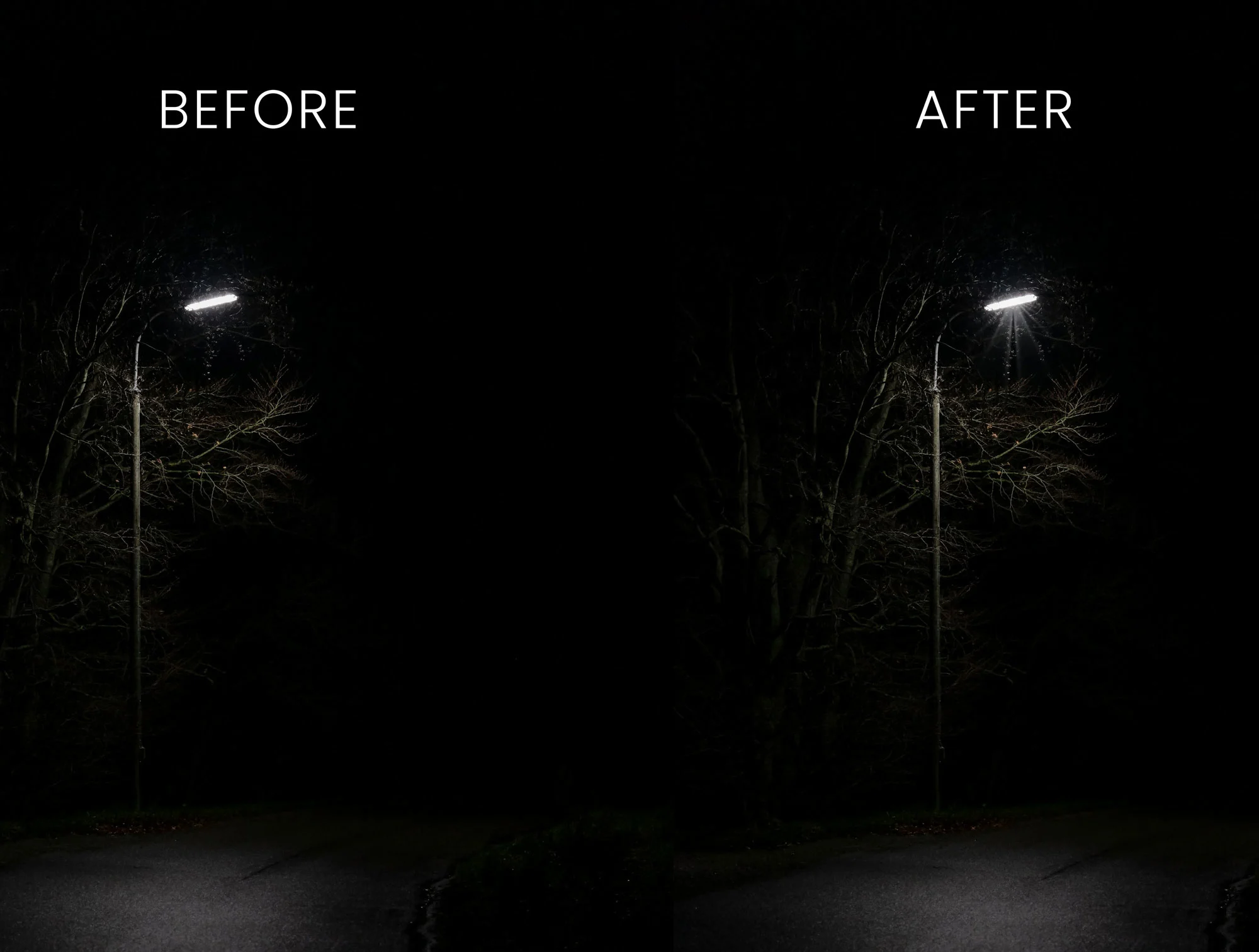
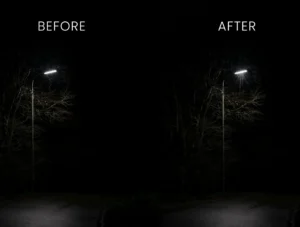
- Add streetlight glow
- Create window light
- Simulate sunset lighting
- Enhance foggy environments
- Add dramatic backlighting
- Build atmospheric scenes
- Improve nighttime photography
The realistic brush textures blend naturally into photographs when combined with proper colour grading and exposure adjustments.
Enhance the Mood of Your Artwork
Lighting isn’t just a visual effect—it helps tell the story.
Warm lighting often creates comfort and romance.
Cool lighting can introduce mystery or isolation.
Directional lighting adds drama, while soft ambient light creates depth and realism.
Choosing the right lighting style helps guide the viewer’s attention and strengthen the overall composition.
Compatible Software
This brush collection is provided in Adobe Brush (ABR) format.
Compatible with:
- Adobe Photoshop CS6
- Adobe Photoshop CC
- Newer Photoshop versions
- Other software that supports imported ABR brushes (where compatible)
Always confirm compatibility before importing into third-party applications.
Technical Details
- File Format: ABR
- Number of Brushes: 21
- Brush Type: High-resolution lighting brushes
- Software: Adobe Photoshop CS6 and above
- Best For: Photo editing, digital painting, concept art, cinematic artwork, and creative composites
- License: Free for personal and commercial use
Whether you’re creating dramatic portraits, fantasy landscapes, cinematic posters, or atmospheric digital artwork, these free Photoshop Lighting Brushes provide a fast and realistic way to add professional-quality illumination while keeping your workflow simple and efficient.