Description
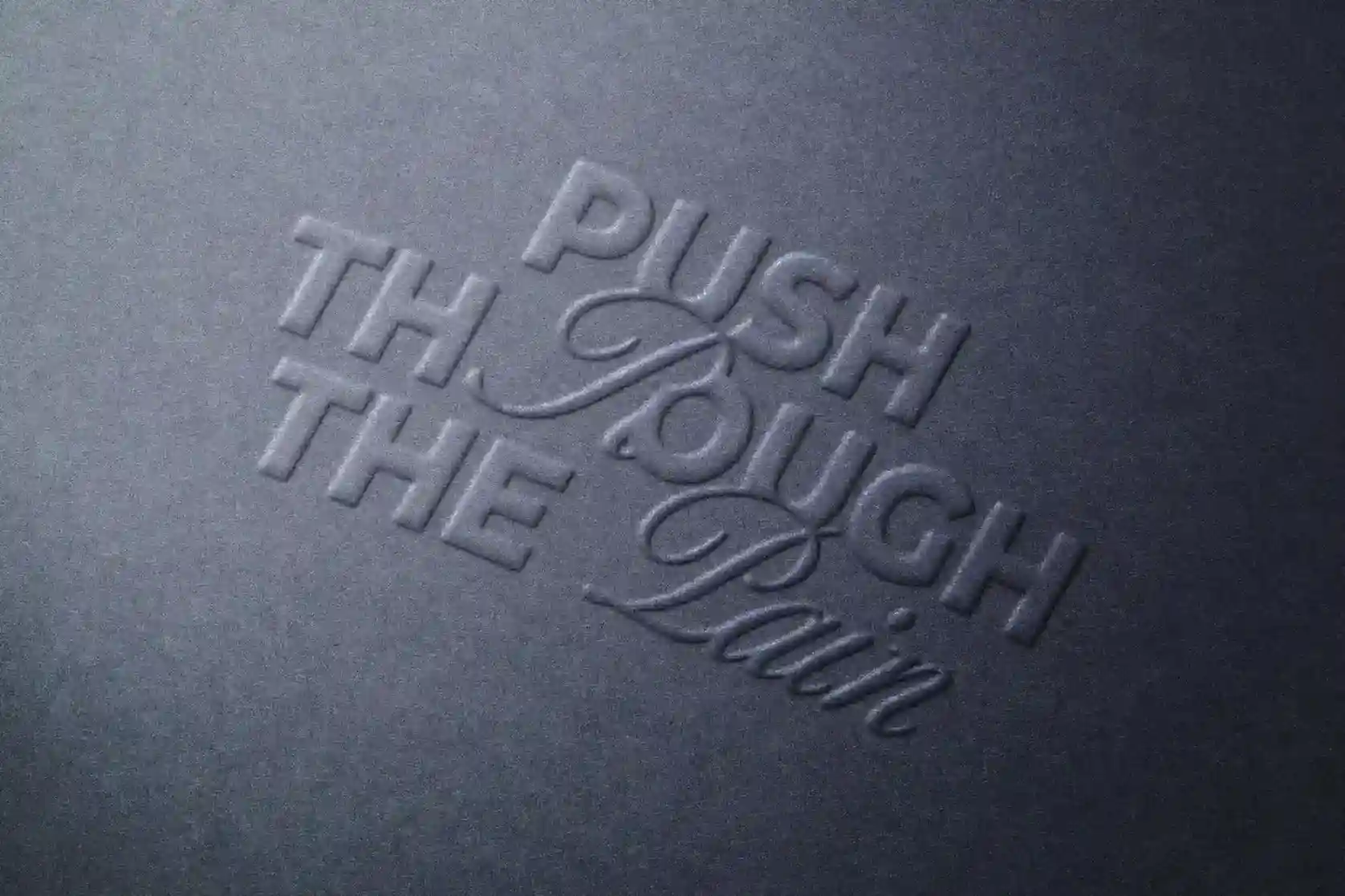
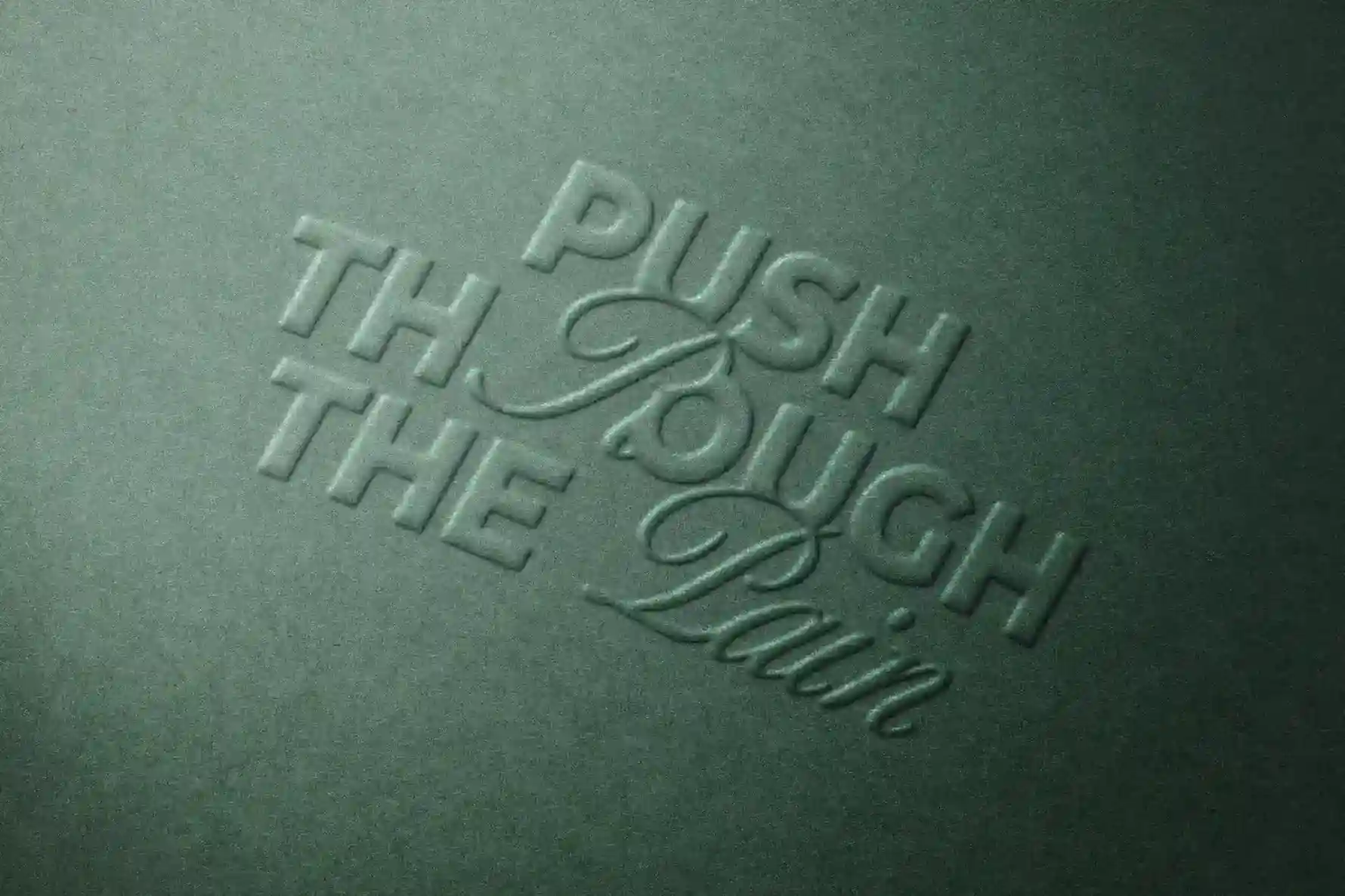
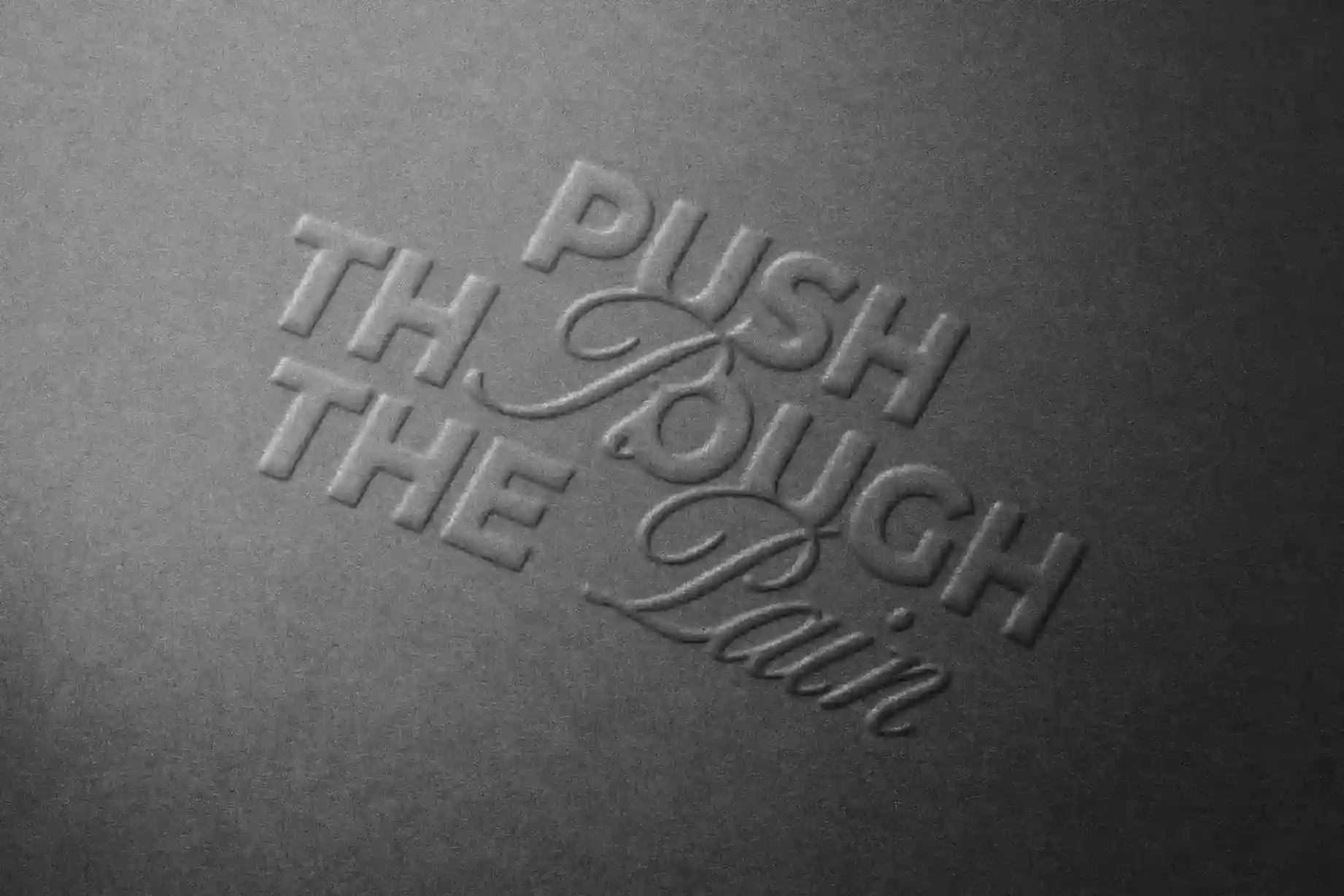
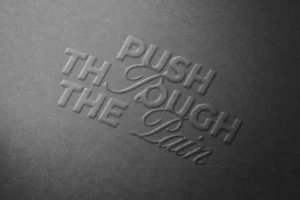
Embossing is all about the details you can almost feel. This Free Paper Emboss Logo Mockup PSD turns a flat logo into a subtle raised impression on fine paper, giving your branding a more physical and carefully crafted look.
The effect is intentionally understated. Soft highlights catch the raised areas of the artwork, while gentle shadows define the edges without making the logo look overly dramatic. The result works especially well for brands that rely on simplicity—think refined wordmarks, initials, monograms, and clean symbols.
At 4500 × 3000 px and 300 DPI, the PSD keeps the paper texture and embossed details sharp, even in close-up presentations. You can also change the background colour, making it easier to create a scene that fits the mood of your branding project.
A Closer Look at Your Logo
This mockup is particularly useful when you want people to notice the construction of a logo rather than its colour palette.
By presenting the artwork as a raised paper impression, you can see the shapes, spacing, and letterforms more clearly. This makes it a useful addition to identity presentations where you want to show how a logo could work on stationery, invitations, certificates, or premium printed materials.
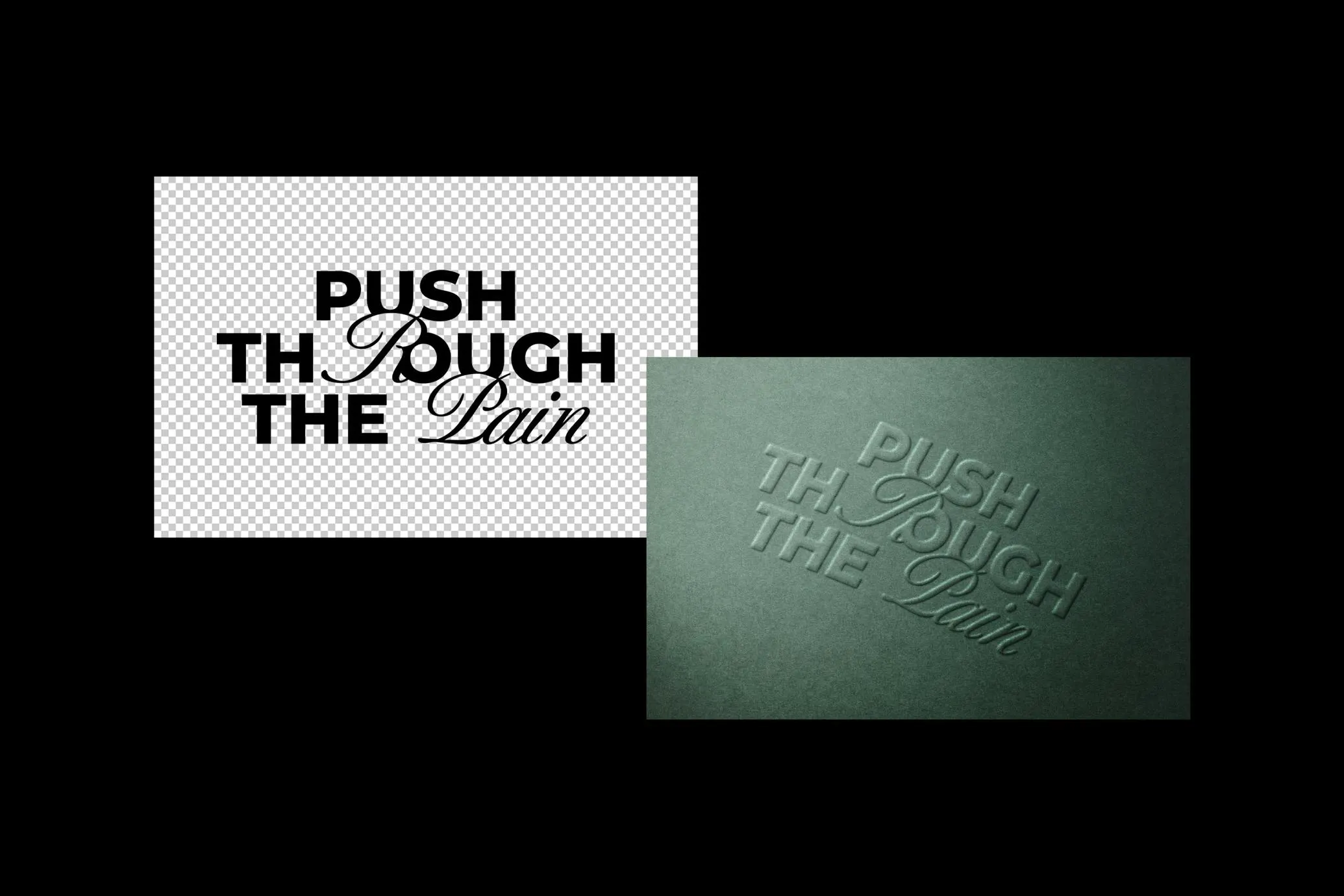
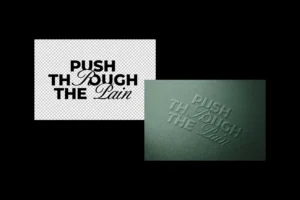
Adding your artwork is simple. Replace the design inside the Smart Object and the emboss effect is applied automatically while keeping the original paper texture, highlights, and shadows.
Key Features
- High-resolution PSD (4500 × 3000 px)
- 300 DPI for sharp, detailed previews
- Realistic raised paper emboss effect
- Editable artwork using Smart Objects
- Changeable background colour
- Detailed paper texture
- Natural highlights and soft shadows
- Fully layered and organised Photoshop file
Best For
This mockup works well for:
- Wordmark logo presentations
- Monograms and initials
- Minimal brand identities
- Premium stationery concepts
- Wedding and event branding
- Invitations and certificates
- Creative studio identities
- Client presentations
- Portfolio case studies
Designer Tip
Embossing creates depth through light and shadow, so spacing becomes especially important. If letters or shapes sit too close together, the raised edges can visually merge and make the design feel less clear.
Give small elements a little more breathing room and check the logo at both full size and thumbnail size. This is especially useful for monograms, serif wordmarks, and designs with closely spaced letterforms.
Also, try changing the background before deciding on the final presentation. A soft neutral shade can create a calm stationery look, while a darker background can make the raised edges feel more noticeable.
Technical Details
- File Format: PSD
- Resolution: 4500 × 3000 px
- Print Quality: 300 DPI
- Editing Method: Smart Objects
- Effect: Raised paper emboss
- Editable Elements: Logo artwork and background colour
- Software Required: Adobe Photoshop
- Layer Structure: Fully layered and organised
- License: Check the included source licence before commercial use
If you’re working on a logo that depends on clean typography, careful spacing, or simple shapes, this paper emboss mockup gives you a useful way to view it beyond the flat screen. Add your artwork, test the background colour, and create a detailed presentation for your portfolio or client project.