Description
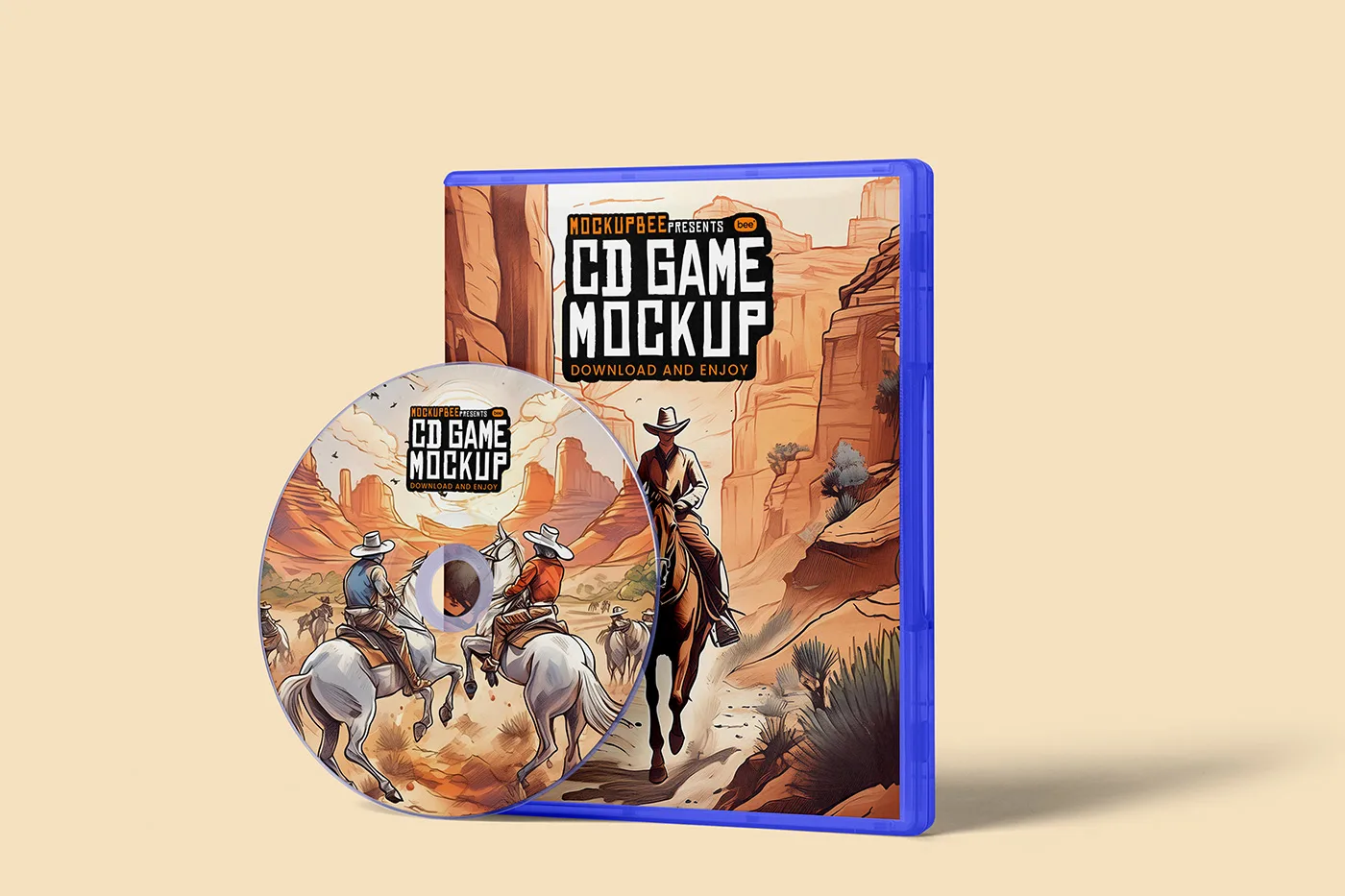
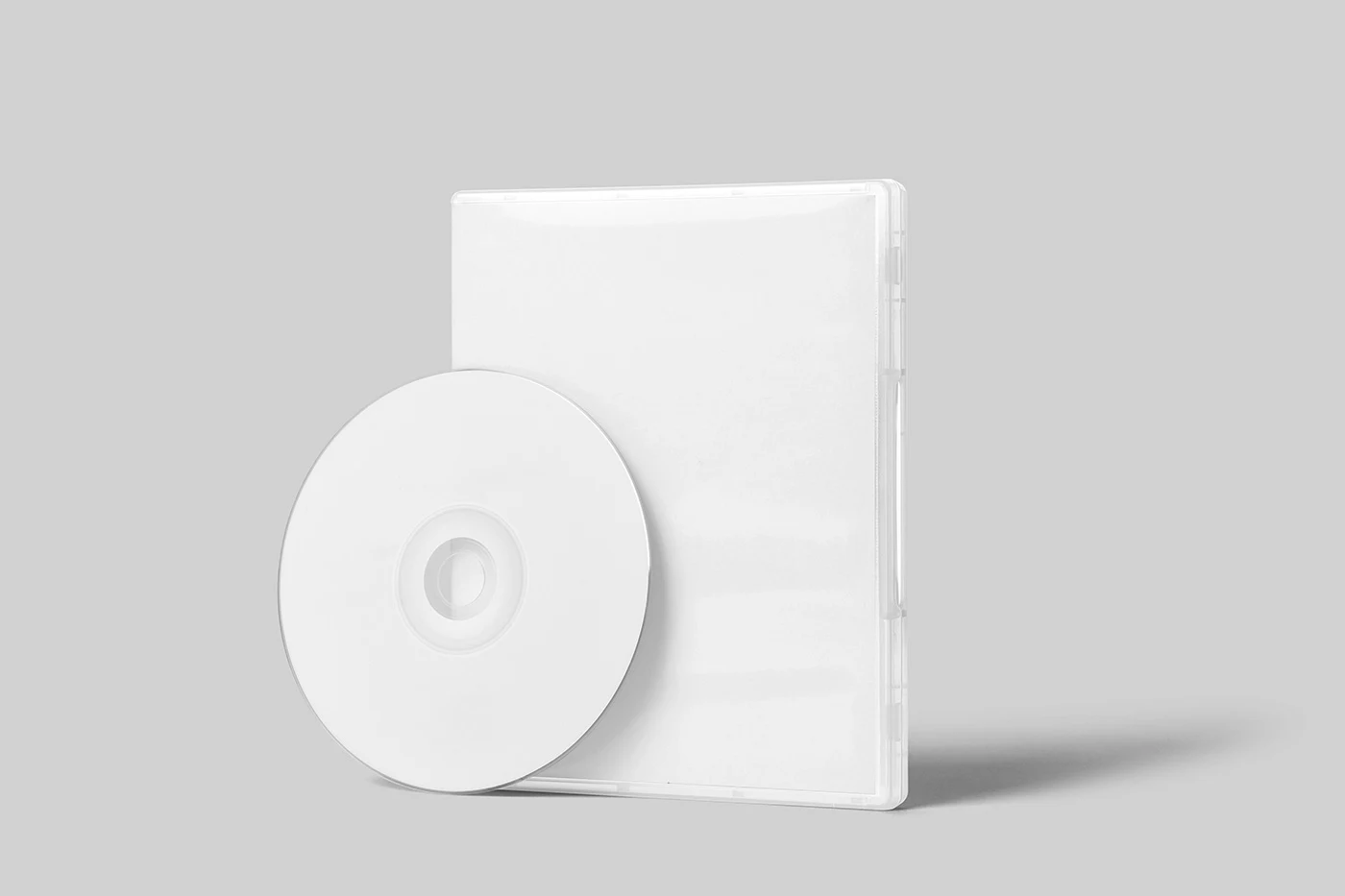
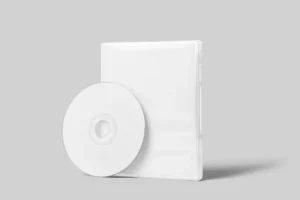
Game cover artwork has one main job: make someone curious enough to look closer. This Free CD Game Box Front View Mockup PSD gives your design a clear, straight-on presentation, so the title, key artwork, and smaller details remain easy to see.
Unlike angled mockups that focus on the shape of the packaging, the front view keeps attention on the cover itself. This makes it useful when you’re comparing different artwork ideas, preparing a client presentation, or building a portfolio around game and entertainment design.
The mockup can be used for PC game covers, console-inspired artwork, music collections, fictional titles, and other disc-based packaging concepts.
A Clear View of Your Cover Design
When designing cover art, it’s easy to get distracted by effects and presentation. A straight-on view helps you judge the actual layout more clearly.
Is the game title easy to notice? Does the main artwork still work at a smaller size? Are important details too close to the edges? This mockup gives you a realistic setting while keeping the full front cover visible.
Adding your design is quick. Replace the artwork inside the Smart Object and the PSD places it onto the game box. You can then adjust the lighting, shadows, and background to suit the mood of your project.
Key Features
- High-resolution PSD file
- Clean front-view game box presentation
- Editable artwork using Smart Objects
- Isolated shadows for more control
- Adjustable light intensity
- Customisable background
- Fully layered and organised Photoshop file
- Free for personal and commercial use
Best For
This mockup works well for:
- PC game cover designs
- Console-inspired game artwork
- Fictional game projects
- Music and CD collections
- Indie game presentations
- Entertainment packaging
- Portfolio case studies
- Client approvals
- Promotional visuals
- Cover design experiments
Designer Tip
Game covers are often seen as small thumbnails before they’re viewed at full size. Zoom out while working and check whether the title and main image are still easy to recognise.
Try to create one clear focal point instead of giving every element the same importance. The title, main character, object, or central piece of artwork should usually grab attention first.
Since this mockup lets you control the lighting, match the scene to the mood of the artwork. Brighter lighting can suit colourful or casual games, while softer lighting may work better for horror, thriller, or darker concepts. Just make sure the presentation never becomes so dramatic that the cover itself is hard to see.
Technical Details
- File Format: PSD
- Presentation Style: Front view
- Editing Method: Smart Objects
- Editable Elements: Cover artwork, background, lighting, and shadows
- Shadows: Isolated
- Lighting: Adjustable intensity
- Software Required: Adobe Photoshop
- Layer Structure: Fully layered and organised
- Resolution: High resolution
- License: Free for personal and commercial use
Whether you’re designing artwork for an indie game, creating a fictional title for your portfolio, or presenting cover concepts to a client, this front-view game box mockup keeps the focus where it should be—on the artwork. Add your design, adjust the scene, and create a clear preview ready for presentations, portfolios, or promotional use.