Description
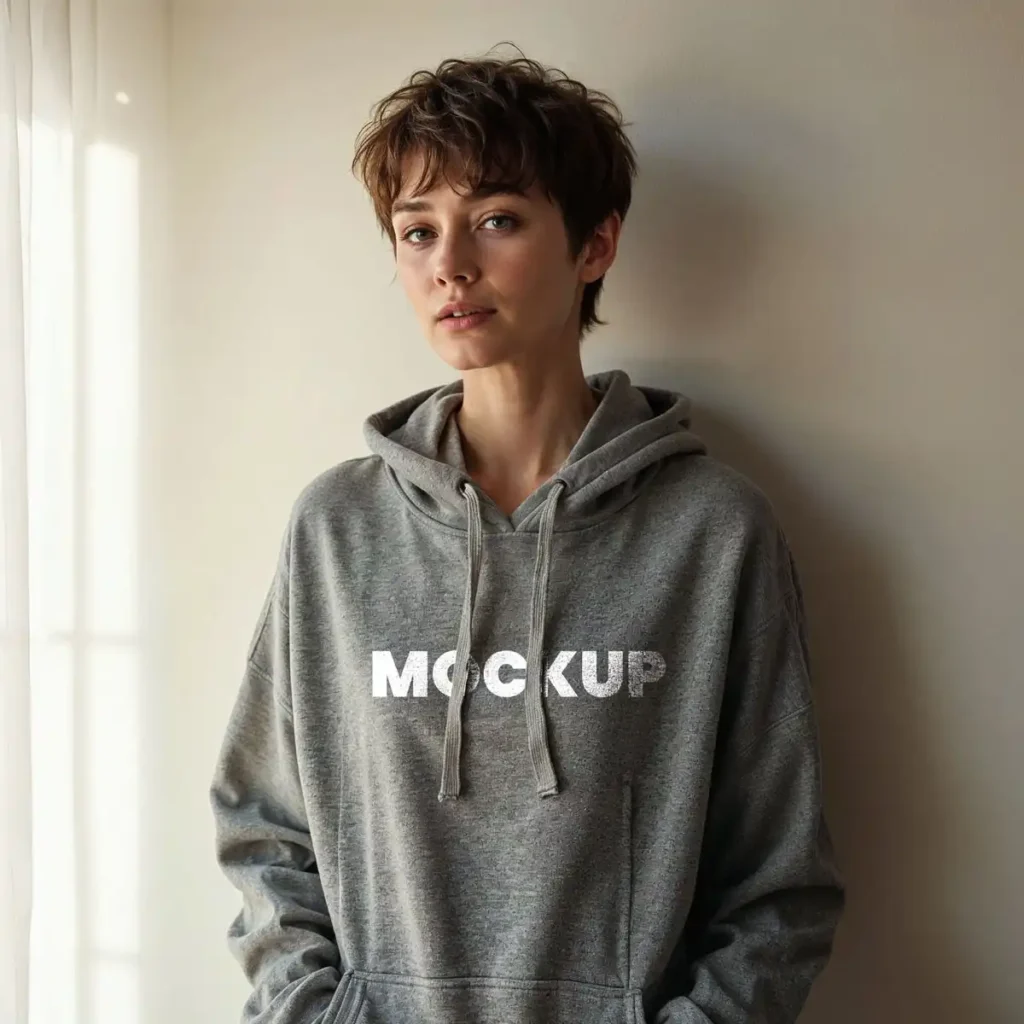
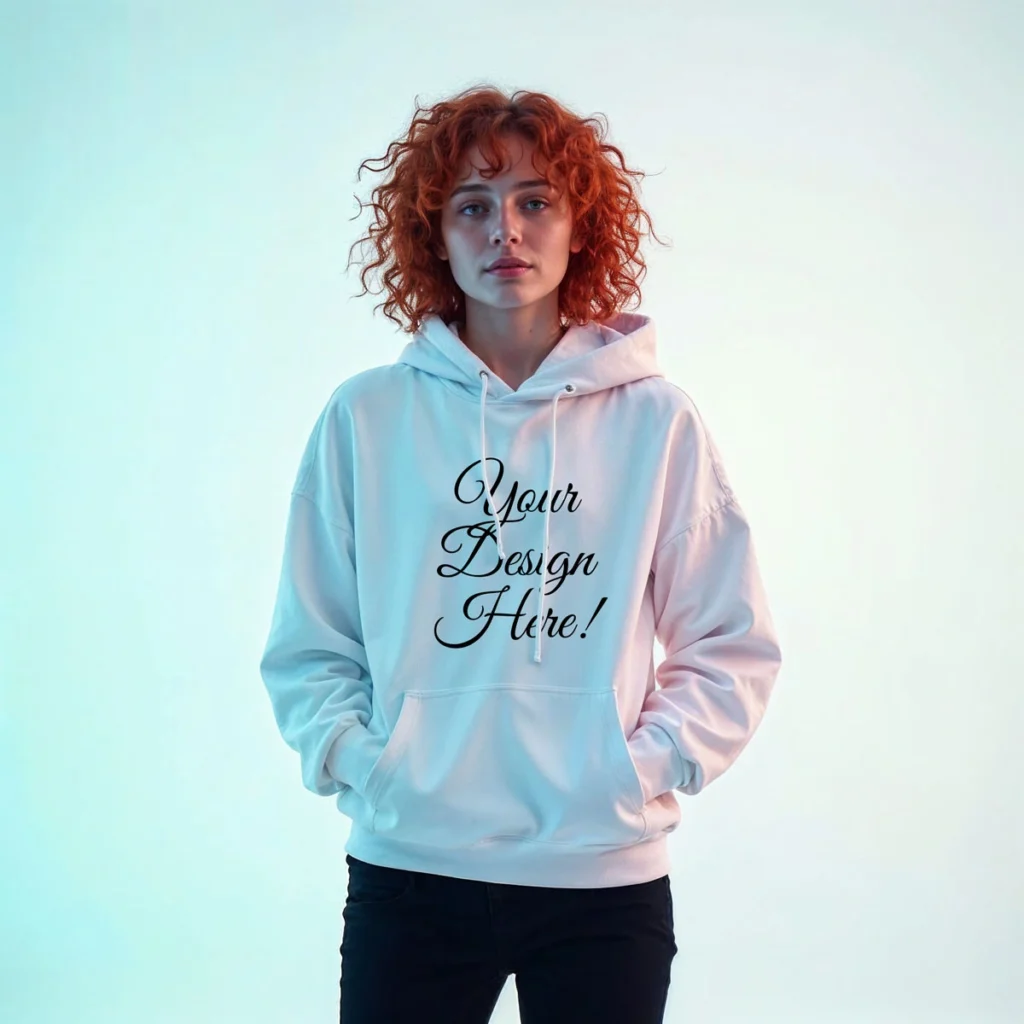
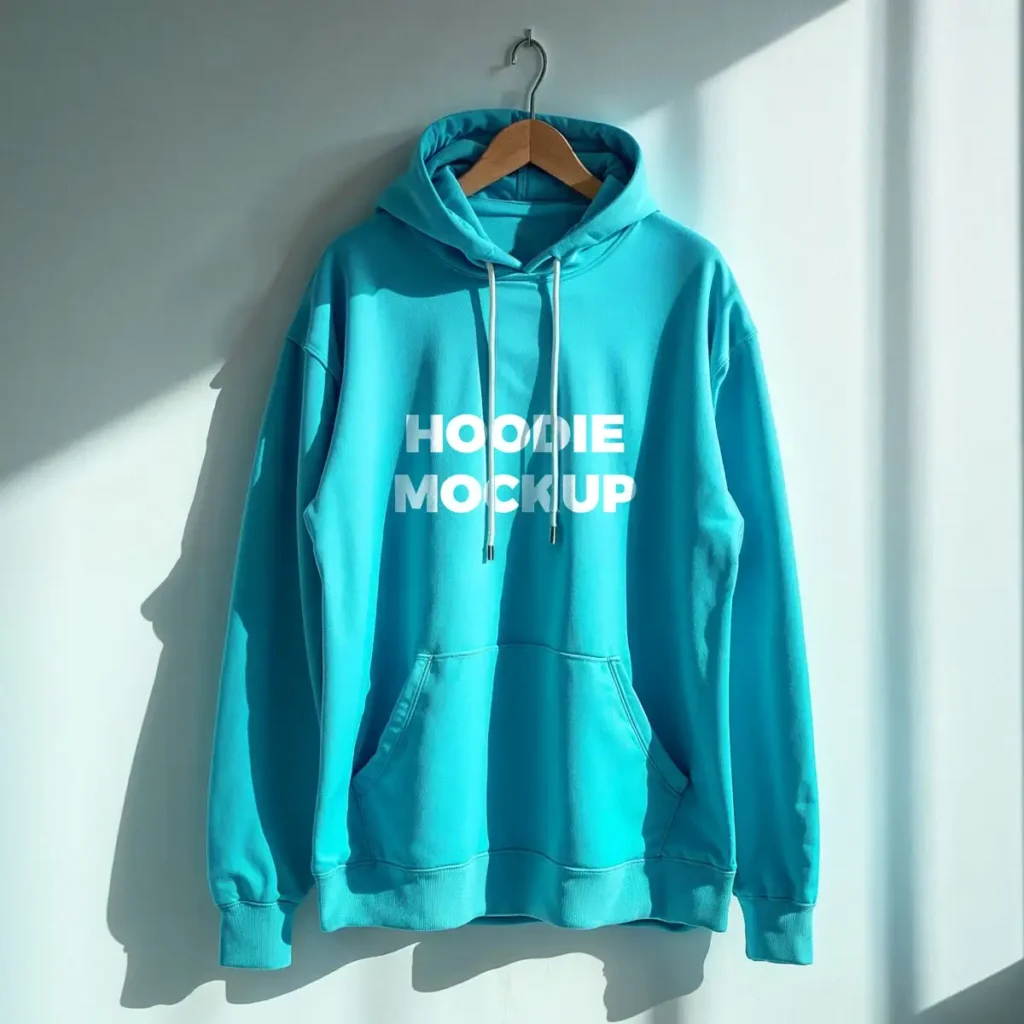
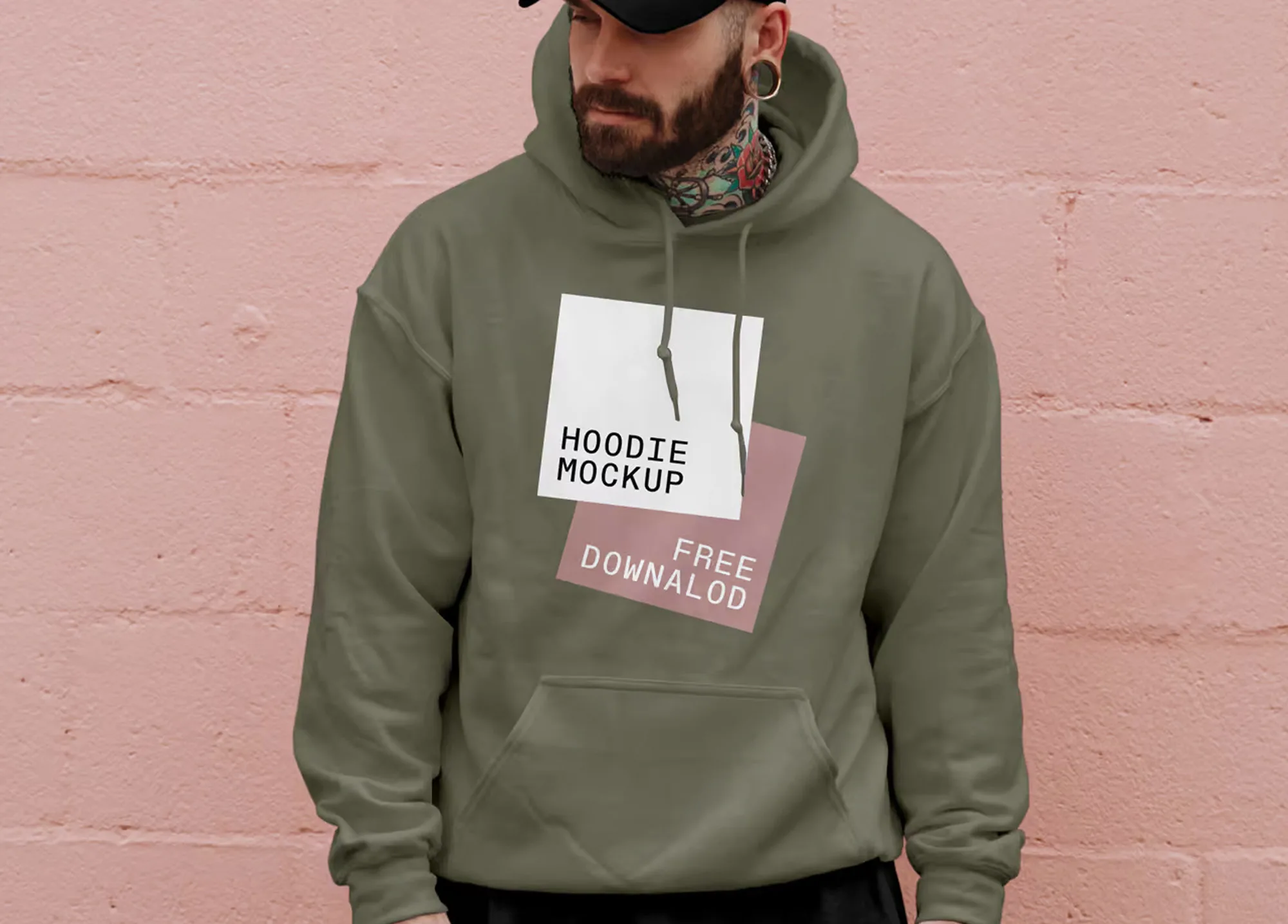
Printing a hoodie sample just to test one design can take time and money. This Free Men’s Hoodie Mockup PSD gives you a quicker way to try your artwork, compare ideas, and see how a design could look on a real garment before anything goes to production.
The mockup features a men’s hoodie with natural fabric folds, soft shadows, and visible texture. These details help your artwork sit more naturally on the garment instead of looking like a flat graphic placed over a photo.
It works well for logos, illustrations, typography, merchandise graphics, and clothing brand concepts. You can use it to prepare product previews, share ideas with clients, or compare different designs for the same hoodie.
Test Ideas Before You Print
One of the most useful things about an apparel mockup is the freedom to experiment.
Maybe you want to compare two logo sizes. Perhaps you’re unsure whether a bold graphic or a smaller design works better. Instead of creating physical samples for every idea, you can build several visual options in Photoshop and review them side by side.
This can be especially helpful for clothing brands and client projects where multiple design directions need to be approved before production.
Adding your artwork is simple. Open the Smart Object, place your design, and save. The original folds, lighting, and shadows remain part of the scene, helping the final image feel closer to a product photo.
Key Features
- High-resolution PSD file
- Realistic men’s hoodie presentation
- Editable artwork using Smart Objects
- Natural fabric folds and texture
- Soft, realistic shadows
- Layered and organised Photoshop file
- Suitable for personal and commercial projects
Best For
This mockup can be used for:
- Men’s clothing brands
- Hoodie graphics
- Logo and typography designs
- Artist merchandise
- Print-on-demand previews
- E-commerce product images
- Client design approvals
- Social media promotions
- Apparel portfolios
- Clothing collection concepts
Designer Tip
When comparing hoodie designs, don’t change everything at once. Keep the garment and presentation consistent, then test one thing at a time—such as graphic size, placement, or artwork style. This makes it much easier to see which version is actually stronger.
Also, check your design at a smaller size before exporting. A detailed graphic may look impressive when zoomed in but lose clarity when used as an online store thumbnail or social media post.
If you’re preparing options for a client, showing two or three well-considered variations is usually more useful than presenting ten nearly identical versions.
Technical Details
- File Format: PSD
- Garment Type: Men’s hoodie
- Editing Method: Smart Objects
- Editable Element: Hoodie artwork
- Software Required: Adobe Photoshop
- Layer Structure: Layered and organised
- Resolution: High resolution
- License: Free for personal and commercial use
Whether you’re preparing a new clothing design, building merchandise, or checking artwork before printing, this men’s hoodie mockup gives you a practical way to test your ideas. Add your design, compare a few variations, and create realistic visuals for your store, portfolio, or client presentation.