Description
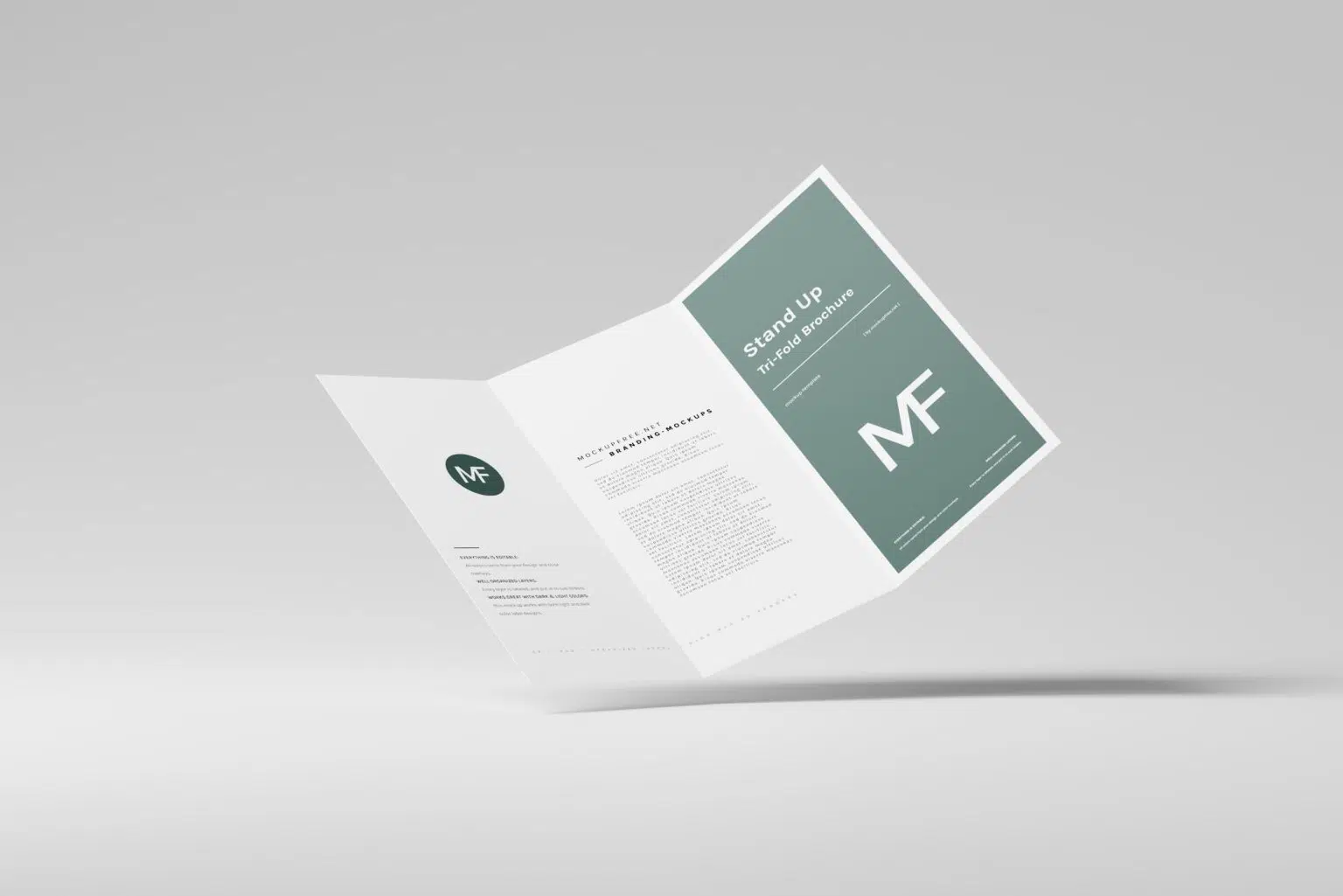
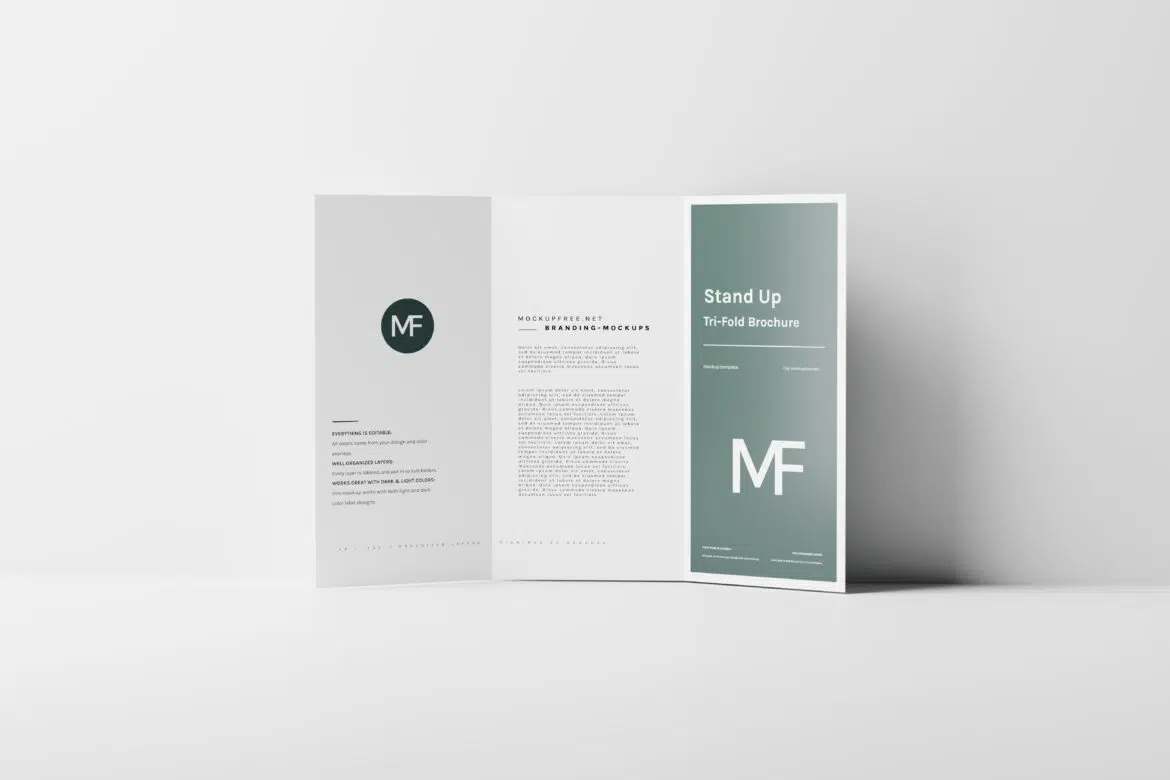
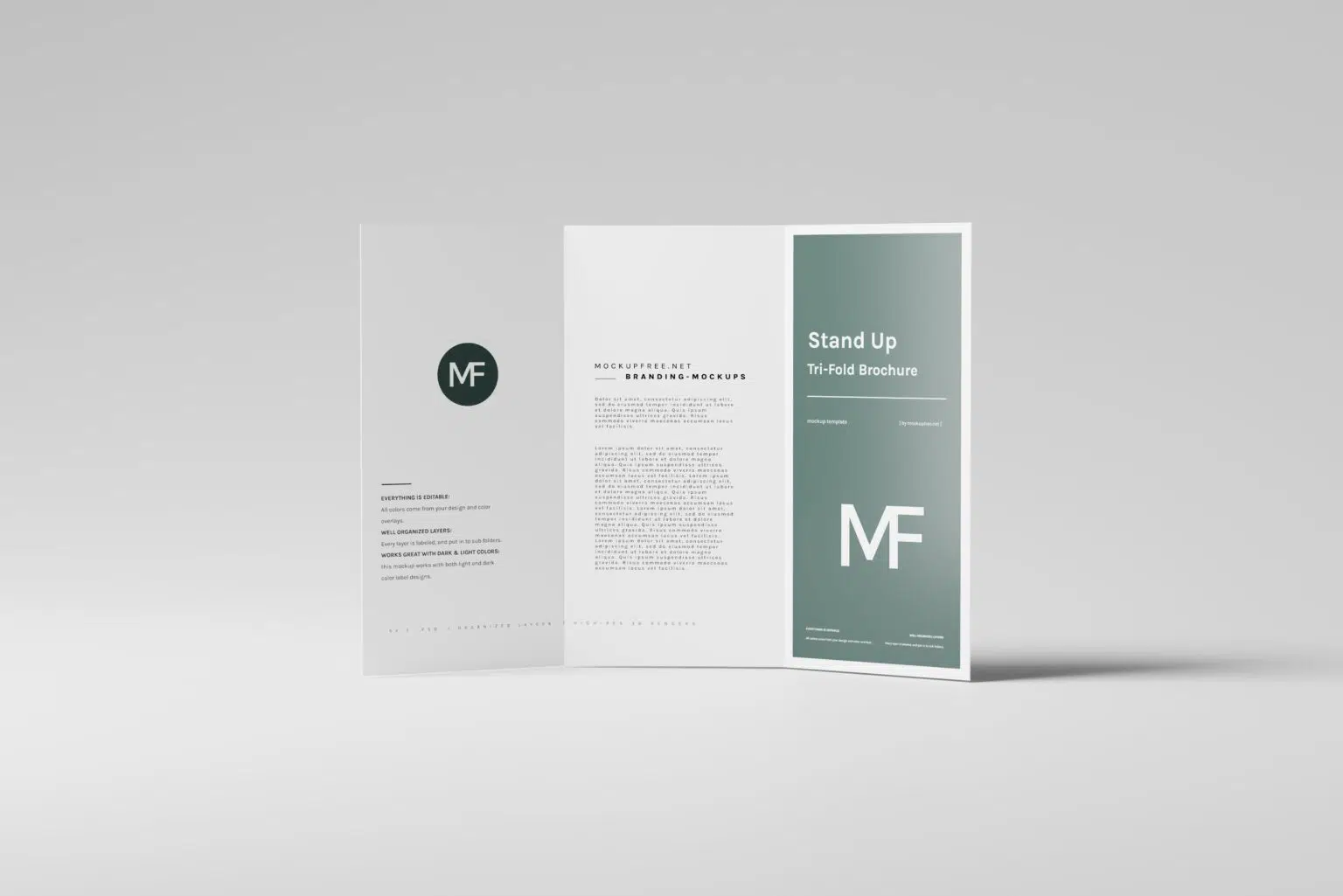
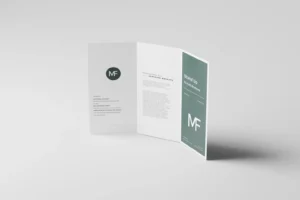
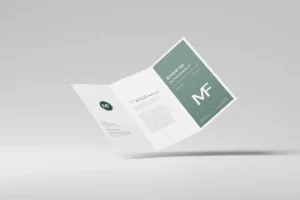
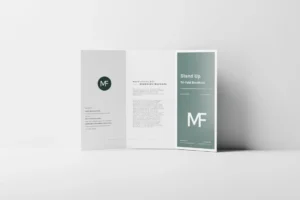
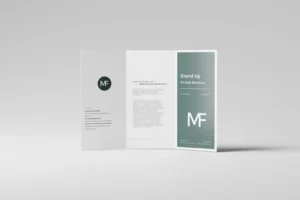
One brochure rarely tells the whole story from a single angle. When you’re presenting print designs to a client or building a portfolio, showing different views helps communicate the quality of your work much more effectively. This Free Stand-Up Tri-Fold Brochure Mockup Set includes five unique PSD scenes, allowing you to display every important part of your brochure without repeating the same presentation.
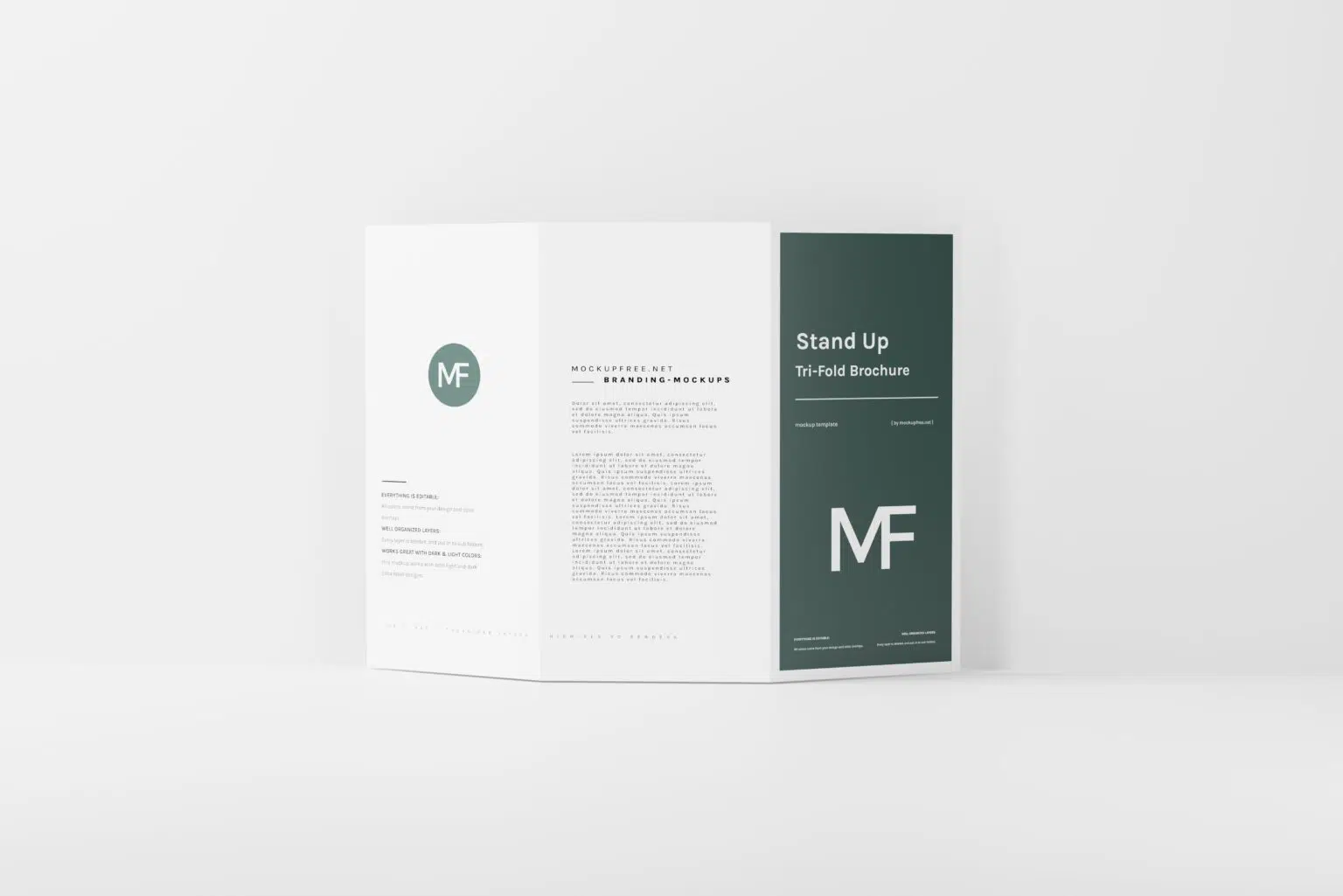
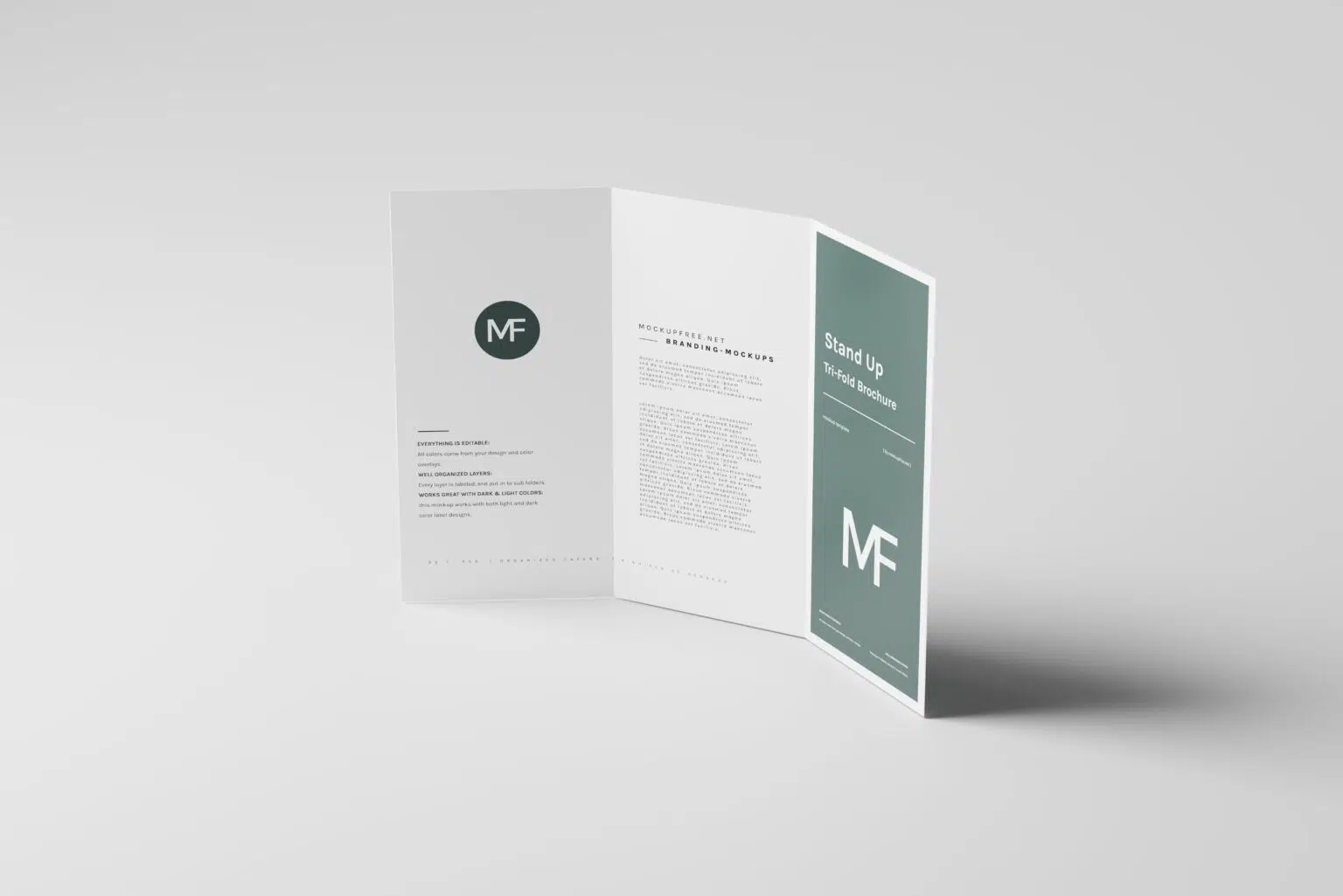
Each mockup features a DL-size trifold brochure (110 × 220 mm) standing naturally on a flat surface. The upright position gives your artwork a realistic retail and promotional look, making it ideal for brochures that are displayed on reception desks, exhibition counters, hotel lobbies, retail stores, cafés, or trade show booths.
Rather than relying on a single perspective, the collection includes multiple viewing angles so you can highlight the front cover, inside panels, reverse side, and overall layout in one consistent presentation.
A Complete Presentation Set
Designing a brochure involves more than creating an attractive front cover. Every panel contributes to the reading experience, and this mockup set makes it easy to showcase that complete journey.
The five included scenes work together to help you present different sections of your design while maintaining a consistent visual style. This makes the collection particularly useful for client presentations, portfolio case studies, marketing campaigns, and product previews.
The editable background also gives you the flexibility to match each presentation to your brand colours or campaign style without rebuilding the scene from scratch.
Key Features
- Five high-resolution PSD mockups
- DL-size trifold brochure (110 × 220 mm)
- Multiple presentation angles
- Editable Smart Objects
- Customisable background colours
- Realistic paper folds, lighting, and shadows
- Fully layered and organised Photoshop files
- Free for personal and commercial use
Best For
This mockup collection is suitable for presenting:
- Corporate brochures
- Business marketing materials
- Restaurant menus
- Travel and tourism brochures
- Product catalogues
- Event programmes
- Real estate brochures
- Exhibition handouts
- Agency portfolio projects
- Client approval presentations
Designer Tip
Since this mockup pack includes several viewing angles, avoid placing the same screenshot or crop in every scene. Use each mockup strategically—one can highlight the front cover, another the interior layout, while others focus on the back panel or overall folded design. This creates a presentation that feels intentional rather than repetitive.
For DL brochures, remember that readers usually see the front panel first while the brochure is folded. Keep the cover clean, use a clear headline, and avoid overcrowding it with information. The inside panels are where you have room to expand your message.
Technical Details
- File Format: PSD
- Brochure Size: DL (110 × 220 mm)
- Editing Method: Smart Objects
- Included Files: 5 individual mockup scenes
- Editable Elements: Brochure artwork and background colours
- Software Required: Adobe Photoshop
- Layer Structure: Fully layered and organised
- Resolution: High resolution
- License: Free for personal and commercial use
Whether you’re preparing marketing materials for a business, presenting a brochure to a client, or updating your graphic design portfolio, this stand-up tri-fold brochure mockup set gives you the flexibility to showcase every panel from multiple angles. Replace your artwork, customise the background to suit your project, and create realistic presentation visuals that are ready for websites, portfolios, social media, or print marketing.