Description
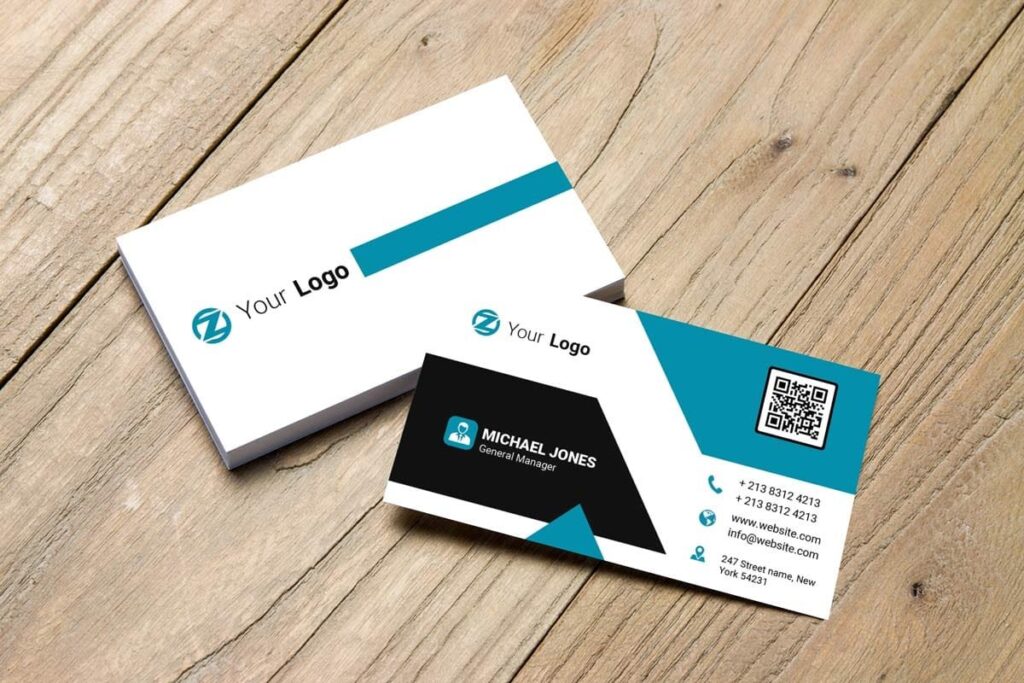
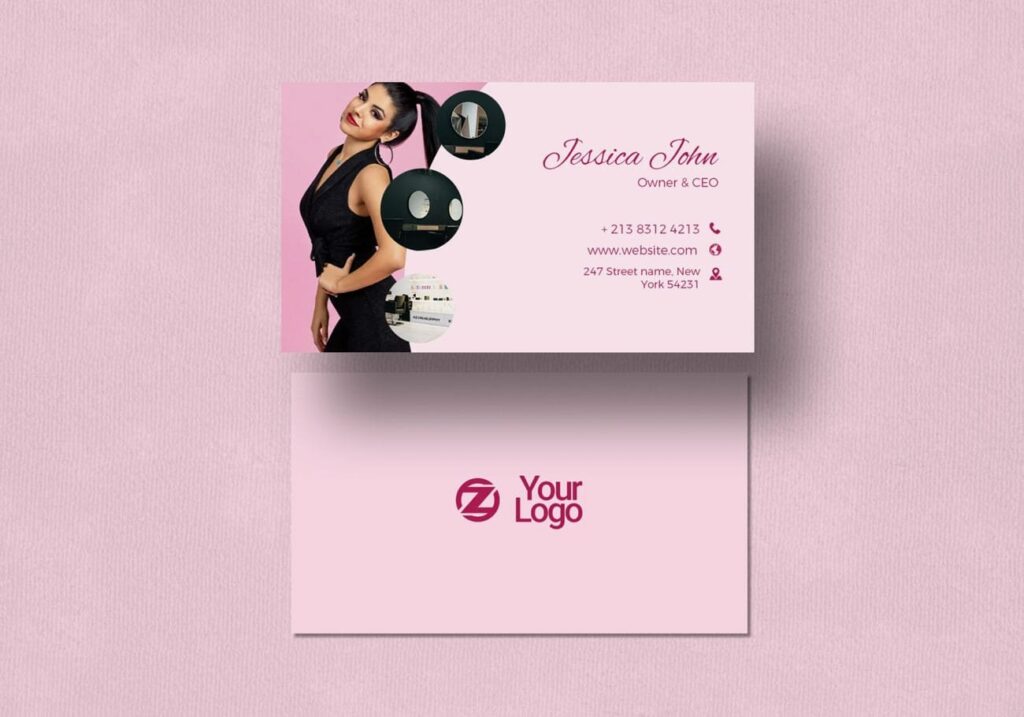
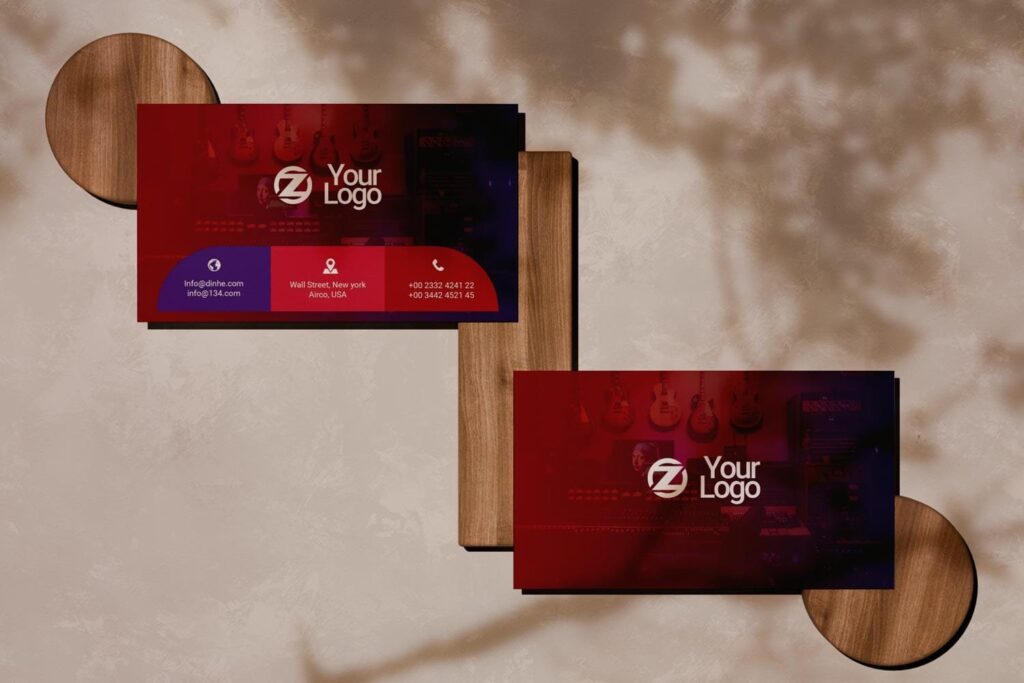
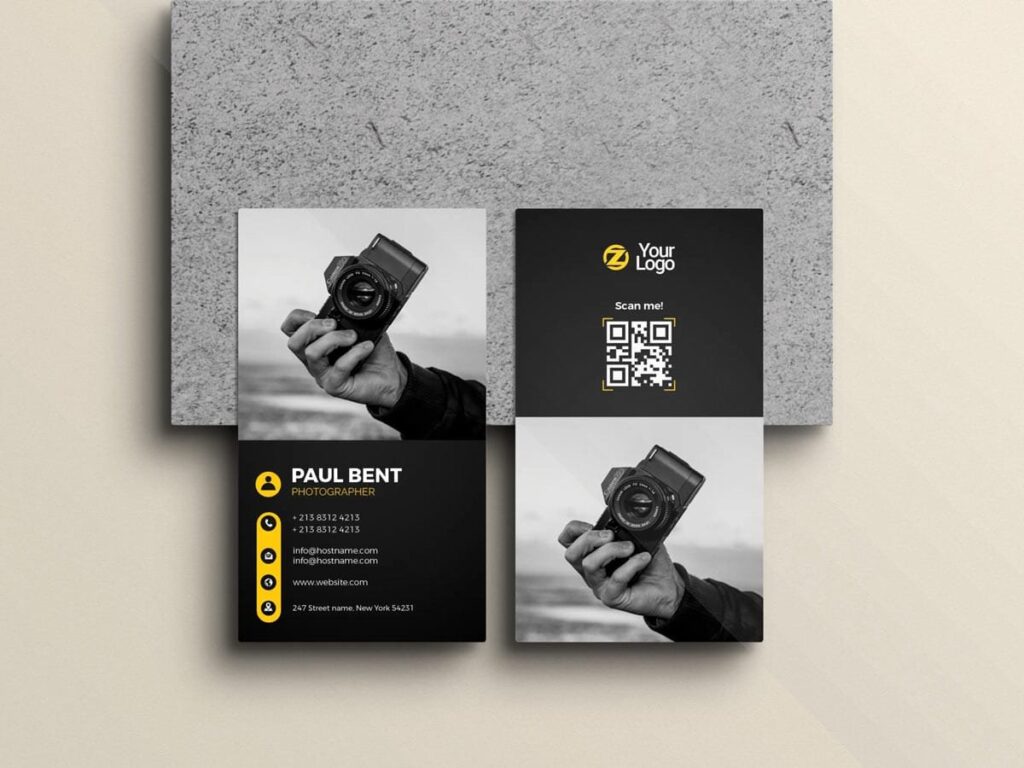
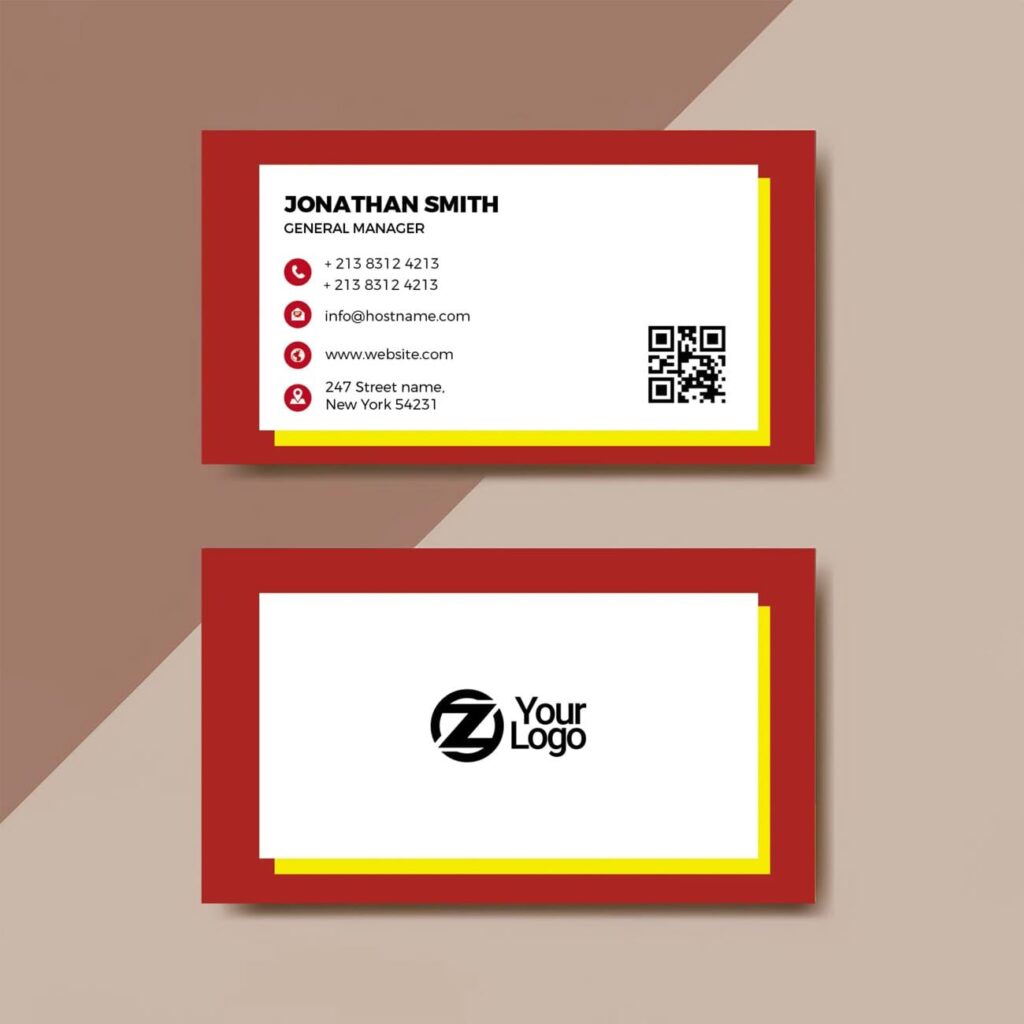
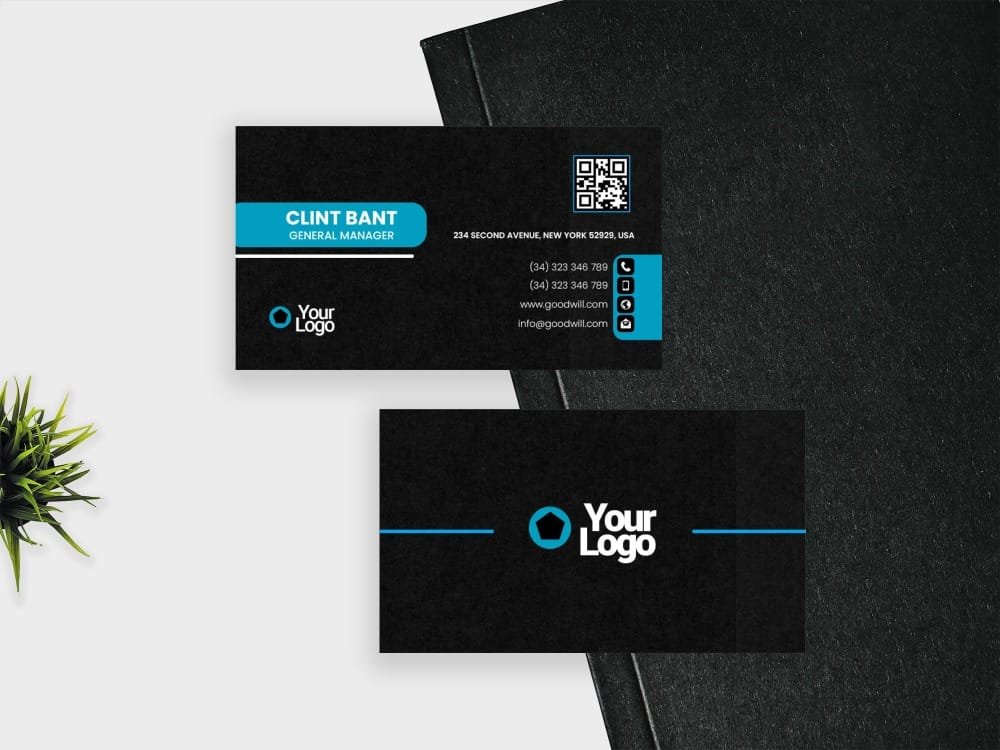
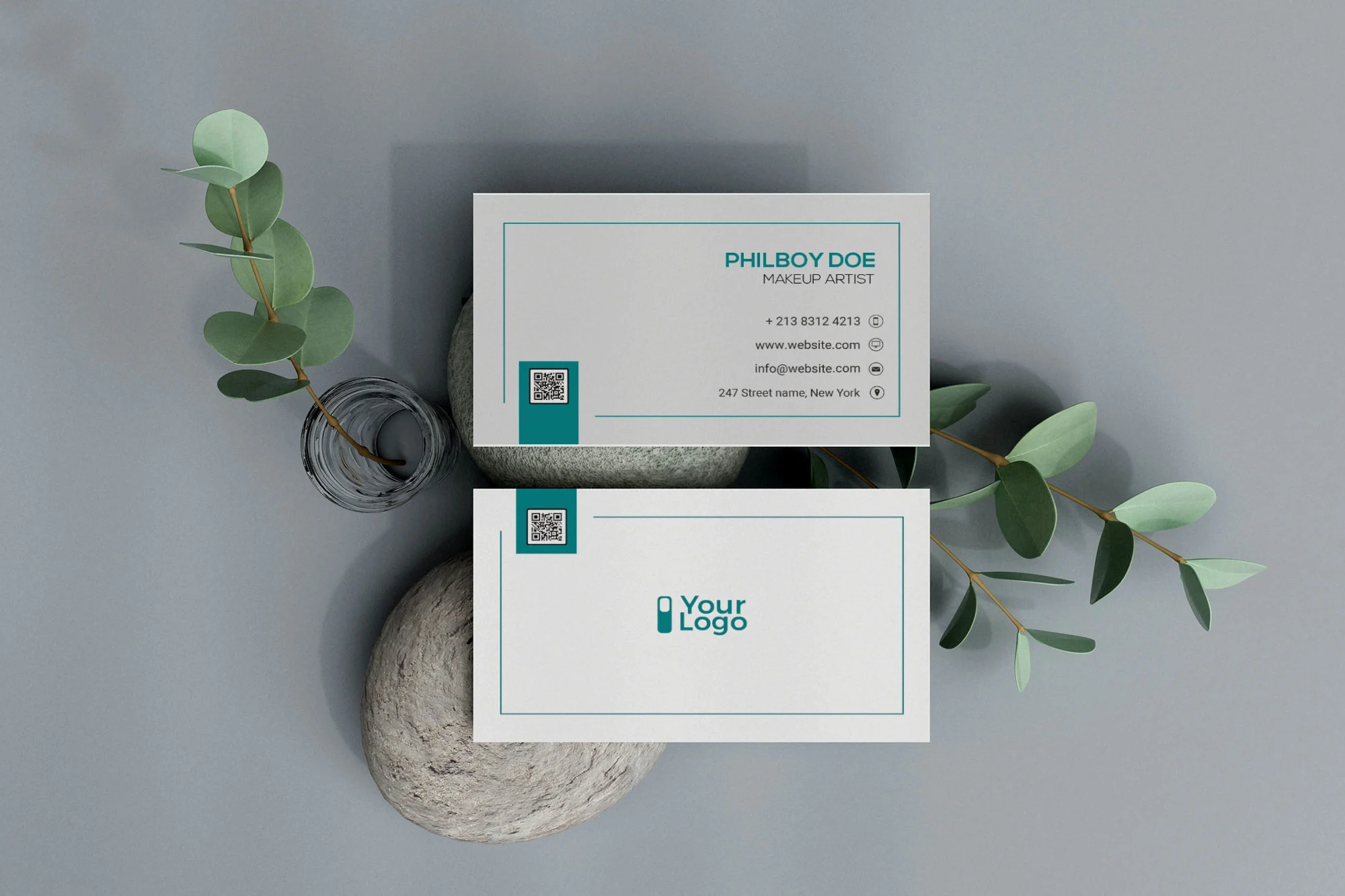
When several people need business cards, the design should be easy to update without changing the whole layout every time. This Free Minimalistic Visiting Card Template PSD gives you a simple structure that can be reused for one person, a client, or an entire team.
The layout keeps the name, job title, and contact information organised without relying on decorative graphics. This makes it easier to replace details while keeping every version visually consistent.
The PSD is prepared in CMYK colour mode and includes a bleed area, giving you a practical starting point for professional print preparation.
One Layout, Multiple Versions
A minimal template is especially useful when the same card design needs to work for different people.
You can create one version for a founder, another for a manager, and more for other team members without redesigning the card from scratch. Change the name, role, phone number, and email address while keeping the logo, colours, and overall layout consistent.
Freelance designers can use the same approach when preparing card sets for clients. Once the main design is approved, individual versions can be created much faster.
Key Features
- Fully editable PSD template
- Minimal and balanced layout
- CMYK colour mode
- Bleed area included
- Standard business card format
- Editable text and fonts
- Customisable colours
- Organised Photoshop layers
- Easy to adapt for multiple people
- Free for personal and commercial use
Best For
This template works well for:
- Company teams
- Startups
- Agencies
- Freelancers
- Consultants
- Small businesses
- Corporate professionals
- Client identity projects
- Staff business card sets
- Personal branding
Designer Tip
If you’re creating cards for several people, decide the text rules before making every version.
Keep names, job titles, phone numbers, and email addresses in consistent positions. If one person has a much longer name or title, adjust carefully rather than shrinking the text so much that it becomes difficult to read.
It’s also useful to create one master PSD before duplicating the file for each person. This reduces the chance of different versions ending up with slightly different fonts, colours, or spacing.
Check the Longest Details First
Before finalising the layout, test it with the longest name, email address, and job title in the group.
A card may look perfectly balanced with short sample text but become crowded when real information is added. Testing the most difficult version first can save time later.
If the longest details fit comfortably, the shorter versions will usually be much easier to prepare.
Before You Print
The template is prepared in CMYK colour mode and includes a bleed area. Extend any background colour or graphic that reaches the card edge fully into the bleed.
Keep names, logos, and contact details inside the safe area to protect them from small variations during trimming.
If you’re printing cards for several people, review every version separately. A correct master file doesn’t guarantee that every phone number, email address, or job title was entered correctly.
Always confirm the final card size, bleed requirements, and preferred export format with your chosen printer.
Technical Details
- File Format: PSD
- Colour Mode: CMYK
- Bleed Area: Included
- Design Style: Minimalistic
- Card Format: Standard business card layout
- Editable Elements: Names, titles, contact details, fonts, and colours
- Software Required: Adobe Photoshop
- Layer Structure: Organised and editable
- License: Free for personal and commercial use
Whether you’re creating one visiting card or preparing a full set for a team, this minimal PSD template gives you a consistent base to work from. Add the real details, test the longest information first, and prepare each version carefully before sending the final files to print.