
Description
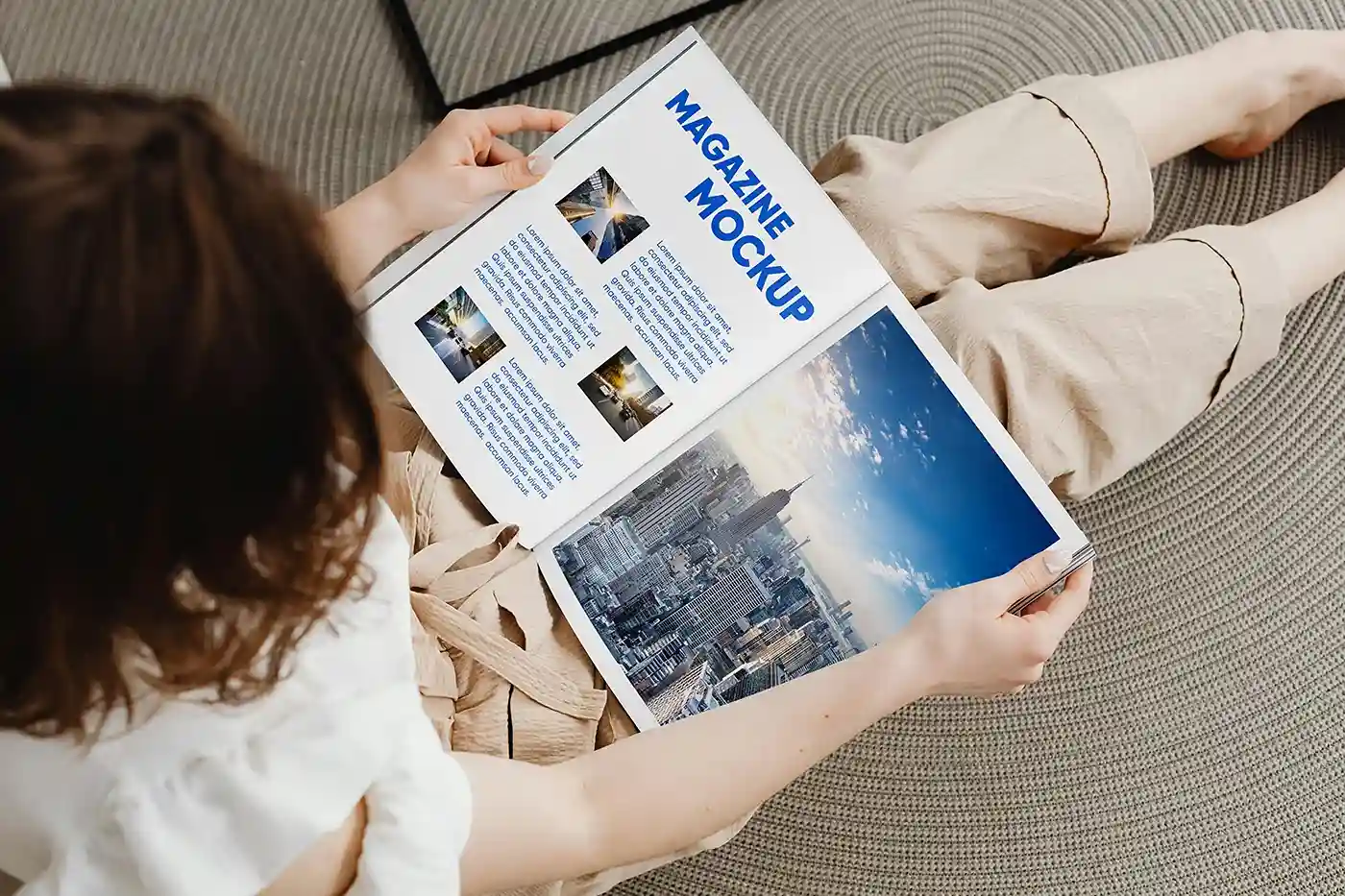
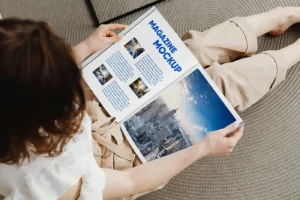
A magazine looks very different in someone’s hands than it does on a flat screen. You get a better sense of its size, proportions, and how the cover catches attention in a real setting. This Free Magazine in a Woman’s Hands Mockup PSD gives you that natural context without arranging a photoshoot of your own.
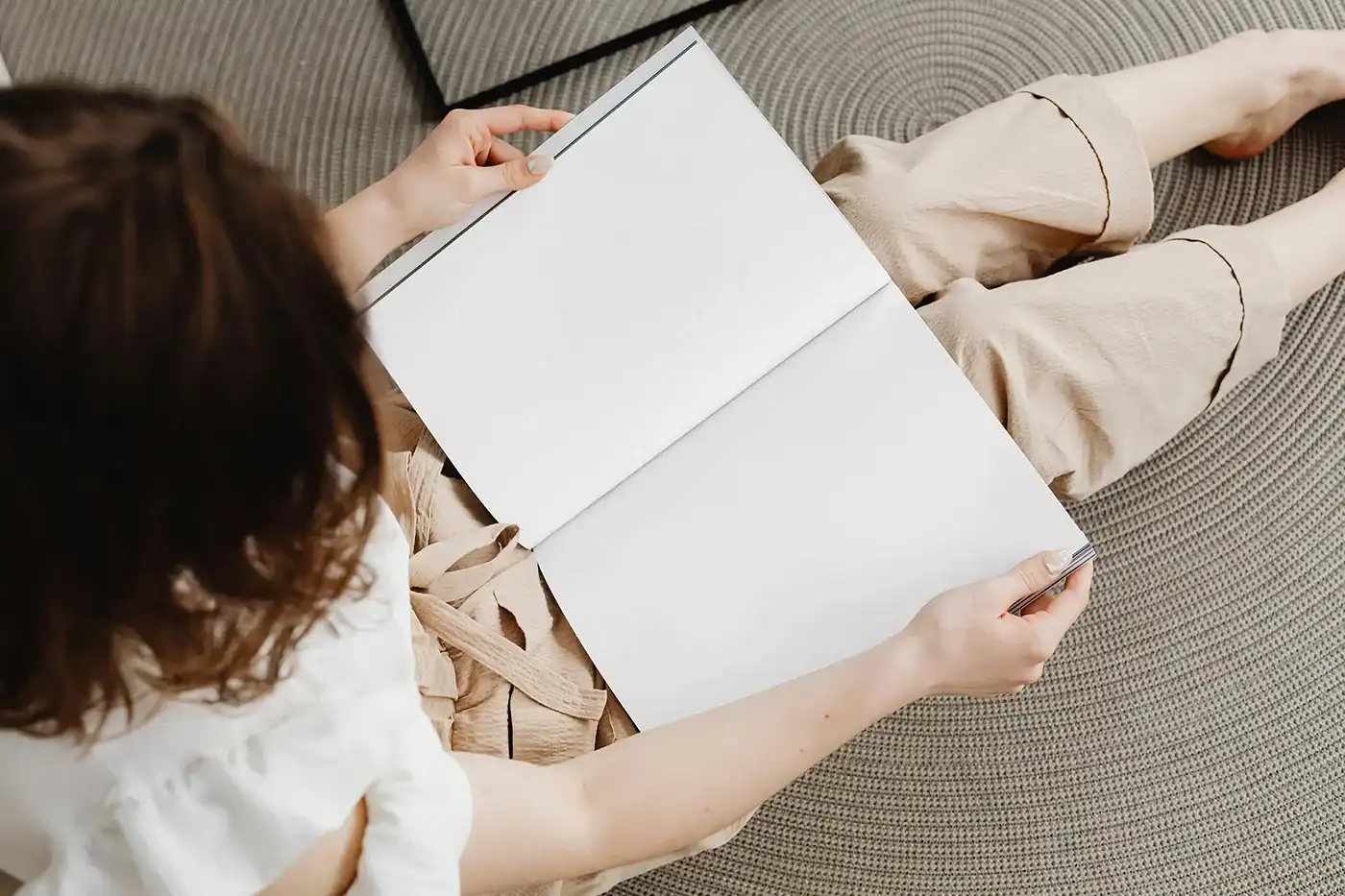
The scene features a woman holding the magazine in a relaxed pose, keeping the publication as the main focus. Natural lighting and soft shadows make the final result feel more like lifestyle photography than a typical studio mockup.
It’s a useful choice for magazine covers, brand guidelines, editorial projects, brochures, lookbooks, and other print designs that need a more personal and relatable presentation.
A More Natural Way to Show Print Design
Flat mockups are great for showing every detail, but sometimes you want viewers to imagine the design being used by a real person. That’s where this scene works best.
The hands also give the magazine a clear sense of scale, which can be useful when presenting a new publication or brandbook to a client. Instead of looking like a simple cover image, your design starts to feel like a finished printed piece.
Adding your artwork is quick. Replace the design inside the Smart Object and the PSD fits it naturally onto the magazine while keeping the original perspective, lighting, and shadows.
Key Features
- High-resolution PSD file
- Realistic woman holding a magazine
- Editable artwork using Smart Objects
- Natural lighting and soft shadows
- Adjustable shadow intensity and light effects
- Customisable background colours
- Isolated shadows for flexible editing
- Fully layered and organised Photoshop file
- Free for personal and commercial use
Best For
This mockup works well for:
- Magazine cover designs
- Brandbooks and brand guidelines
- Editorial projects
- Fashion and lifestyle publications
- Company profiles
- Brochures and catalogues
- Lookbooks
- Portfolio case studies
- Client presentations
- Social media previews
Designer Tip
Since the magazine is being held, the cover should still be easy to understand at a glance. Keep the main title clear and avoid placing important text too close to the edges, where perspective or the hands may draw attention away from it.
For editorial covers, try to create one obvious focal point. This could be a strong photograph, a bold headline, or a clean piece of typography. When everything on the cover competes for attention, the design can become harder to read once it’s placed in a real-life scene.
If you’re building a portfolio case study, pair this lifestyle mockup with a flat or open-magazine view. The lifestyle image shows how the publication feels in use, while the flat view can show the finer details of your layout.
Technical Details
- File Format: PSD
- Editing Method: Smart Objects
- Presentation Style: Woman holding a magazine
- Editable Elements: Magazine artwork, background, lighting, and shadows
- Shadow: Isolated and adjustable
- Software Required: Adobe Photoshop
- Layer Structure: Fully layered and organised
- Resolution: High resolution
- License: Free for personal and commercial use
Whether you’re designing a magazine, brandbook, brochure, or editorial project, this mockup gives your work a more natural and relatable setting. Add your artwork, adjust the scene if needed, and create realistic visuals for portfolios, client presentations, websites, or social media.