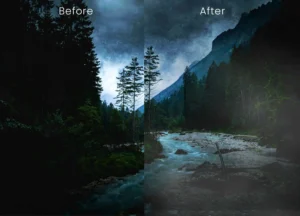
Description
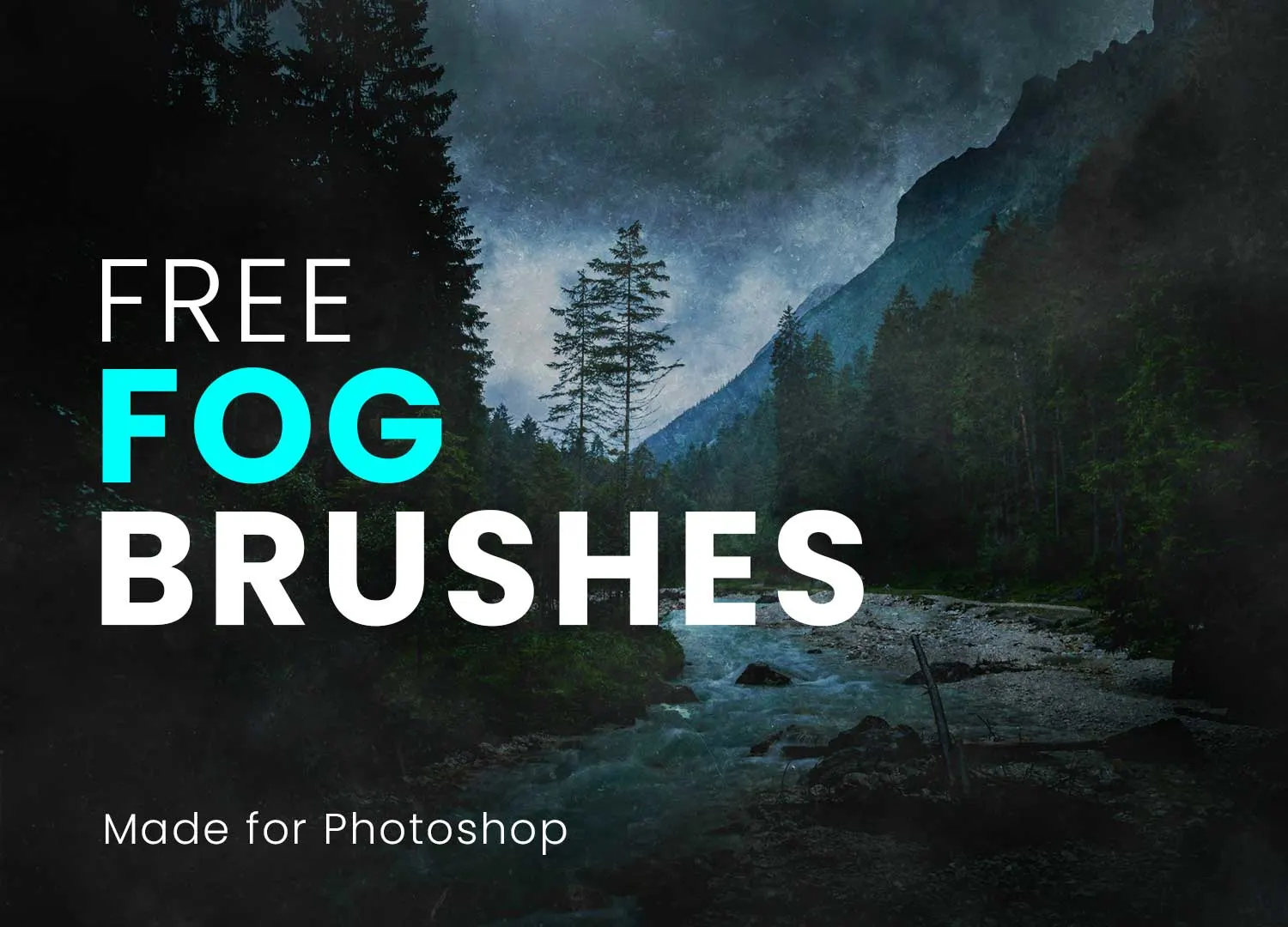
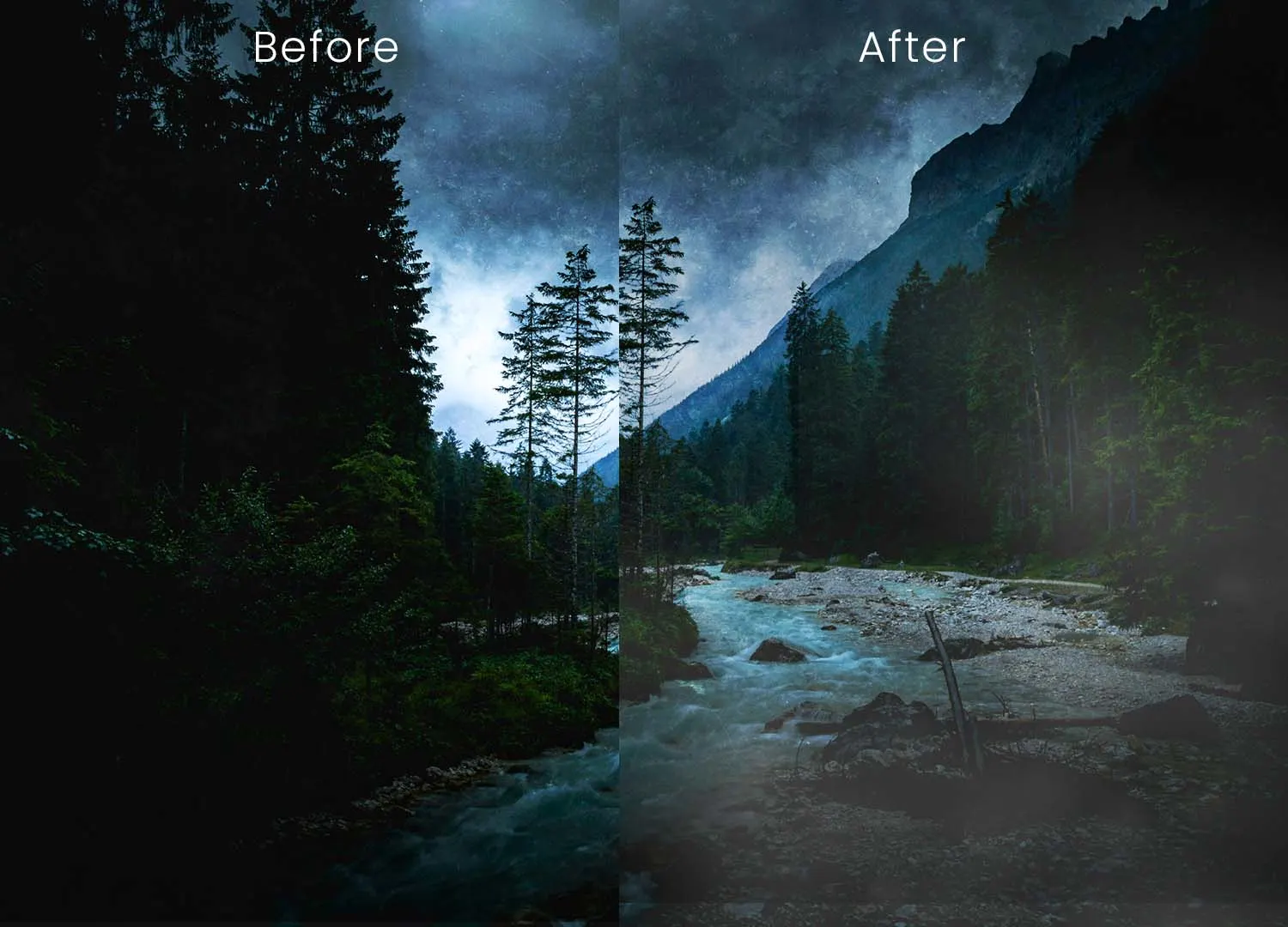
Add depth, atmosphere, and cinematic realism to your artwork with this Free 60 Fog Brushes for Photoshop. This collection of high-resolution ABR brushes makes it easy to create realistic fog, drifting mist, soft haze, and atmospheric smoke effects without relying on stock overlays or complicated masking techniques.
Whether you’re editing landscape photography, designing movie posters, creating fantasy artwork, or building dark cinematic scenes, these brushes help you paint natural-looking atmospheric effects in just a few strokes.
Create Realistic Fog and Mist with Ease
Atmospheric effects can completely change the mood of an image.
A subtle layer of morning mist adds depth to a landscape, while dense fog creates mystery and drama. This brush pack includes 60 carefully designed fog brushes that allow you to build everything from light atmospheric haze to thick rolling fog with complete creative control.
Many of the brushes also work perfectly as mist brushes, giving you even more flexibility when creating dreamy environments or soft background effects.
What’s Included
- 60 high-resolution fog brushes
- Realistic mist and haze effects
- Adobe Photoshop ABR format
- Soft and dense fog variations
- Pressure-sensitive brush support
- Free for personal and commercial use
Perfect For
These brushes are ideal for:
- Landscape photo editing
- Fantasy artwork
- Concept art
- Movie posters
- Horror designs
- Matte painting
- Digital painting
- Photo manipulation
- Game environment design
- YouTube thumbnails
Easy Installation
Getting started is quick:
- Download the ABR file.
- Open Adobe Photoshop.
- Import the brush pack through the Brushes panel.
- Select your preferred fog brush.
- Paint on a separate layer for maximum flexibility.
Working on individual layers allows you to adjust opacity, erase unwanted areas, and experiment with blending modes without affecting the original image.
Designer Tip
Natural fog is rarely uniform.
Instead of painting one large fog layer, build the atmosphere gradually by combining multiple brushes with different sizes and opacity levels.
For more realistic results:
- Layer several fog brushes
- Use lower opacity
- Add depth with foreground and background mist
- Apply slight Gaussian Blur where needed
- Blend using Soft Light or Screen modes
Small variations in density help the fog feel much more natural.
Fully Customisable
Every brush can be adjusted to suit your project.
Control:
- Brush size
- Opacity
- Flow
- Brush rotation
- Layer blending modes
- Colour tint
This flexibility makes the brushes suitable for bright daylight scenes, dramatic sunsets, moody forests, or dark cinematic compositions.
Better Than Static Overlays
Unlike PNG overlays, Photoshop brushes allow you to create atmospheric effects exactly where you need them.
Benefits include:
- Paint only selected areas
- Adjust intensity at any time
- Blend naturally with lighting
- Erase unwanted sections easily
- Create unique effects for every project
This gives you much greater creative freedom while keeping your workflow clean and efficient.
Great for Photography and Digital Art
Use these brushes to enhance:
- Forest photography
- Mountain landscapes
- Fantasy environments
- Horror scenes
- Night photography
- Character illustrations
- Book covers
- Movie posters
- Album artwork
Whether you’re creating subtle morning mist or dense cinematic fog, the brush pack adapts easily to different artistic styles.
Compatible Software
This collection is supplied in Adobe Brush (ABR) format.
Compatible with:
- Adobe Photoshop CS6
- Adobe Photoshop CC
- Newer Photoshop versions
- Graphic tablets and stylus devices
- Other software supporting imported ABR brushes (where compatible)
Technical Details
- File Format: ABR
- Number of Brushes: 60
- Brush Type: Fog, mist, and atmospheric brushes
- Software: Adobe Photoshop CS6 and above
- Features: Pressure-sensitive, high-resolution brushes
- Best For: Photo editing, digital painting, concept art, fantasy scenes, posters, and composites
- License: Free for personal and commercial use
Whether you’re creating a misty forest, a dramatic movie poster, or a fantasy landscape filled with atmosphere, these free Photoshop Fog Brushes give you a fast, flexible, and realistic way to add depth and emotion to every project.