Description
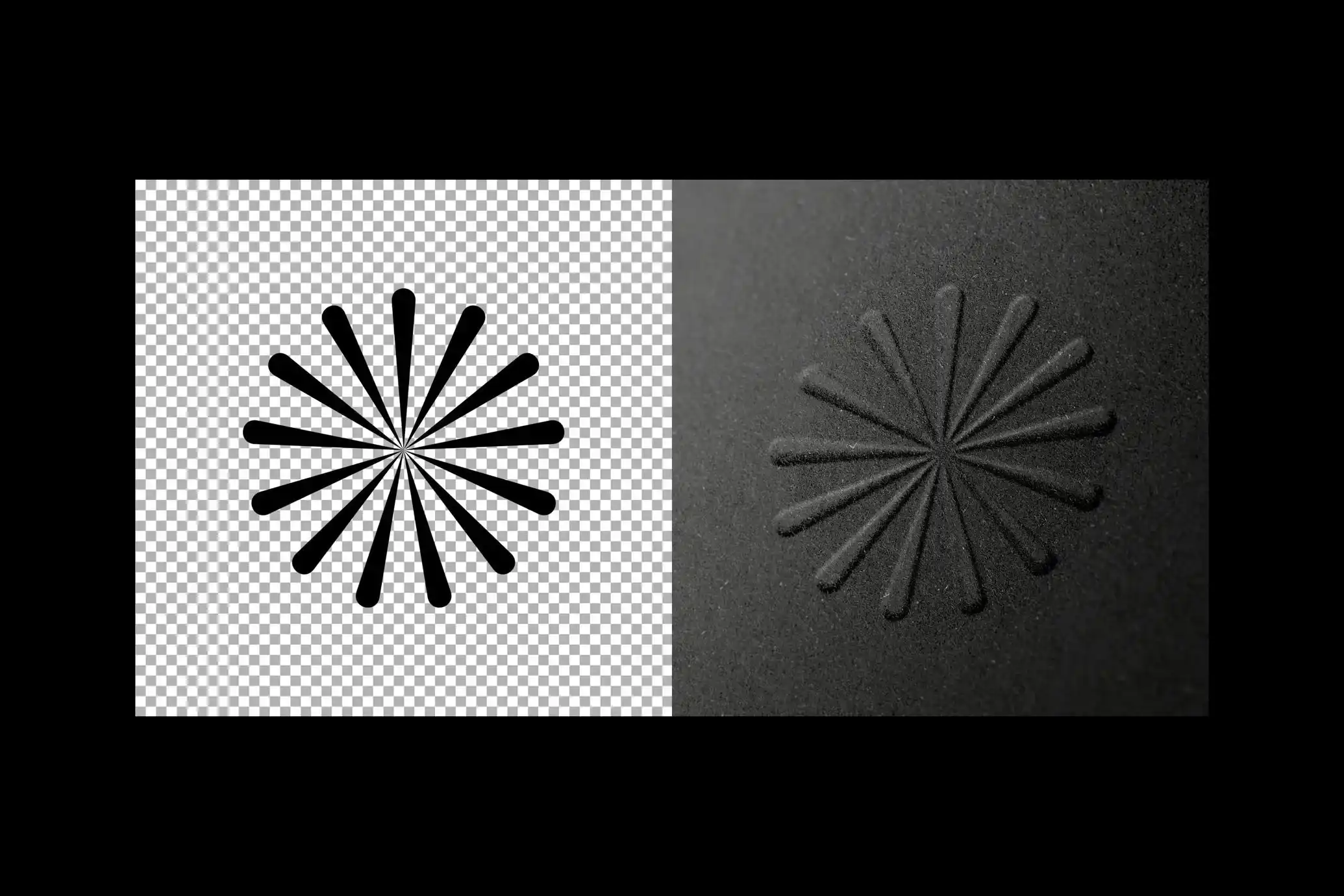
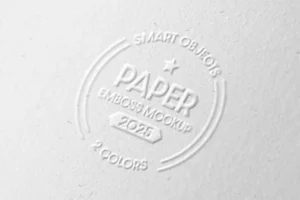
Some logos don’t need colour to make an impression. Shape, spacing, and texture can do the job on their own. This Free Embossed Paper Logo Mockup PSD turns your flat artwork into a realistic raised impression on textured paper, giving you a simple way to see how your logo could look as a physical print finish.
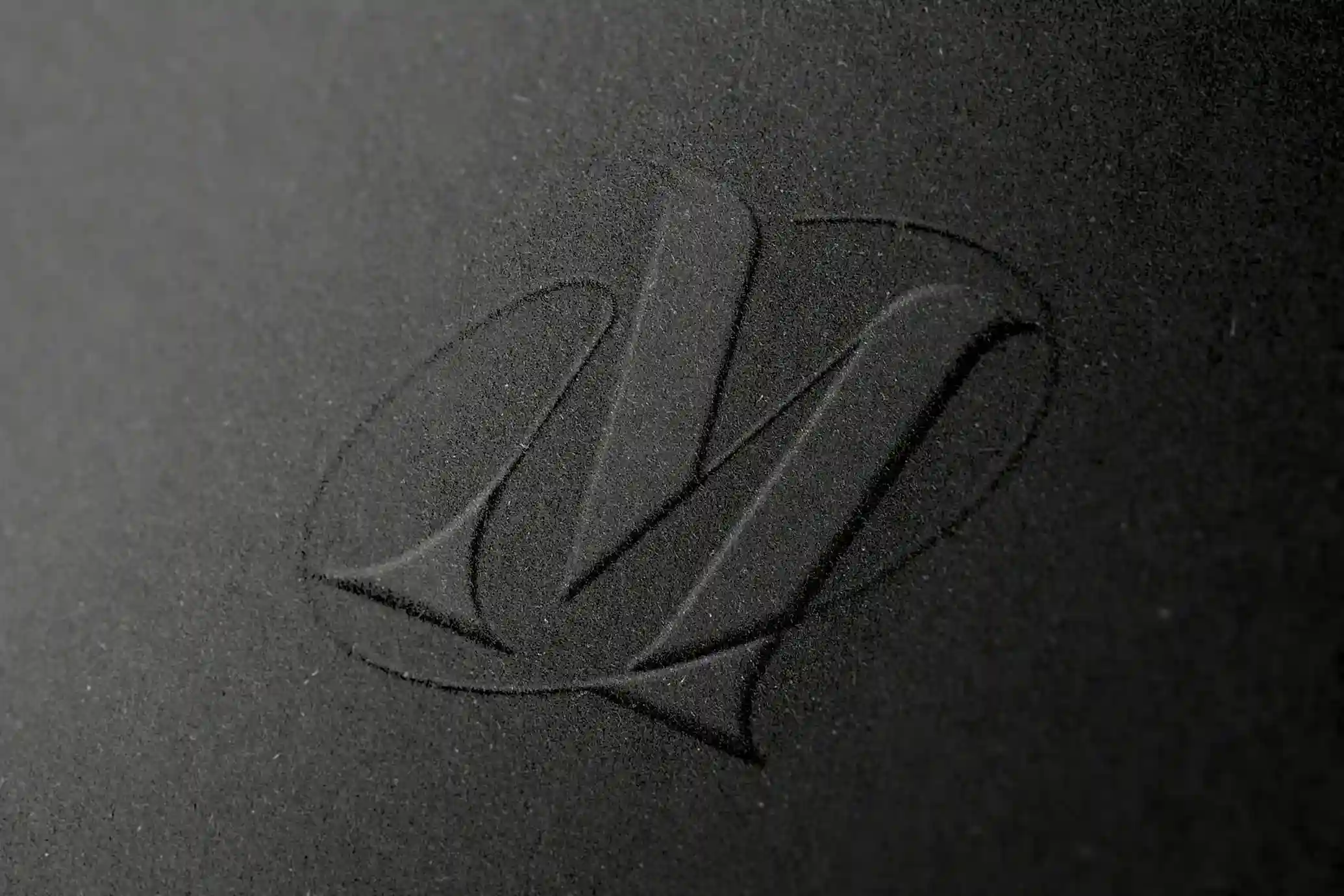
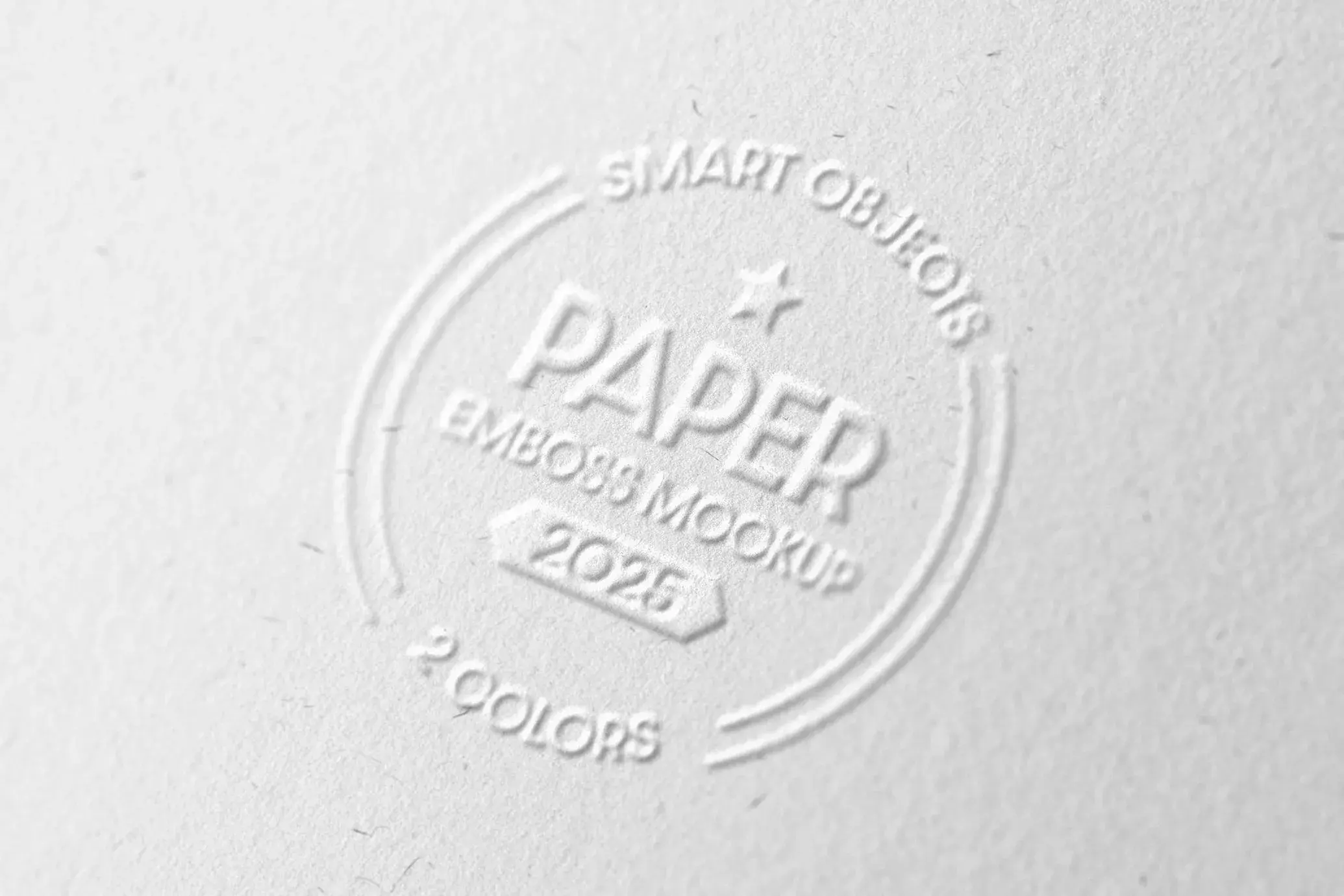
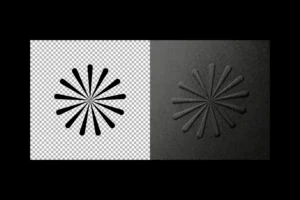
The mockup includes two paper options: deep charcoal and bright white. Each creates a different mood. The white paper gives logos a clean and understated look, while the charcoal version creates a darker, more dramatic presentation. Try both to see which one fits your brand best.
Fine paper grain, soft shadows, and the raised emboss effect add depth without making the scene feel overdone. This makes the mockup a good fit for monograms, wordmarks, emblems, and other identity designs where the details of the logo deserve the attention.
See Your Logo Beyond the Screen
A logo can look great on a digital artboard but feel very different once it’s applied to paper. Embossing removes the distraction of colour and puts more focus on the actual structure of the design.
That’s why this style works especially well for luxury brands, creative studios, hospitality businesses, fashion labels, and premium stationery. It can also help during client presentations, where showing a realistic application makes the identity easier to imagine in use.
Adding your artwork is simple. Replace the design inside the Smart Object and the PSD applies the embossing, paper texture, lighting, and shadows to your logo.
Key Features
- High-resolution PSD (4000 × 3000 px)
- Two paper colours: charcoal and white
- Realistic raised emboss effect
- Detailed paper grain and fibre texture
- Editable artwork using Smart Objects
- Adjustable lighting, shadows, and colour tones
- Fully layered and organised Photoshop file
- 71 MB file size
- Compatible with Adobe Photoshop CS4 and above
- Free for personal and commercial use
Best For
This mockup works well for:
- Luxury brand identities
- Minimal logo designs
- Monograms and emblems
- Corporate branding
- Premium stationery
- Fashion and beauty brands
- Hotel and restaurant identities
- Client presentations
- Behance and Dribbble case studies
Designer Tip
Embossing usually works best with clean artwork. Logos with strong shapes, balanced spacing, and clear lettering tend to create a better impression than designs filled with tiny details.
Pay extra attention to very thin lines. They may look perfect on screen but can become less noticeable when shown as a raised paper effect. If your logo uses delicate elements, test a slightly heavier version to see which one looks more believable.
Also, don’t assume the same logo will feel identical on both paper colours. The white version is great for subtle, minimal branding, while the charcoal paper can make bold symbols and monograms feel more dramatic.
Technical Details
- File Format: PSD
- Resolution: 4000 × 3000 px
- File Size: 71 MB
- Editing Method: Smart Objects
- Paper Options: Charcoal and white
- Effect: Raised paper emboss
- Editable Elements: Logo, lighting, shadows, and colour tones
- Software Required: Adobe Photoshop CS4 or later
- License: Free for personal and commercial use
If you want to see how your logo performs without relying on colour or flashy effects, this embossed paper mockup is a useful test. Add your artwork, compare it on both paper options, and create realistic branding visuals for portfolios, client presentations, or identity case studies.