Description
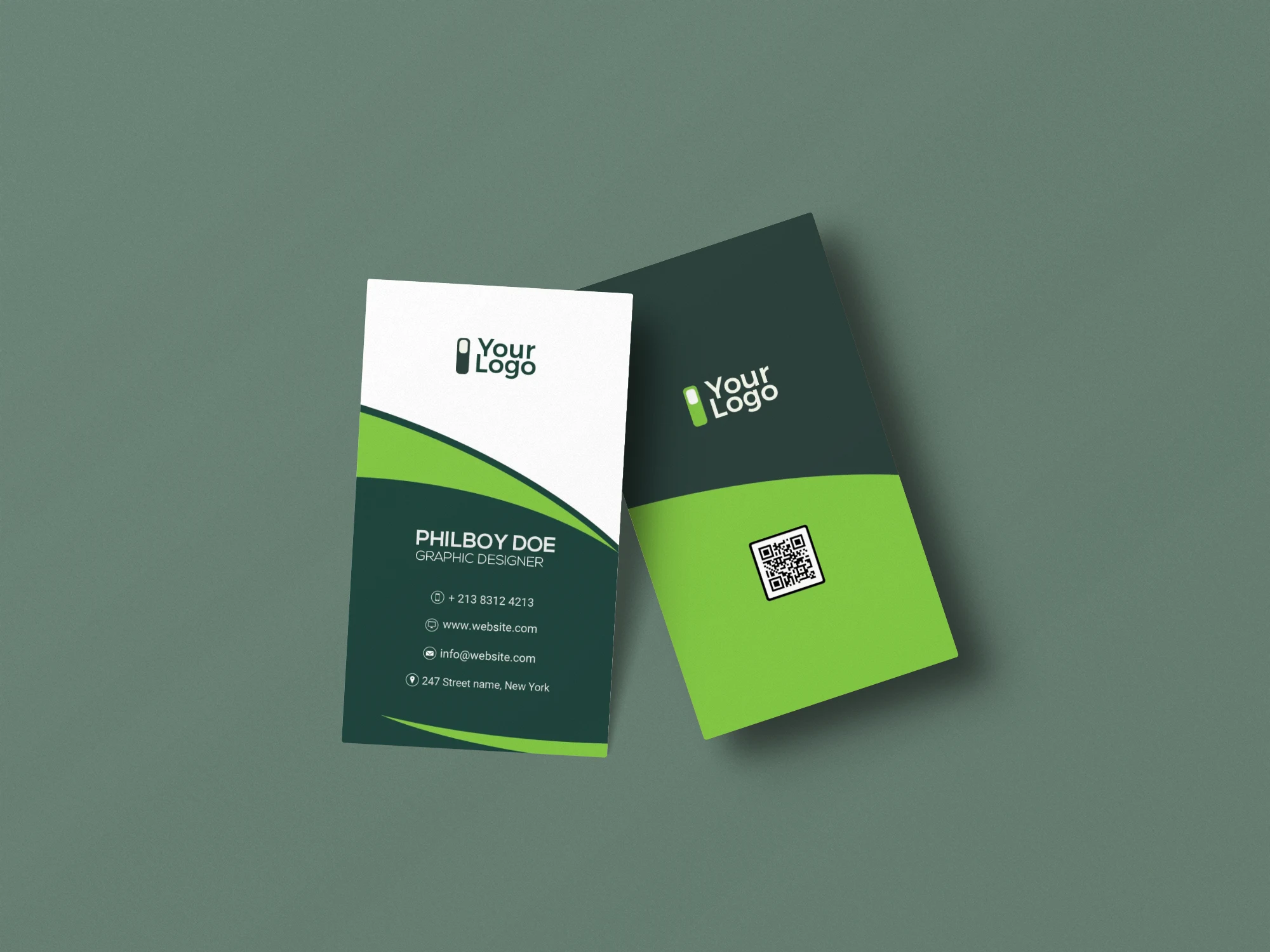
Green can make a business card feel fresh, calm, natural, or bold—it depends on how you use it. This Free Green Themed Business Card Template PSD gives you a ready-made colour direction while leaving room to adapt the design to your own brand.
The layout keeps the name and contact details easy to find, while the green palette adds more personality than a plain black-and-white card. You can keep the original colours or change them in Photoshop to match a specific brand identity.
The file is prepared in CMYK colour mode and includes a bleed area, making it a practical starting point for a card that will eventually be sent to print.
A Green Palette Without Limiting the Brand
Green is often associated with natural and sustainable businesses, but it can work in many other industries too.
A deeper green can feel established and premium. A brighter shade can create a more energetic look, while muted tones may suit wellness, lifestyle, or organic brands.
This template gives you a base to work from rather than locking you into one specific industry. Change the typography, adjust the colours, add your logo, and replace the sample information with your own details.
Key Features
- Fully editable PSD template
- Green-themed colour palette
- CMYK colour mode
- Bleed area included
- Editable text and fonts
- Customisable colours
- Space for logo and contact details
- Organised Photoshop layers
- Smart Object support
- Free for personal and commercial use
Best For
This template can work well for:
- Wellness brands
- Organic businesses
- Landscaping services
- Environmental projects
- Financial consultants
- Creative professionals
- Startups
- Technology companies
- Personal brands
- Small businesses
Designer Tip
If green is one of your main brand colours, avoid using the same shade everywhere on the card. A darker or lighter variation can create hierarchy without introducing unrelated colours.
For example, the main green can carry the strongest brand element, while a softer shade supports secondary information.
Also, check the contrast between the green background and your text. Some mid-tone greens can make small white or dark lettering harder to read than expected, especially after printing.
Before You Print
The included bleed area gives the design extra space beyond the final cut line. If a colour or graphic is meant to reach the edge of the card, extend it fully into this area.
Keep names, logos, and contact details safely away from the trim line. Small differences can happen during cutting, so important information should never sit directly against the edge.
The file uses CMYK colour mode, but it’s still worth checking your printer’s preferred export settings before placing an order.
Technical Details
- File Format: PSD
- Colour Mode: CMYK
- Design Style: Modern green theme
- Bleed Area: Included
- Editing: Smart Objects and editable layers
- Editable Elements: Text, fonts, colours, logo, and contact details
- Software Required: Adobe Photoshop
- Layer Structure: Organised and editable
- License: Free for personal and commercial use
If you want a business card with more colour than a typical minimal template, this green-themed design gives you a useful starting point. Add your branding, fine-tune the shades, check the bleed and safe areas, and prepare the final card for print.