Description
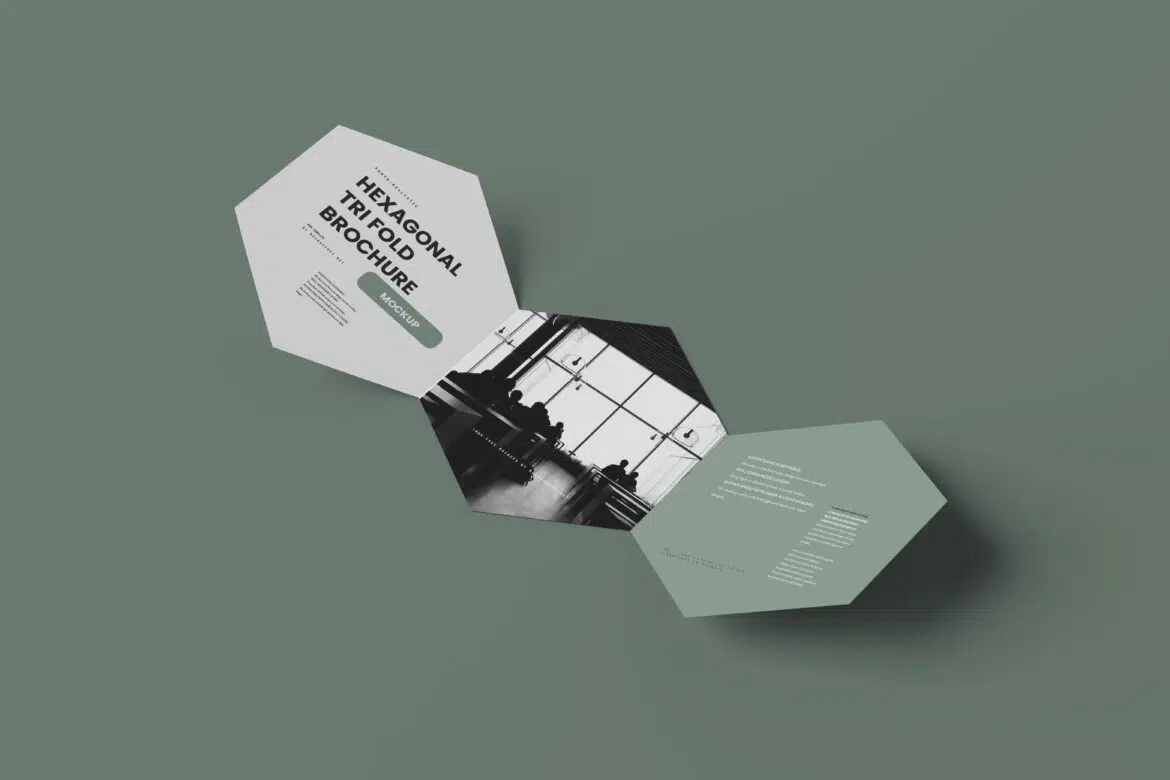
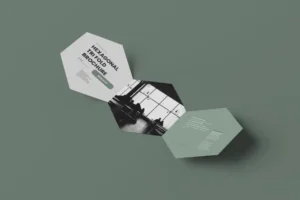
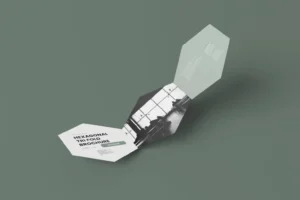
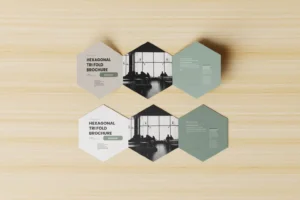
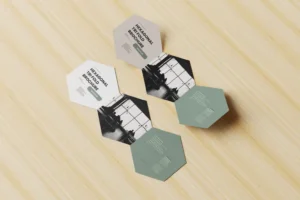
Most brochures follow the same rectangular fold, which is exactly why this one feels different. This Free Hexagonal Tri-Fold Brochure Mockup Set is made for designs that need a more creative shape and a presentation people are likely to remember.
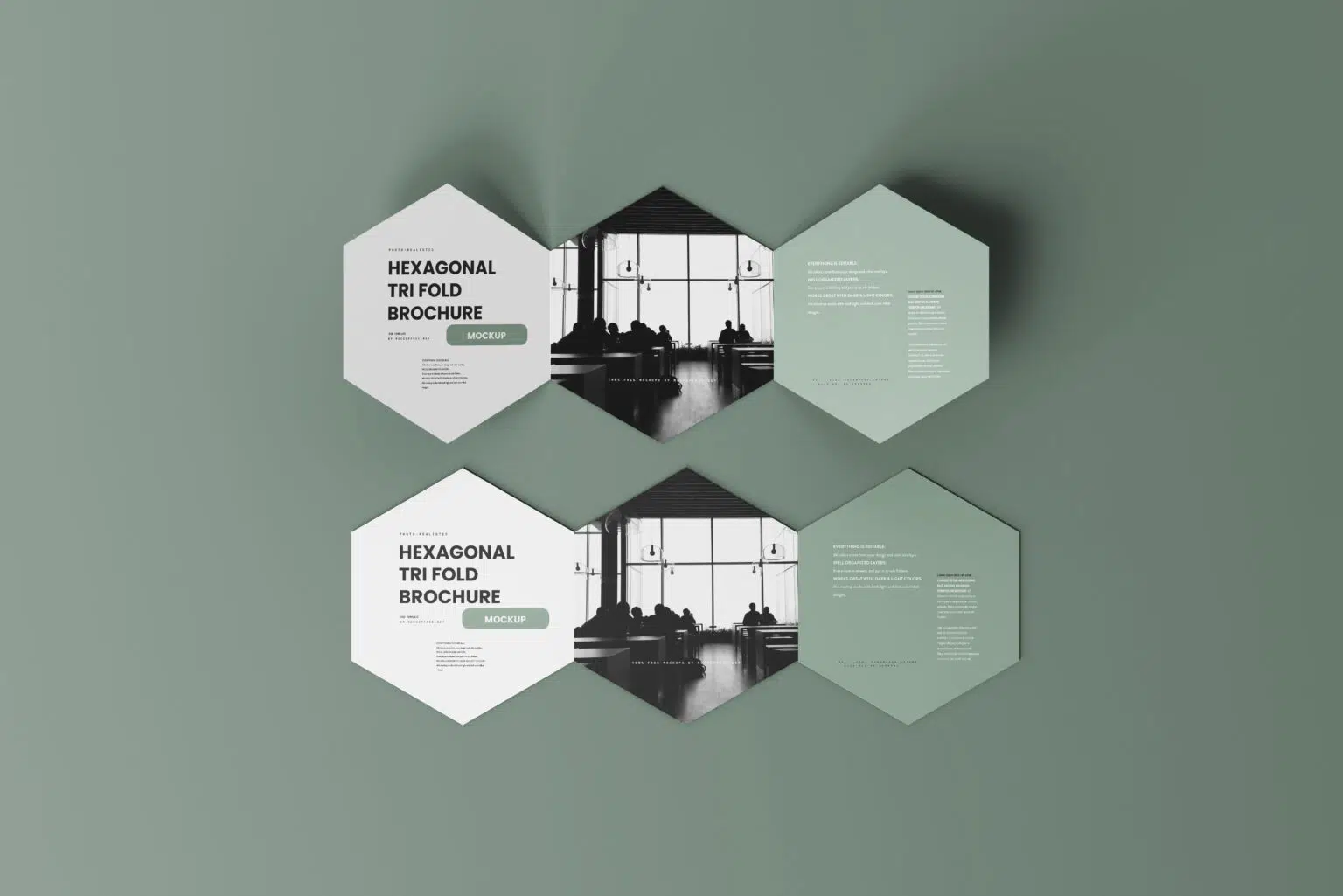
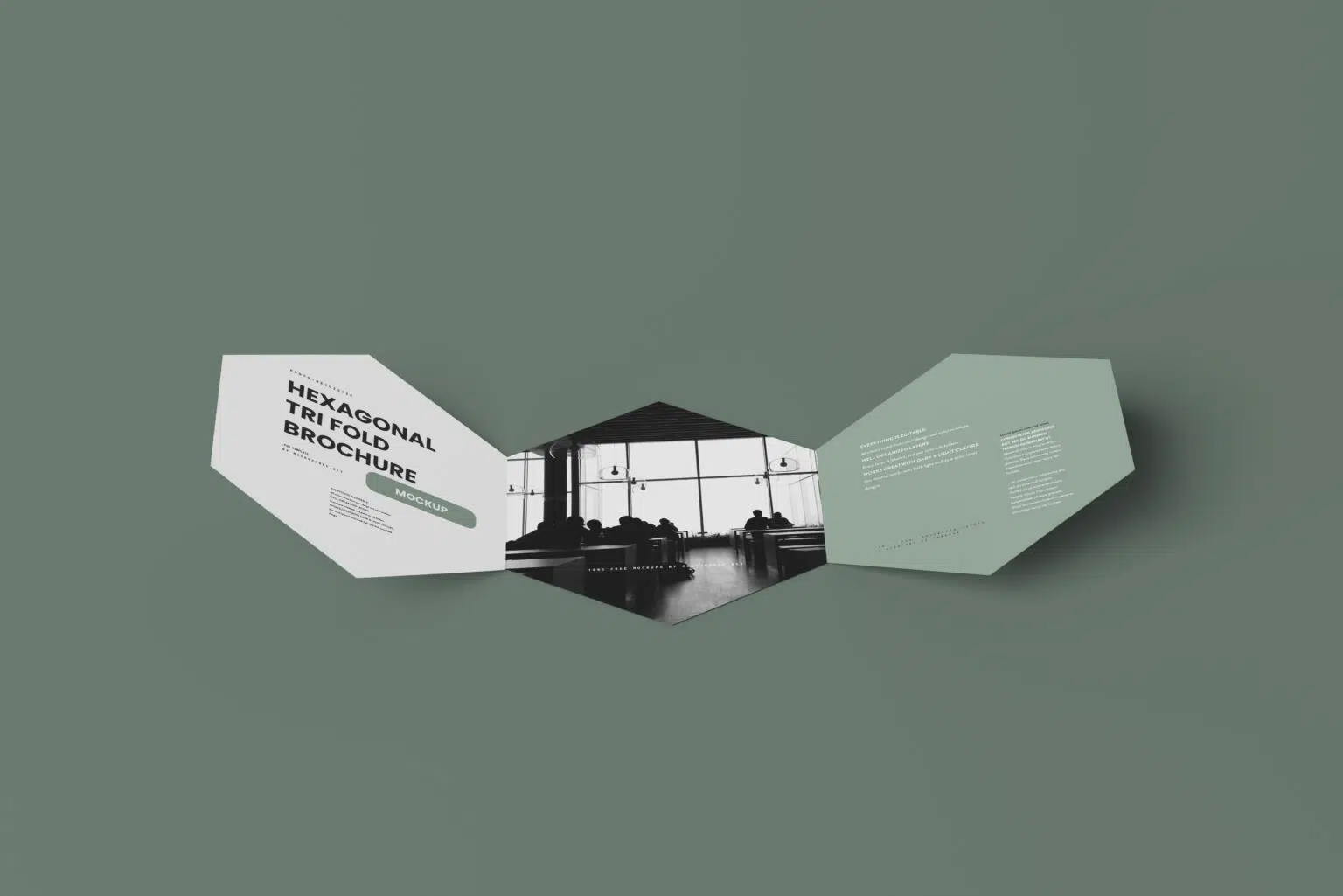
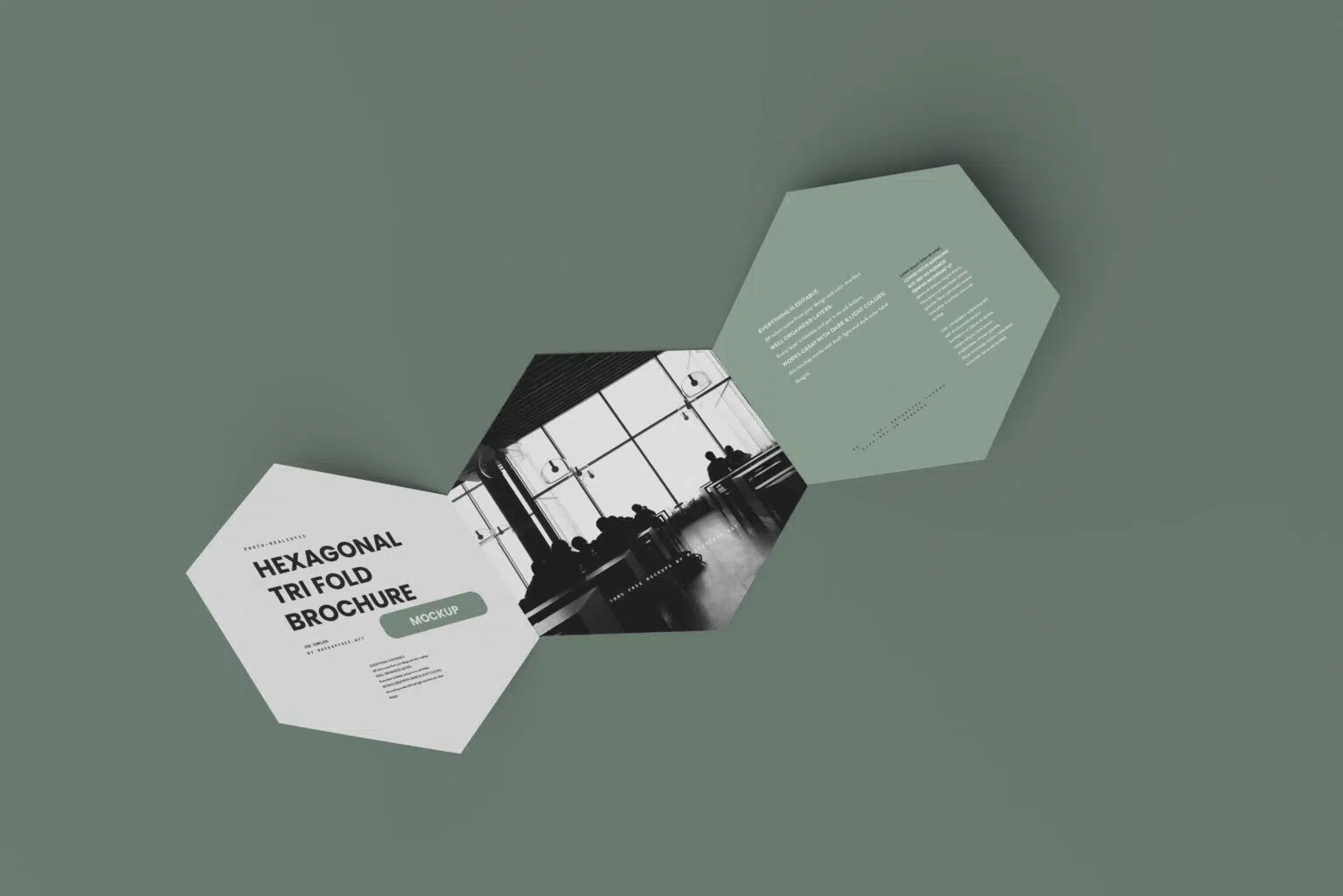
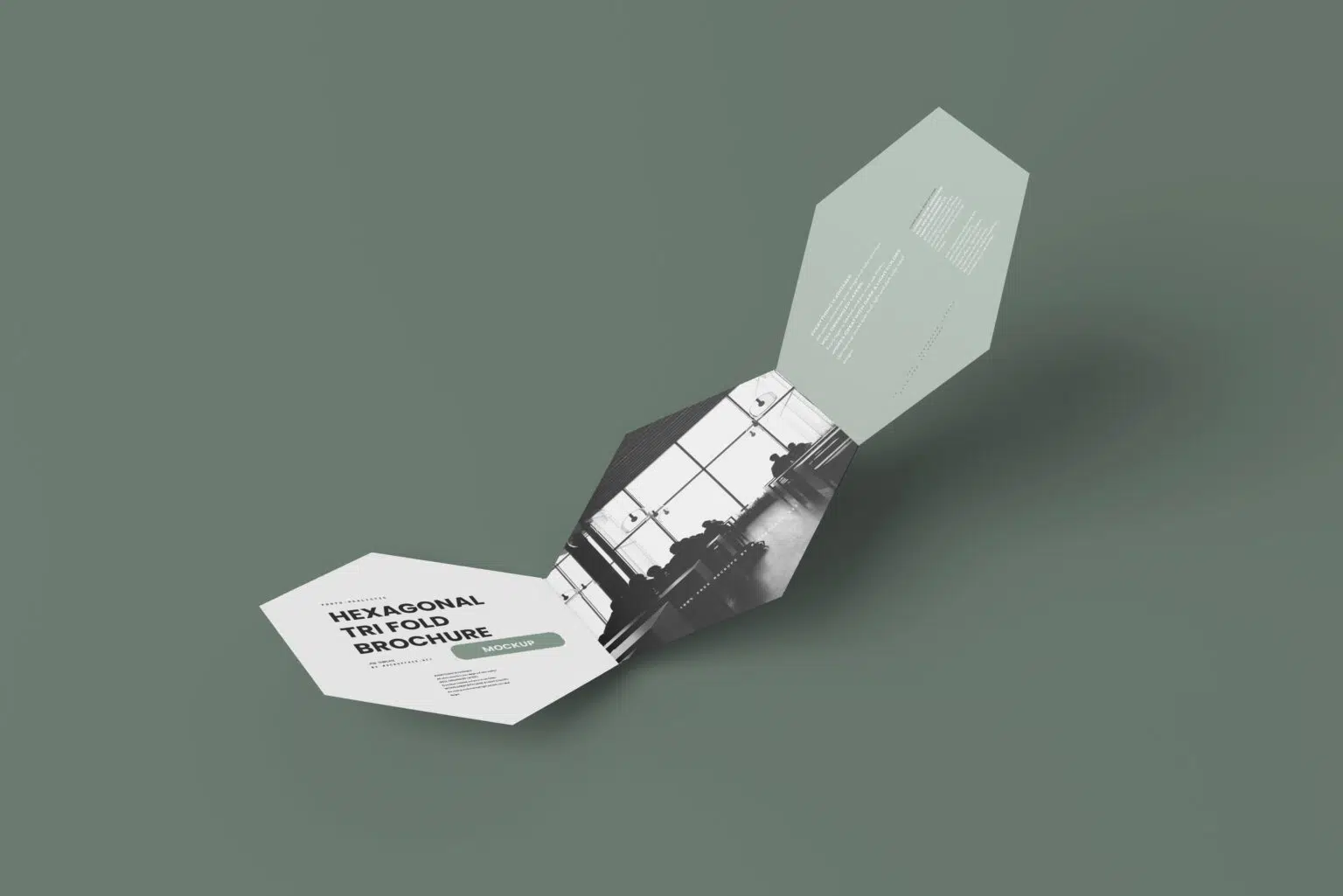
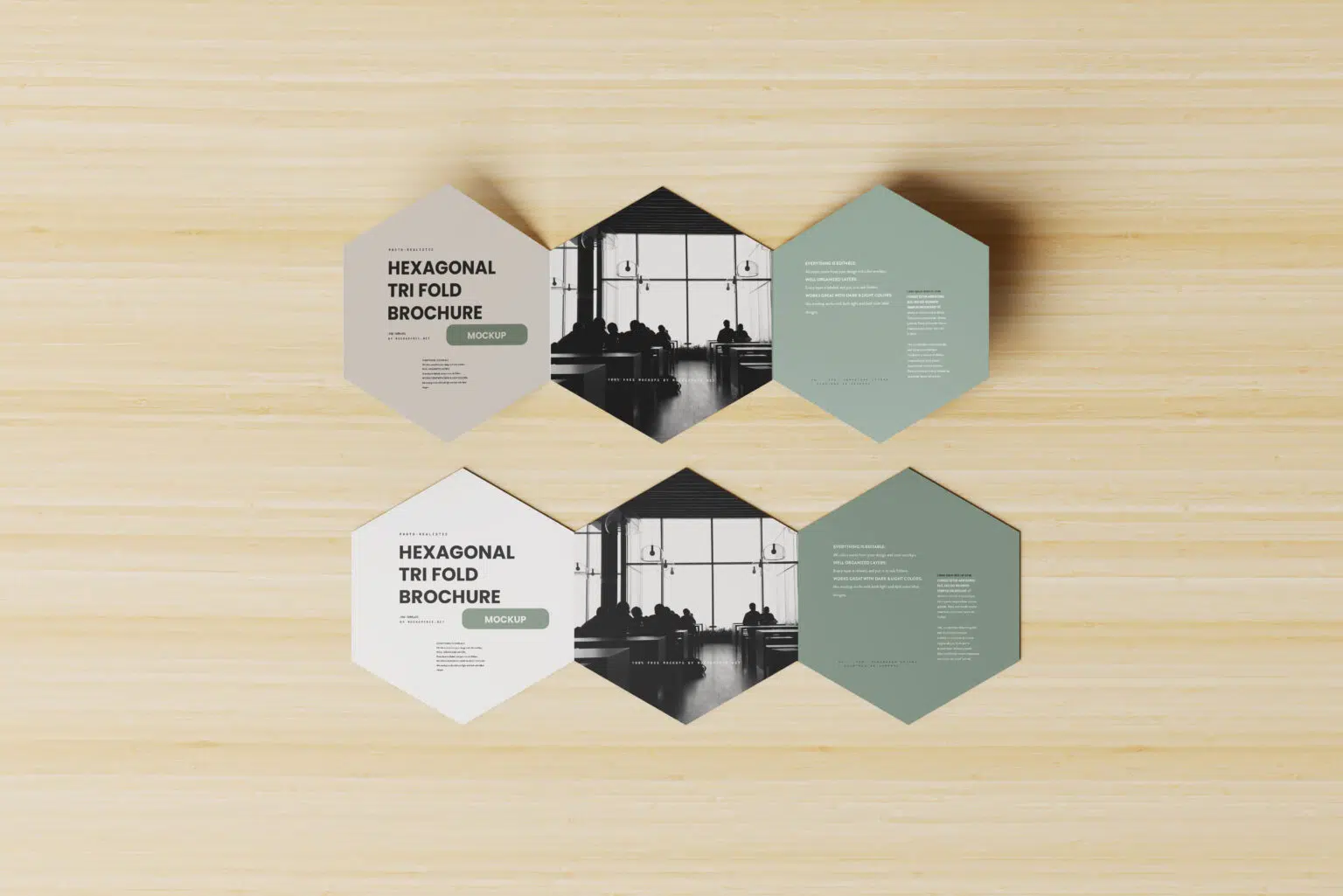
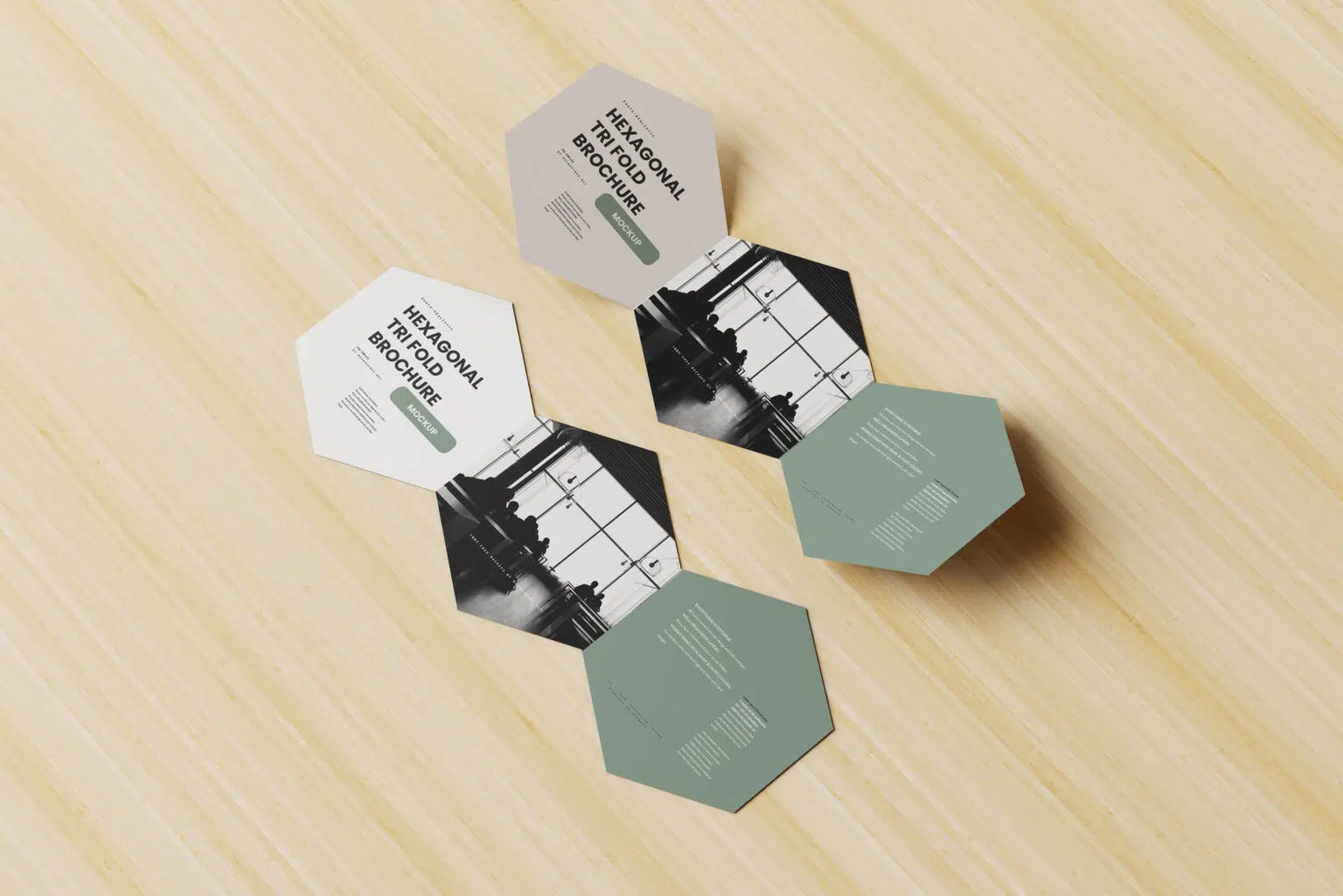
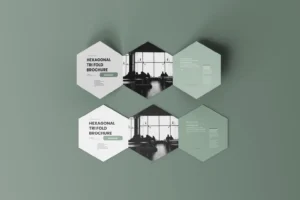
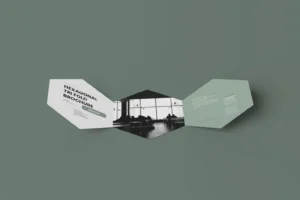
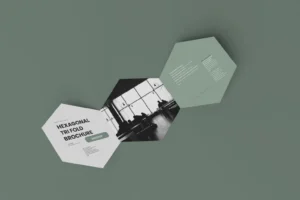
The pack includes 7 high-quality PSD mockups, each showing the brochure from a different angle. Some scenes give you a clear front view, while others focus on the folds, open panels, and overall shape. Together, they let you present the full design without using the same view again and again.
The unusual hexagonal fold works especially well for creative campaigns, event materials, premium menus, product launches, and brands that want to move away from standard brochure formats.
Seven Views for One Complete Presentation
A unique brochure shape deserves more than one preview.
With seven different scenes, you can show the cover first, reveal the inside panels in another image, and use the remaining angles to highlight how the brochure folds and stands. This is useful for client presentations because people can understand both the design and the physical format before anything is printed.
Each PSD uses Smart Objects, so adding your artwork is quick. The built-in lighting, shadows, and perspective help the design sit naturally on the brochure without requiring you to build a presentation from scratch.
Key Features
- 7 high-resolution PSD mockups
- Unique hexagonal tri-fold brochure format
- Multiple front, open, and perspective views
- Editable artwork using Smart Objects
- Isolated shadows for more control
- Customisable backgrounds
- Adjustable lighting and colour tones
- Fully layered and organised Photoshop files
- Free for personal and commercial use
Best For
This mockup set works well for:
- Creative brand presentations
- Product catalogues
- Event programmes
- Luxury service menus
- Launch campaigns
- Promotional handouts
- Agency projects
- Portfolio case studies
- Client presentations
- Experimental print design
Designer Tip
A hexagonal fold already has a strong visual personality, so the design doesn’t need to fight for attention. Try using the shape as part of the layout instead of treating each panel like a separate rectangle.
Lines, colour blocks, illustrations, or photographs can continue across folds to make the brochure feel like one connected piece. At the same time, keep important text away from fold lines and narrow edges, where it may become harder to read.
Since you have seven mockup scenes, give each image a purpose. Use one for the cover, another for the open layout, and others for close-ups or different stages of the fold. That creates a much stronger portfolio presentation than placing the same artwork in every scene.
Technical Details
- File Format: PSD
- Included Files: 7 mockup scenes
- Brochure Style: Hexagonal tri-fold
- Editing Method: Smart Objects
- Editable Elements: Brochure artwork, backgrounds, lighting, and colour tones
- Shadows: Isolated and adjustable
- Software Required: Adobe Photoshop
- Layer Structure: Fully layered and organised
- Resolution: High resolution
If a standard brochure feels too predictable for your project, this hexagonal tri-fold mockup set gives you a more interesting way to present it. Add your artwork, explore the seven different views, and build a complete set of visuals for client presentations, portfolios, or campaign previews.