Description
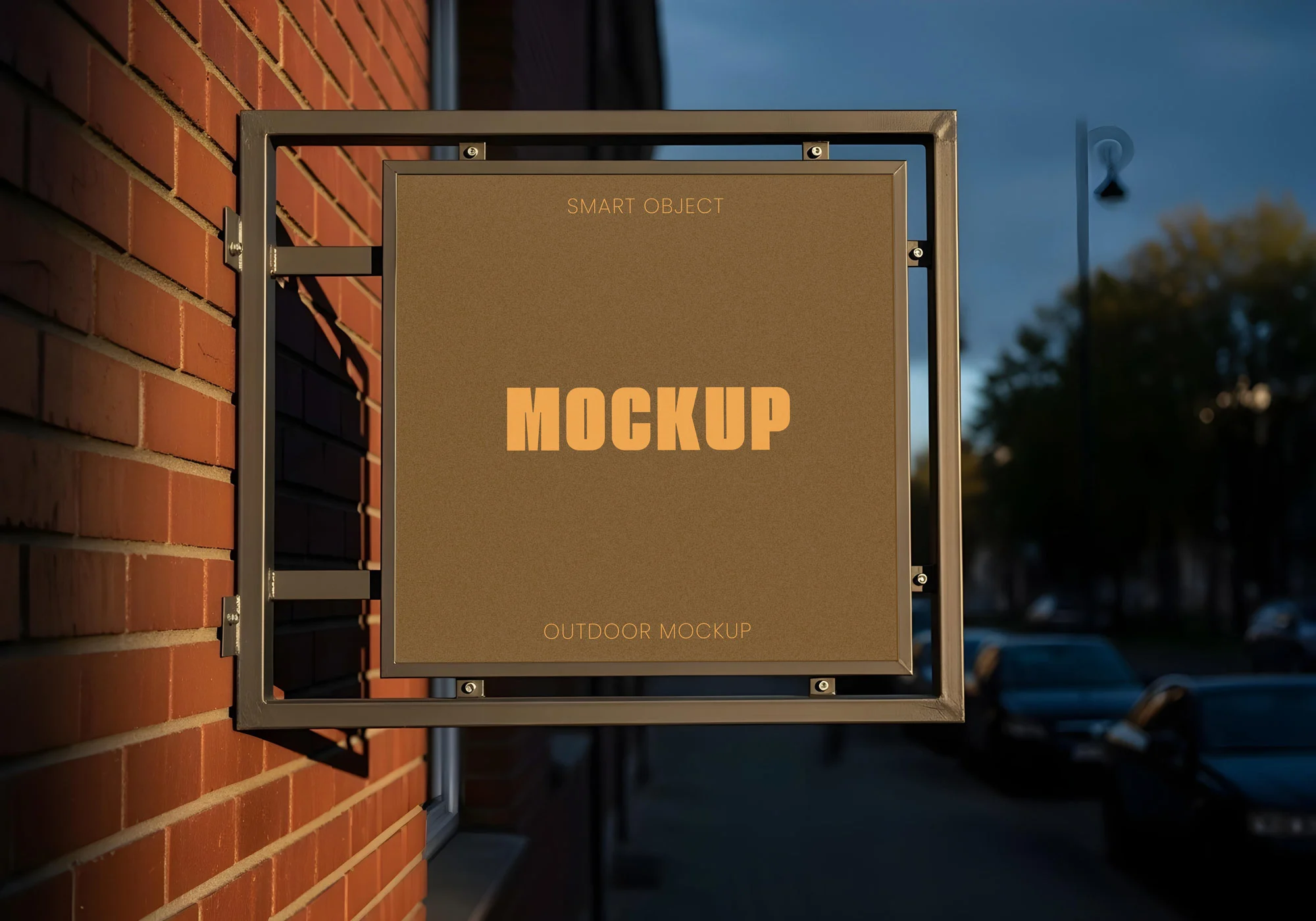
Present your branding in a realistic outdoor setting with this Free Wall Mounted Signage Mockup PSD. Designed for logo designers, branding studios, creative agencies, and business owners, this high-quality Photoshop mockup lets you display your artwork on a modern exterior signboard with a clean, professional finish.
Whether you’re showcasing a café logo, retail store branding, restaurant identity, office signage, or boutique storefront, this mockup helps transform a simple logo into a convincing real-world presentation that clients can instantly visualise.
Bring Your Branding Into the Real World
A flat logo on a white background rarely communicates how a brand will actually look once installed.
This signage mockup places your design on a realistic wall-mounted sign, allowing you to present branding in its intended environment. Natural lighting, subtle reflections, and clean architectural details create an authentic presentation that feels polished without distracting from your artwork.
It’s an excellent choice for client presentations, branding case studies, and portfolio projects where realistic visualisation makes all the difference.
Fully Editable Photoshop Mockup
The PSD file is organised into clearly labelled layers for a smooth editing experience.
Using the built-in Smart Object, you can quickly replace the placeholder graphic with your own logo or signage design while preserving all lighting, perspective, and surface details automatically.
You can easily customise:
- Logo design
- Sign artwork
- Background colours
- Branding elements
- Sign graphics
- Presentation layout
No advanced Photoshop experience is required.
Key Features
- Fully editable PSD mockup
- Smart Object replacement
- High-resolution artwork
- Photorealistic outdoor presentation
- Organised Photoshop layers
- Realistic lighting and shadows
- Professional storefront environment
- Free for personal and commercial use
Perfect For
This signage mockup is ideal for:
- Logo presentations
- Brand identity projects
- Storefront branding
- Café signage
- Restaurant logos
- Boutique branding
- Office signage
- Retail businesses
- Portfolio showcases
- Behance case studies
Designer Tip
When presenting a logo on signage, avoid oversized artwork.
Real storefront signs usually include generous spacing around the logo, allowing it to remain readable from a distance while maintaining an elegant appearance.
A balanced composition often looks more premium than filling the entire sign with graphics.
Smart Object Workflow
Creating your presentation takes only a few steps:
- Open the PSD file in Adobe Photoshop.
- Double-click the Smart Object layer.
- Replace the sample artwork with your logo.
- Save the Smart Object.
- Return to the main document and your signage updates automatically.
This non-destructive workflow allows you to test multiple branding concepts without rebuilding the mockup.
Perfect for Professional Branding Presentations
This mockup helps communicate how your design would appear in real business environments.
Use it for:
- Client presentations
- Brand guidelines
- Design portfolios
- Marketing proposals
- Social media showcases
- Website case studies
- Presentation decks
- Creative agency projects
Displaying branding in context makes concepts easier to understand and often creates a stronger impression than flat logo previews alone.
Technical Details
- File Format: PSD
- Mockup Type: Wall mounted signage
- Editing: Smart Object replacement
- Resolution: High resolution
- Editable Elements: Logo, graphics, branding, and presentation artwork
- Software Required: Adobe Photoshop
- License: Free for personal and commercial use
Whether you’re presenting a complete brand identity, visualising storefront signage, or building a professional portfolio, this free Wall Mounted Signage Mockup PSD provides a realistic and polished way to showcase your logo designs with confidence.