
Description
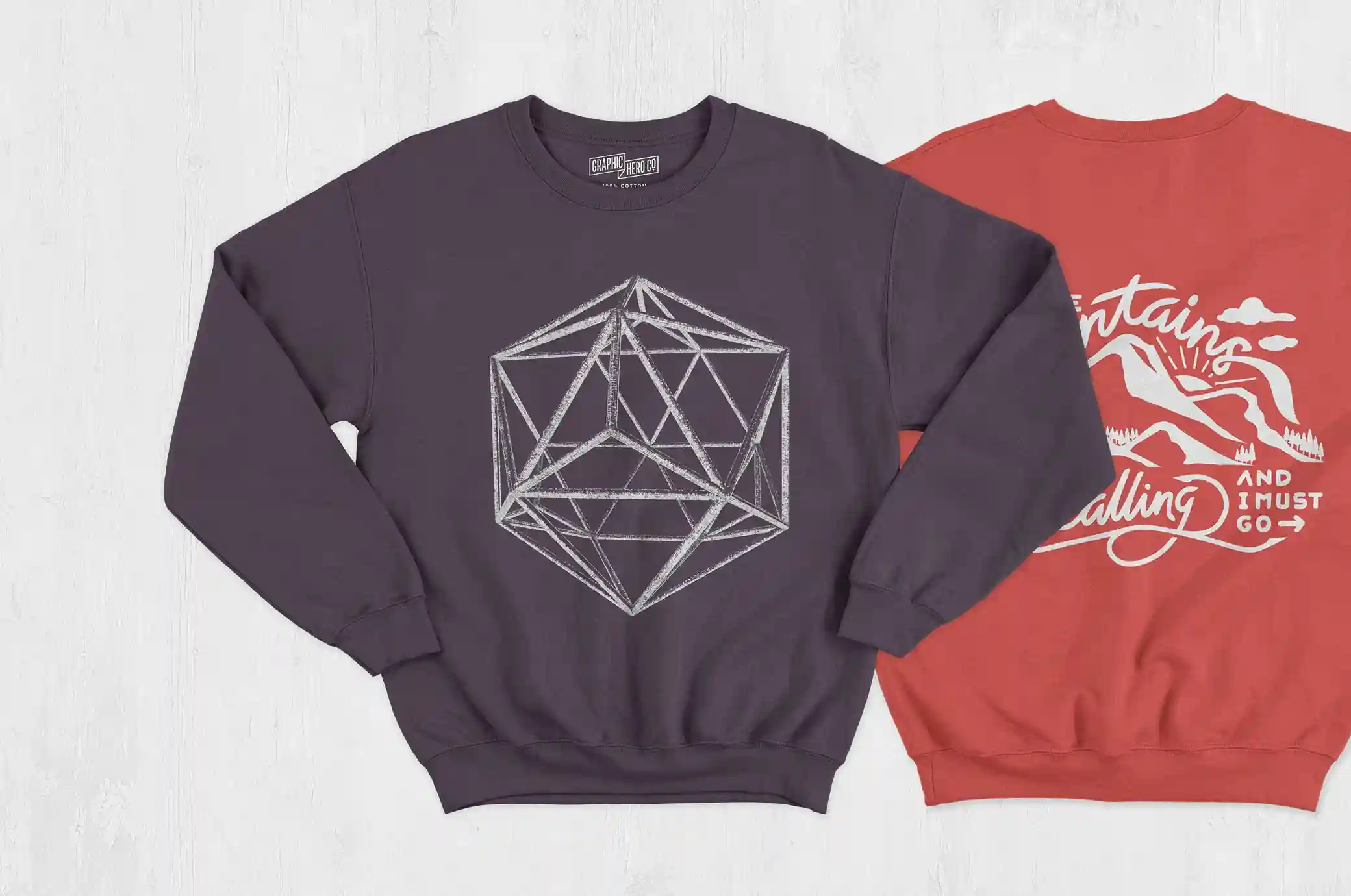
A sweatshirt design can look great from one angle and feel completely different from another. This Free Crewneck Sweatshirt Mockup Set includes two practical views, giving you a better way to check your artwork and build a more complete apparel presentation.
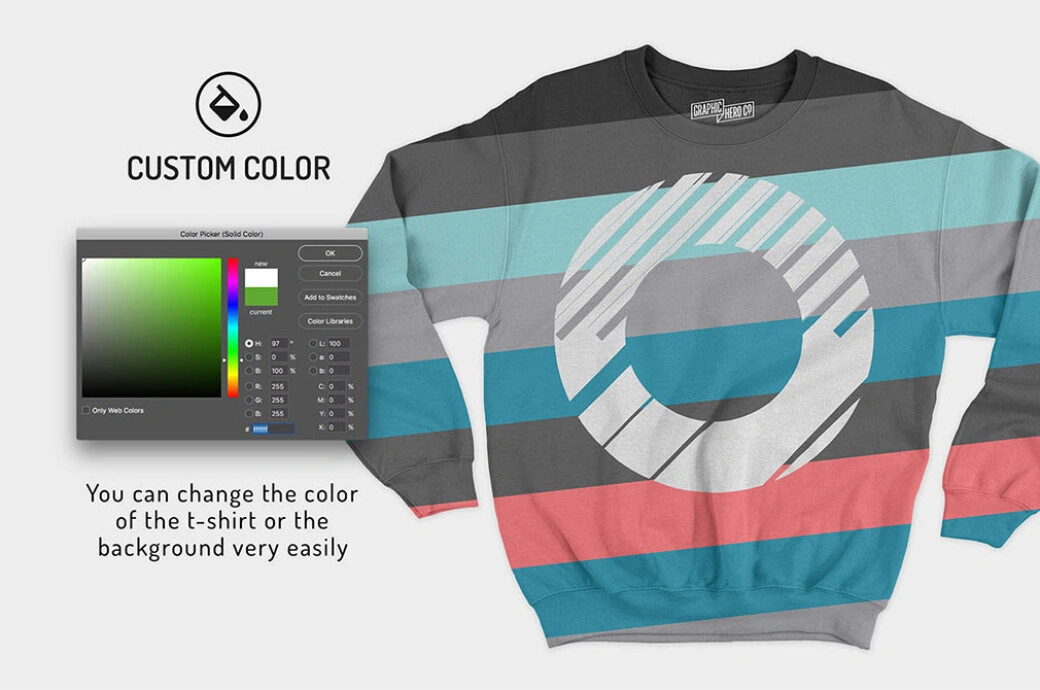
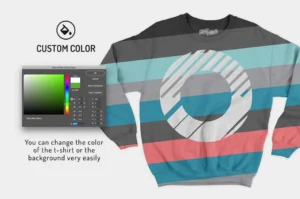
The clean crewneck shape keeps the focus on the design, making these mockups useful for logos, illustrations, typography, and merchandise graphics. You can also change the sweatshirt colour, so it’s easy to test the same artwork across different colourways or prepare visuals for a seasonal collection.
Both views use realistic fabric texture, folds, and shadows to help your design feel like part of the garment rather than a flat image placed on top.
Two Views, One Consistent Presentation
Using two angles is especially helpful when you’re preparing product images or showing a design to a client. One view can introduce the full sweatshirt, while the second can give another look at the fit, artwork, or overall styling.
Because both mockups belong to the same set, your presentation stays visually consistent. This is useful for e-commerce listings, lookbooks, portfolio projects, and clothing brand campaigns.
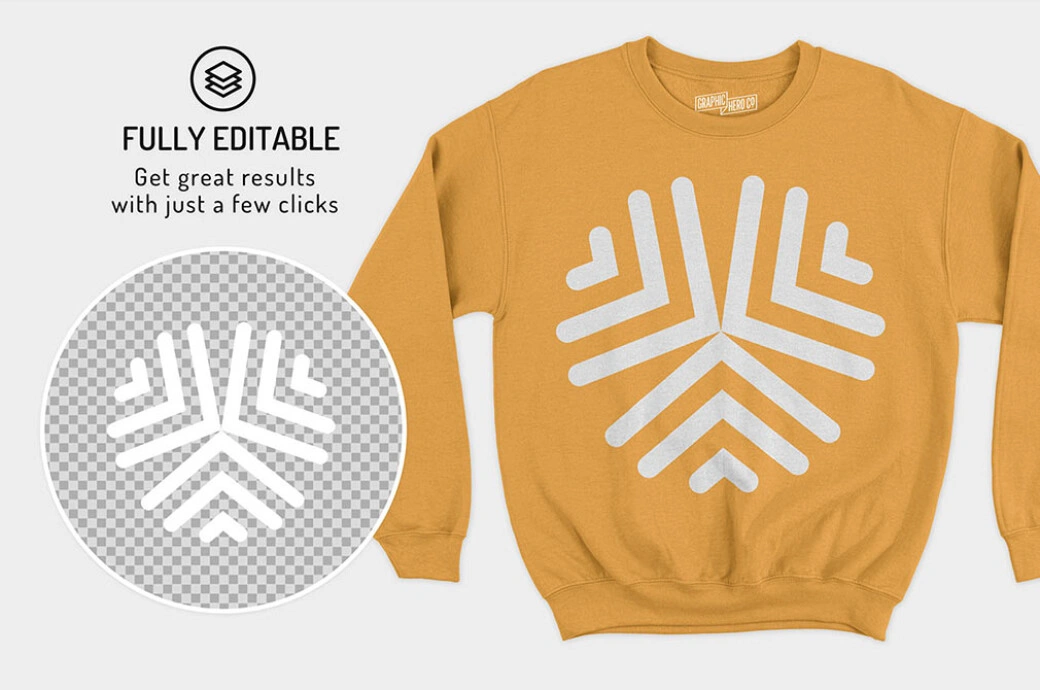
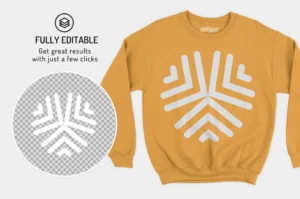
Adding your design is quick. Replace the artwork inside the Smart Object, save the file, and repeat the process for the second view.
Key Features
- 2 crewneck sweatshirt mockup views
- High-resolution PSD files
- Editable artwork using Smart Objects
- Customisable sweatshirt colours
- Realistic fabric texture and folds
- Natural lighting and shadows
- Fully layered and organised Photoshop files
- Quick and easy editing
Best For
This mockup set works well for:
- Clothing brand collections
- Crewneck sweatshirt designs
- Streetwear graphics
- Artist merchandise
- Print-on-demand products
- E-commerce listings
- Seasonal colourways
- Fashion lookbooks
- Social media campaigns
- Apparel portfolios
Designer Tip
The crewneck collar creates a strong visual line at the top of the garment. Give your artwork enough space below the neckline so the design doesn’t feel cramped.
If you’re testing several sweatshirt colours, don’t assume one artwork colour will work on all of them. A dark graphic may look great on a light sweatshirt but disappear on a deeper colour. Prepare light and dark versions of your artwork when needed.
Use the two mockup views together instead of treating them as separate images. Keeping the sweatshirt colour, artwork size, and placement consistent across both scenes will make the final presentation feel much more convincing.
Technical Details
- File Format: PSD
- Included Views: 2
- Garment Type: Crewneck sweatshirt
- Editing Method: Smart Objects
- Editable Elements: Artwork and sweatshirt colour
- Software Required: Adobe Photoshop
- Layer Structure: Fully layered and organised
- Resolution: High resolution
Whether you’re preparing a new clothing drop, comparing seasonal colourways, or creating product images for an online store, these two crewneck sweatshirt mockups give you a simple way to present the design from more than one view. Add your artwork, test the colours, and create a consistent set of visuals for your shop, portfolio, or campaign.

Reviews
There are no reviews yet.