


Description
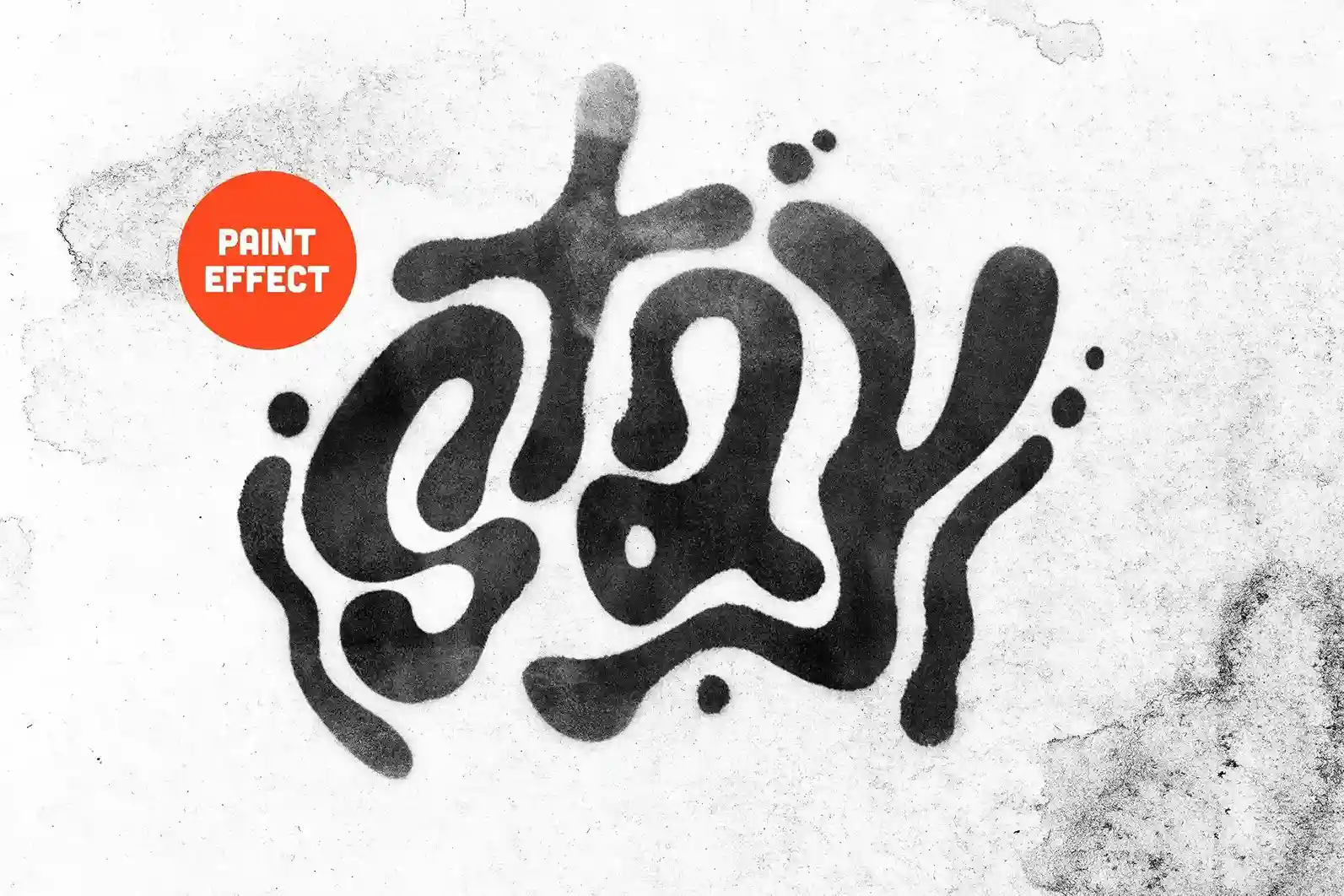
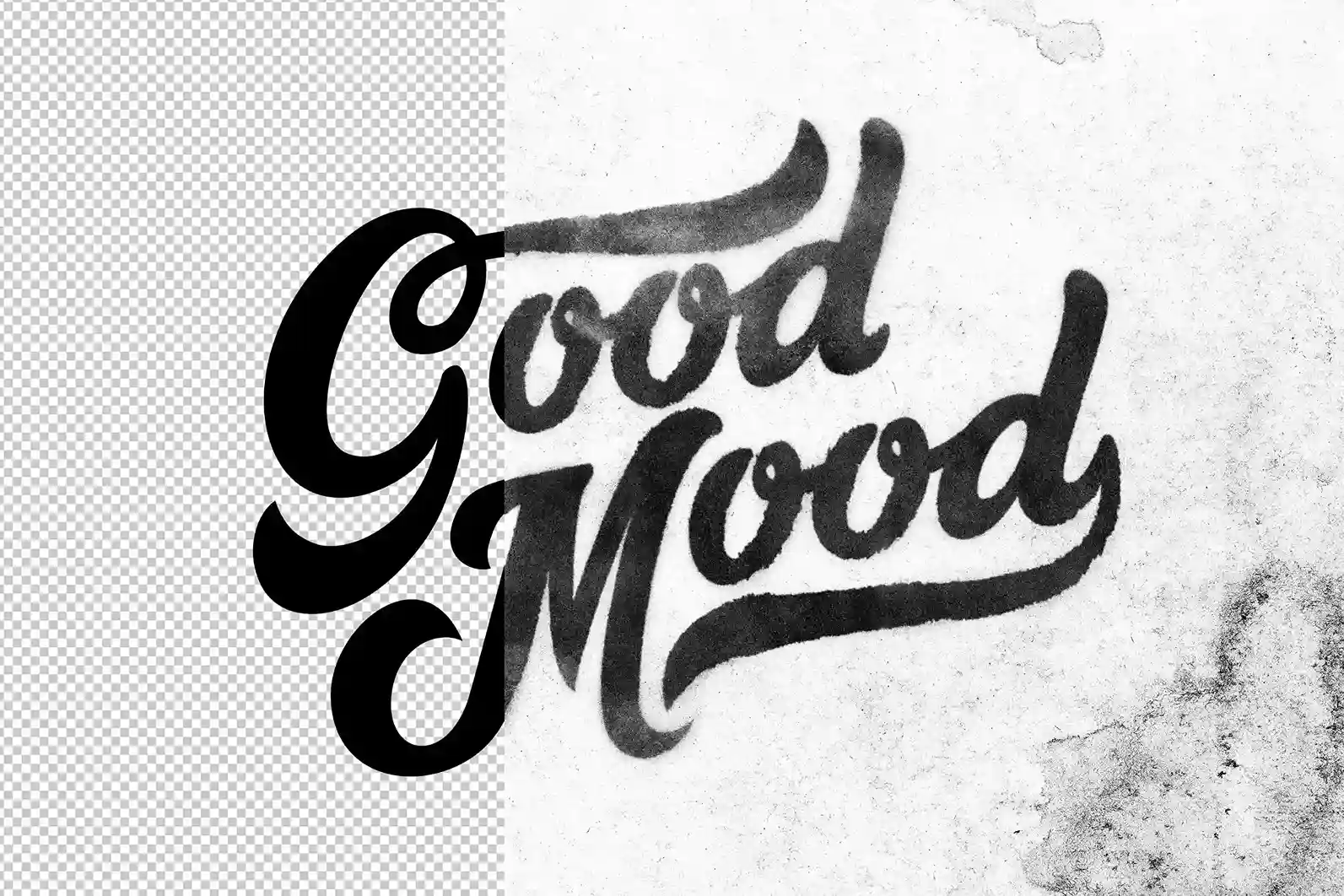
Give your typography a handcrafted artistic finish with this Free Watercolor Text Effect PSD. Designed for Adobe Photoshop, this fully editable text effect transforms ordinary text into beautiful watercolor-inspired lettering with rich pigment textures, soft brush strokes, and natural paint blending—all without requiring any manual painting skills.
Whether you’re creating branding materials, wedding stationery, social media graphics, posters, book covers, or creative artwork, this PSD lets you achieve an authentic watercolor appearance in just a few clicks.
Create Beautiful Watercolor Typography Instantly
Traditional watercolor lettering requires time, patience, and artistic experience.
This Photoshop text effect recreates that organic painted look digitally, allowing you to apply realistic watercolor textures to any word, logo, or title using Smart Objects.
Simply replace the placeholder text, save the Smart Object, and your typography will automatically transform into a vibrant watercolour design.
Fully Editable PSD File
The template is organised for a quick and effortless workflow.
You can easily customise:
- Text
- Fonts
- Colours
- Letter spacing
- Background
- Composition
- Branding elements
The Smart Object system preserves the watercolor effect while allowing you to experiment with different typefaces and layouts without rebuilding the design.
Key Features
- Fully editable Photoshop PSD
- Smart Object replacement
- High-resolution artwork
- Realistic watercolor paint texture
- Soft brush stroke effects
- Organised Photoshop layers
- Easy customisation
- Free for personal and commercial use
Perfect For
This text effect is suitable for:
- Logo design
- Branding projects
- Wedding invitations
- Greeting cards
- Social media graphics
- Posters
- Book covers
- Quote designs
- Blog banners
- Creative portfolios
Designer Tip
Watercolor effects work best with typography that has enough space for the paint texture to breathe.
Fonts with clean curves, handwritten styles, or bold letterforms usually produce more natural results than highly detailed decorative fonts.
Experiment with different typefaces to find the look that best matches your project.
Easy Smart Object Workflow
Creating the effect takes only a few simple steps:
- Open the PSD file in Adobe Photoshop.
- Double-click the Smart Object layer.
- Replace the placeholder text with your own.
- Save the Smart Object.
- Return to the main document and your watercolor effect is applied automatically.
This non-destructive workflow allows you to edit your typography whenever needed without affecting the original effect.
Suitable for Print and Digital Projects
The high-resolution PSD ensures crisp, professional results across multiple design applications.
Use it for:
- Business branding
- Event invitations
- Product packaging
- Art prints
- Website headers
- Presentation slides
- Marketing materials
- Social media campaigns
Its flexible design makes it suitable for both personal creative work and commercial client projects.
Customise the Look
Although the watercolor effect is ready to use, you can personalise the final result by adjusting:
- Background colours
- Paper textures
- Layer opacity
- Colour grading
- Typography
- Additional graphics
These small changes help create a unique composition while maintaining the authentic hand-painted appearance.
Technical Details
- File Format: PSD
- Effect Type: Watercolor text effect
- Editing: Smart Object replacement
- Software: Adobe Photoshop
- Resolution: High resolution
- Editable Elements: Text, colours, background, and layout
- License: Free for personal and commercial use
Whether you’re designing elegant invitations, creative branding, artistic posters, or stylish social media graphics, this free Watercolor Text Effect PSD gives your typography a soft, expressive, and professionally painted appearance in just a few minutes.






Reviews
There are no reviews yet.