
Description
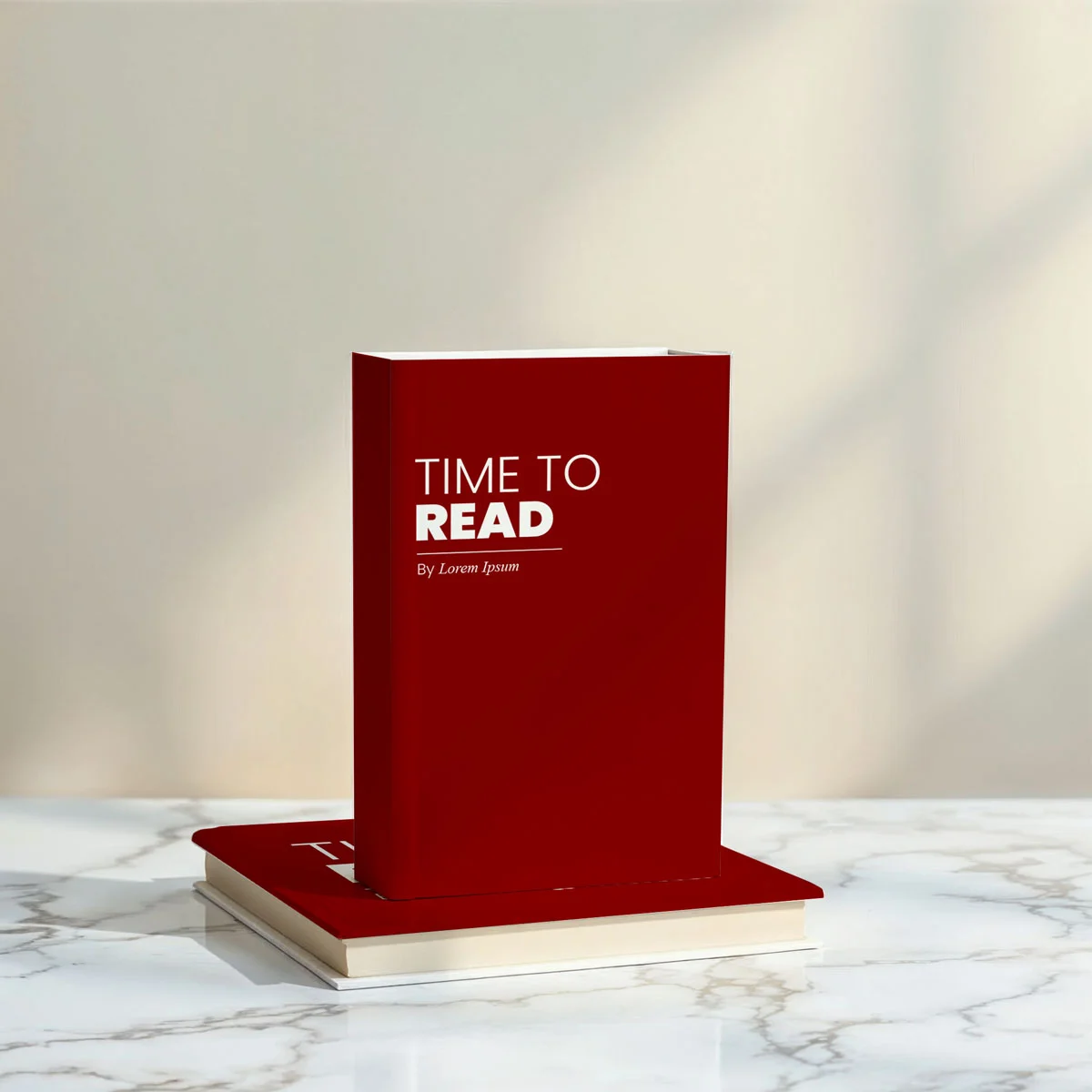
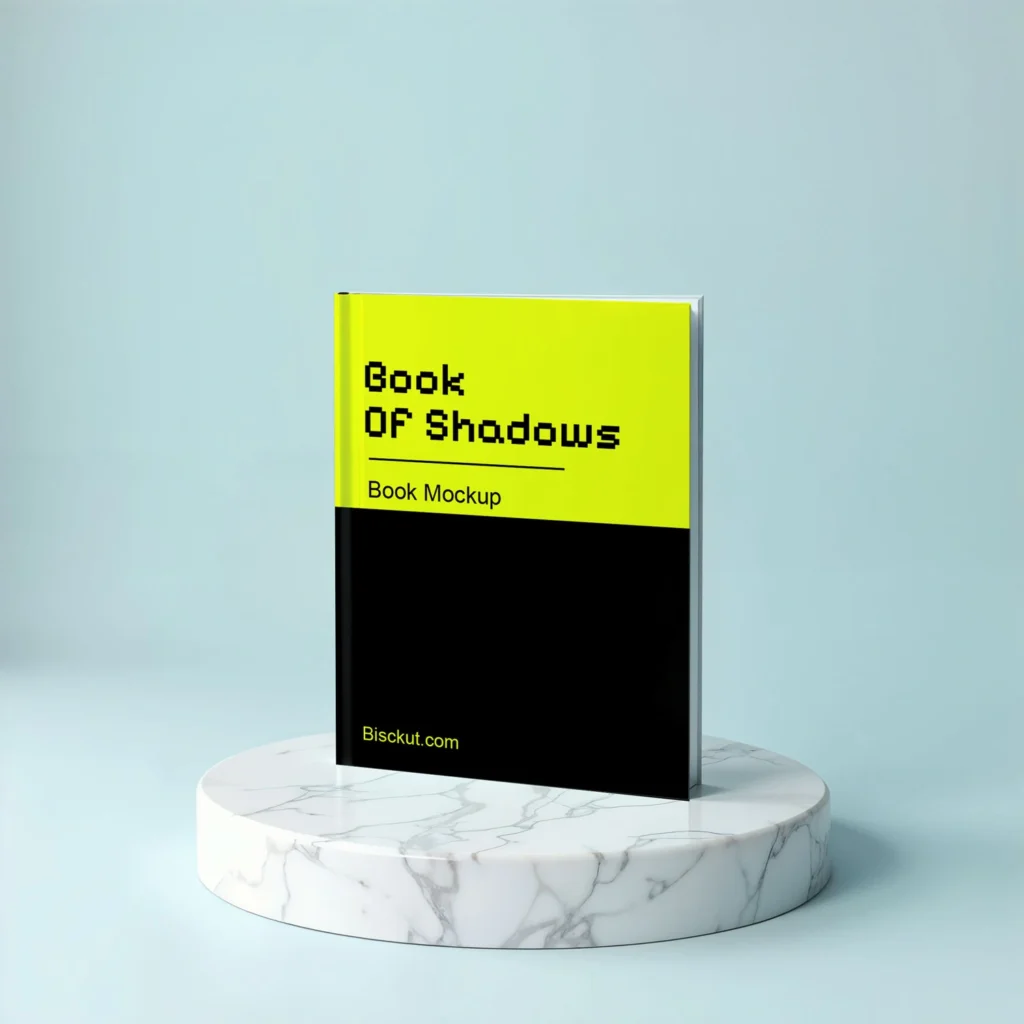
A great book cover should feel just as compelling in print as it does on your screen. This Free Book Mockup PSD allows you to preview your cover artwork on a realistic printed book, making it easier to evaluate typography, colour, imagery, and overall visual balance before publication or client approval.
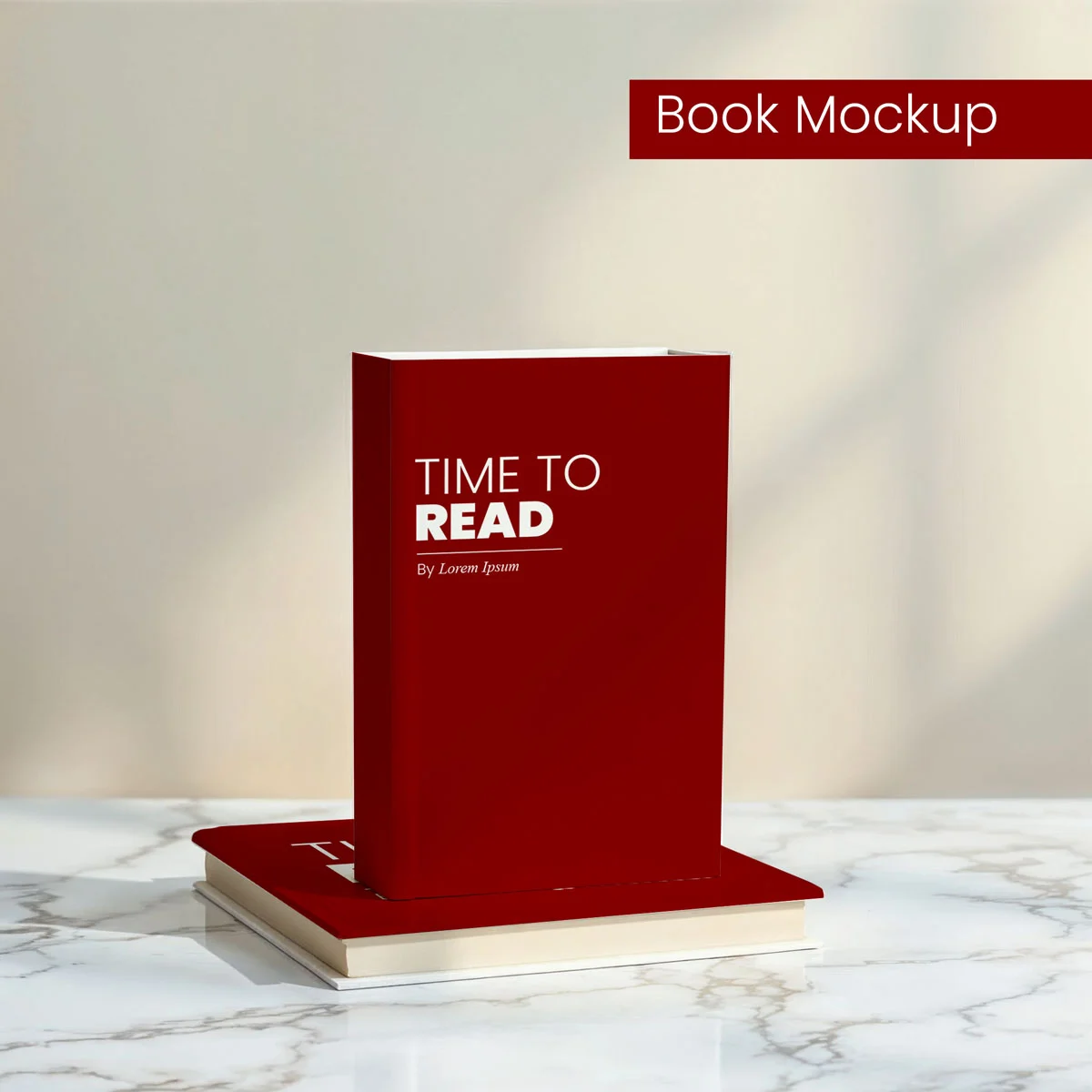
The mockup recreates the appearance of a physical softcover book with natural lighting, realistic paper textures, and subtle shadows that add depth without distracting from your design. By placing your artwork into a realistic setting, you can present your project in a way that closely reflects how readers will experience the finished product.
Whether you’re designing a novel, workbook, journal, catalogue, annual report, or branded publication, this mockup provides a clean and professional presentation suitable for portfolios, publishing websites, and marketing materials.
Why Book Mockups Matter
Viewing a cover on a flat artboard doesn’t always reveal how it will look once printed. A realistic mockup helps you assess the relationship between the front cover, spine, and overall proportions, allowing you to identify layout adjustments before production.
It’s also a valuable presentation tool for authors, publishers, and designers who want clients or readers to visualise the final product rather than a simple digital file.
Key Features
- High-resolution PSD book mockup
- Editable cover using Smart Objects
- Realistic paper texture and natural lighting
- Visible spine for complete cover presentation
- Customisable background
- Fully layered and organised Photoshop file
- Free for personal and commercial use
Best For
This mockup is suitable for presenting:
- Fiction and non-fiction book covers
- Self-publishing projects
- Educational books and manuals
- Journals and planners
- Company reports
- Product catalogues
- Portfolio case studies
- Publishing presentations
Designer Notes
Book covers are often first discovered as small online thumbnails before readers ever hold the printed copy. Before finalising your presentation, reduce the preview size to check whether the title, author’s name, and primary visual remain easy to recognise.
Pay close attention to the spine as well. Even a simple title and publisher mark can make the mockup feel significantly more realistic, especially when the book is displayed at an angle.
If you’re creating a complete publishing project, maintaining consistent typography and spacing across the front cover, spine, and back cover helps build a stronger visual identity.
Technical Information
- File Format: PSD
- Editing Method: Smart Objects
- Book Type: Softcover
- Editable Elements: Cover artwork and background
- Software Required: Adobe Photoshop
- Layer Structure: Fully layered and organised
- Resolution: High resolution
- License: Free for personal and commercial use
Whether you’re preparing a book launch, presenting concepts to a publisher, or adding publishing work to your portfolio, this book mockup offers a realistic way to showcase your cover design before it reaches print. Replace the Smart Object with your artwork, customise the background if required, and export presentation-ready visuals for websites, presentations, or promotional materials.



Reviews
There are no reviews yet.