Description
The same club flyer can feel exclusive or high-energy depending on what you change.
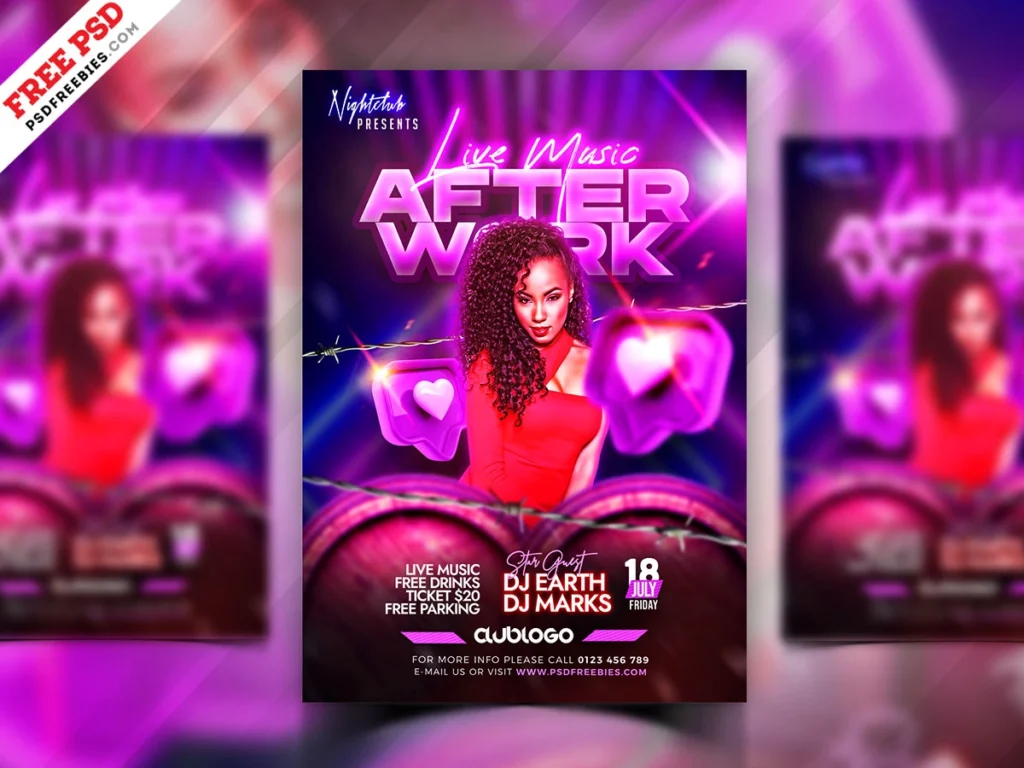
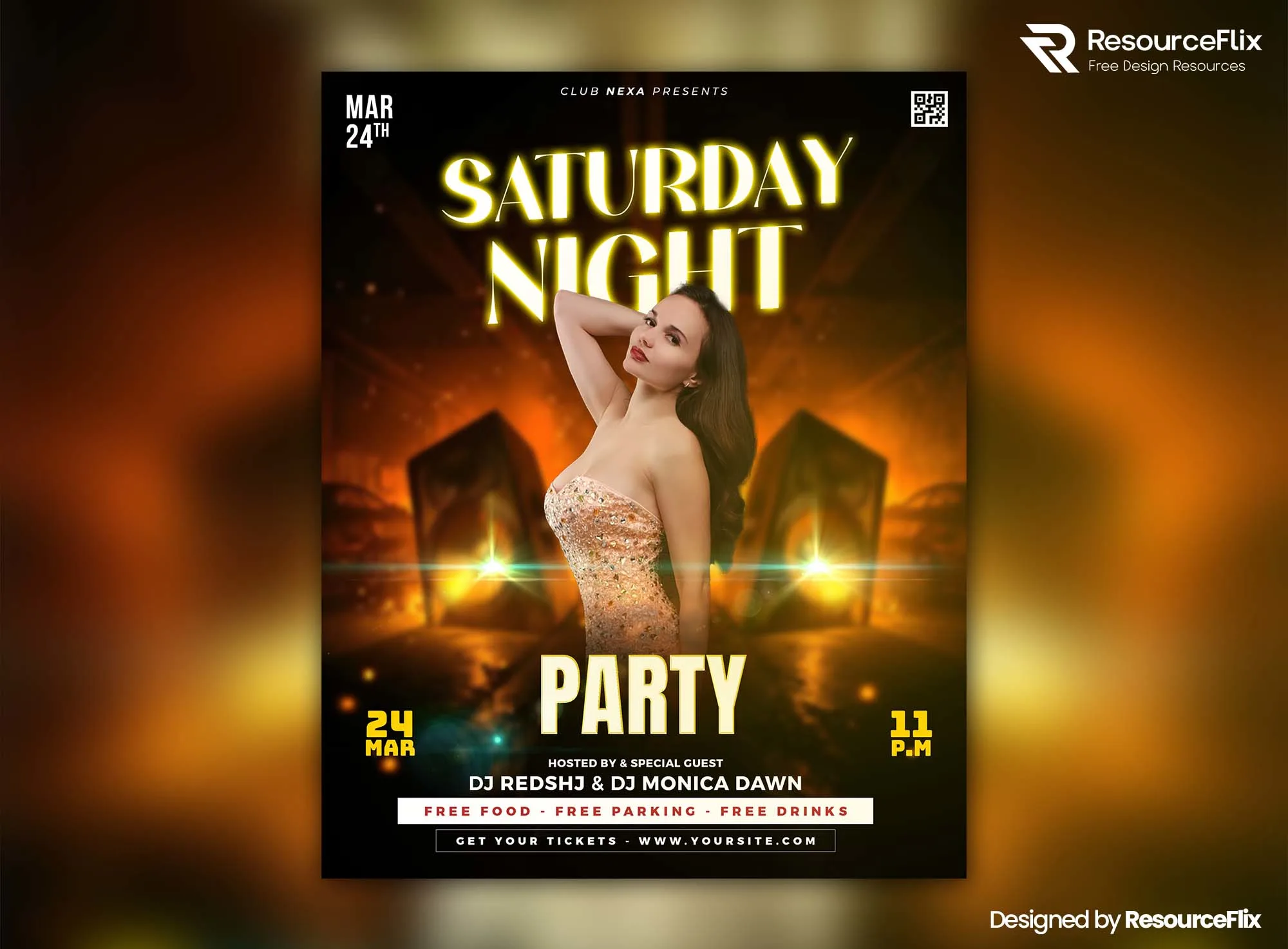
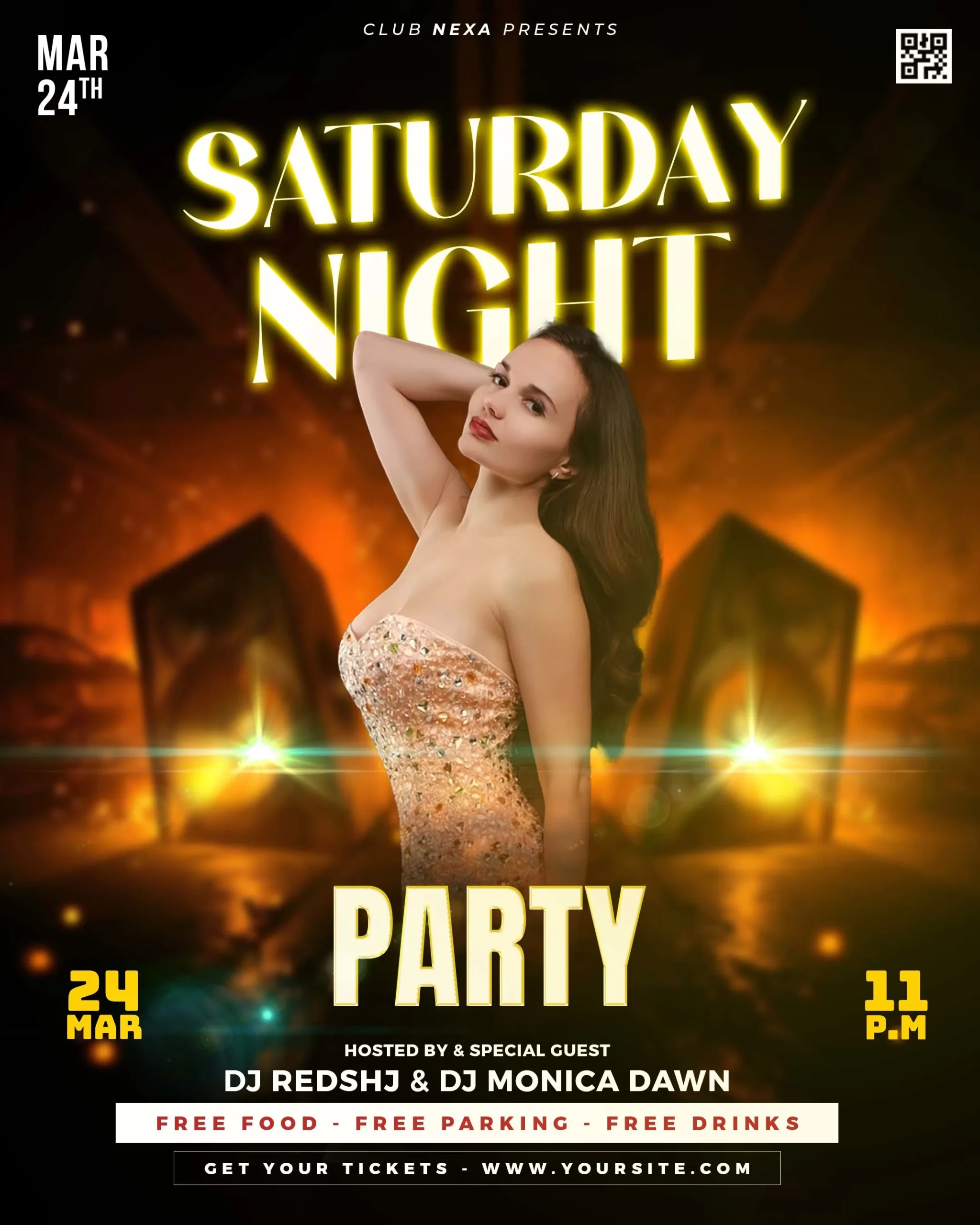
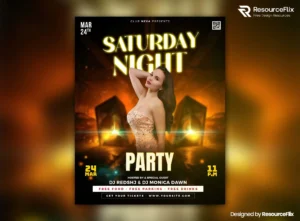
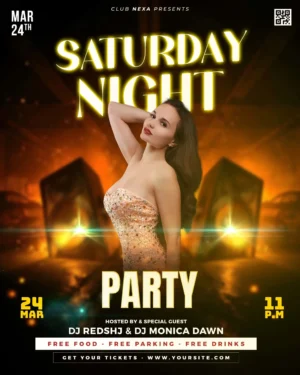
This Free Saturday Night Party Flyer Template PSD uses a confident central figure, dramatic lighting, glow effects, and an atmospheric club setting to create a modern nightlife visual. The portrait composition gives the subject a strong presence while leaving space for the event name, performer details, date, and venue information.
Created in RGB colour mode, the flyer is naturally suited to digital promotion and can be customised in Adobe Photoshop using organised layers and editable elements.
Decide What Kind of Saturday Night You’re Selling
“Saturday Night Party” can describe very different events.
A VIP lounge event may need to feel controlled, polished, and exclusive. A packed dance party may need louder typography, stronger contrast, and more visible energy.
Before editing the PSD, decide which direction fits the actual event.
The template can support both, but the final design shouldn’t sit awkwardly between them.
Key Features
- Fully layered PSD flyer
- RGB colour mode
- Portrait orientation
- Modern club party design
- Central figure composition
- Dramatic lighting effects
- Editable text and event details
- Customisable design elements
- Organised Photoshop layers
- Free for personal and commercial use
Best For
This template can be adapted for:
- Saturday night parties
- Club events
- VIP nights
- DJ performances
- Dance parties
- Lounge events
- Weekend promotions
- Guest performer nights
- Birthday events
- Nightlife campaigns
Designer Tip
Choose three words that describe the event before you customise the flyer.
For example:
Elegant. Exclusive. Late-night.
Or:
Loud. Packed. High-energy.
Use those words to judge every design decision.
Does the font support them? Does the colour palette support them? Does the replacement image support them?
If an element doesn’t fit the intended mood, change it—even if it looked good in the original template.
This is one of the easiest ways to stop a customised PSD from feeling generic.
For a More Premium Event
If the party is positioned as a VIP or upscale experience, reduce unnecessary visual competition.
Use fewer strong colours, more controlled highlights, and clearer spacing. Let one or two elements carry the glamour instead of adding glow to everything.
The event details may also need to reflect the premium positioning.
Information such as table reservations, guest lists, dress codes, or VIP access should be easy to find when relevant.
A luxury event doesn’t need to shout in every corner of the flyer.
For a High-Energy Dance Party
A more casual club event can handle stronger movement and contrast.
You may choose bolder typography, brighter accents, or a more expressive image. The design can feel busier, but the date, venue, and main performer should still remain clear.
Energy doesn’t come from filling every empty area.
It comes from the relationship between scale, contrast, imagery, and movement.
Keep the Subject and Background Connected
The central figure is one of the strongest elements in the composition.
If you replace the image, check whether the new subject fits the atmosphere of the background. Clothing, lighting, pose, and overall styling can change the entire tone of the event.
A formal fashion image may suit a premium night but feel disconnected from a casual dance party. A high-action performance photo can create energy but may not fit an elegant lounge promotion.
Choose the subject based on the event positioning, not simply because the image is attractive.
Use Glow to Create Depth
Glow effects are most useful when they help separate layers.
A controlled light behind the subject can create depth. A brighter highlight around the main headline can establish focus. Small ambient lights can connect the foreground and background.
If every element glows equally, the effect becomes flat.
Use the brightest effects where you want the viewer to look first.
Check the Event Details
Before final export, replace all sample information with the real:
- Event name
- Date
- Start time
- Venue
- DJ or performer
- Entry details
- Booking information
- Dress code, if applicable
- Age restrictions, if applicable
Then check whether the tone of the copy matches the tone of the design.
A polished VIP visual combined with casual or unclear event information can create mixed expectations.
Using the Flyer Digitally
The PSD uses RGB colour mode, making it well suited to social media posts, event pages, website graphics, and other screen-based promotions.
Since the design uses lighting and glow effects, check the final export on a phone. Dark details can disappear on smaller screens, while bright effects may appear stronger than expected.
If you need a printed version, confirm the required colour profile, dimensions, bleed, and resolution with your printing service before preparing the final file.
Technical Details
- File Format: PSD
- Colour Mode: RGB
- Orientation: Portrait
- Design Style: Modern Saturday night club event
- Main Composition: Central figure with atmospheric background
- Editable Elements: Text and event details
- Layer Structure: Organised and editable
- Software Required: Adobe Photoshop
- License: Free for personal and commercial use
This Saturday night party flyer becomes more useful when you decide exactly what kind of night it represents. Define the event mood first, then make the typography, colours, imagery, and effects support the same direction.