
Description
A social media template pack should make your feed consistent—not repetitive.
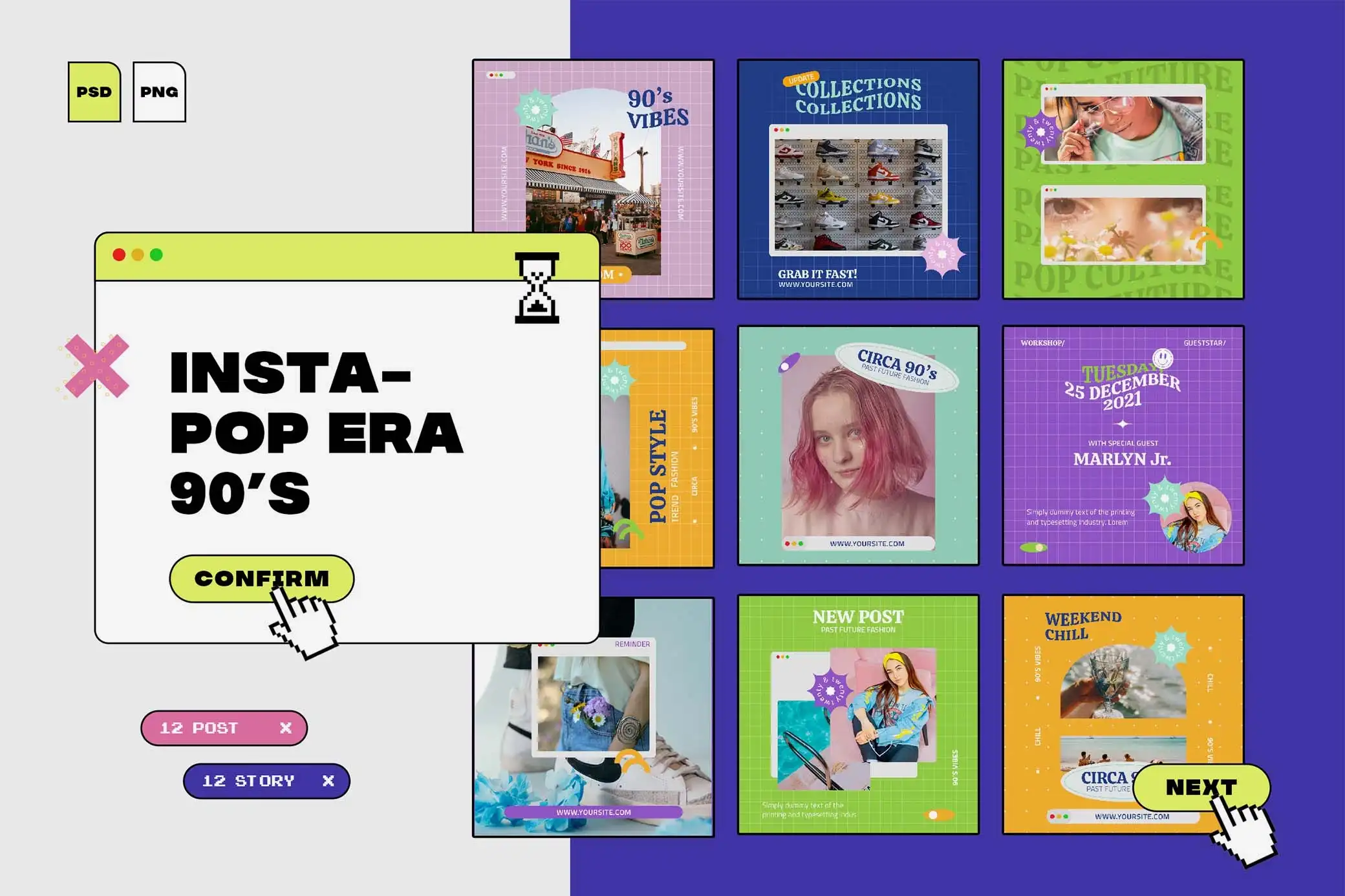
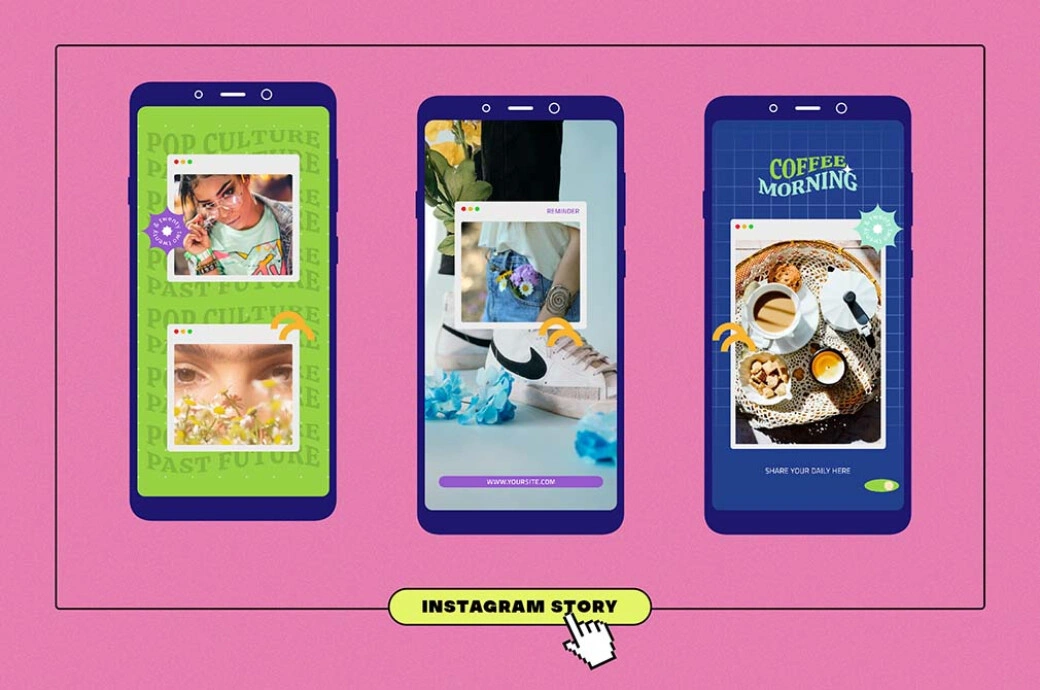
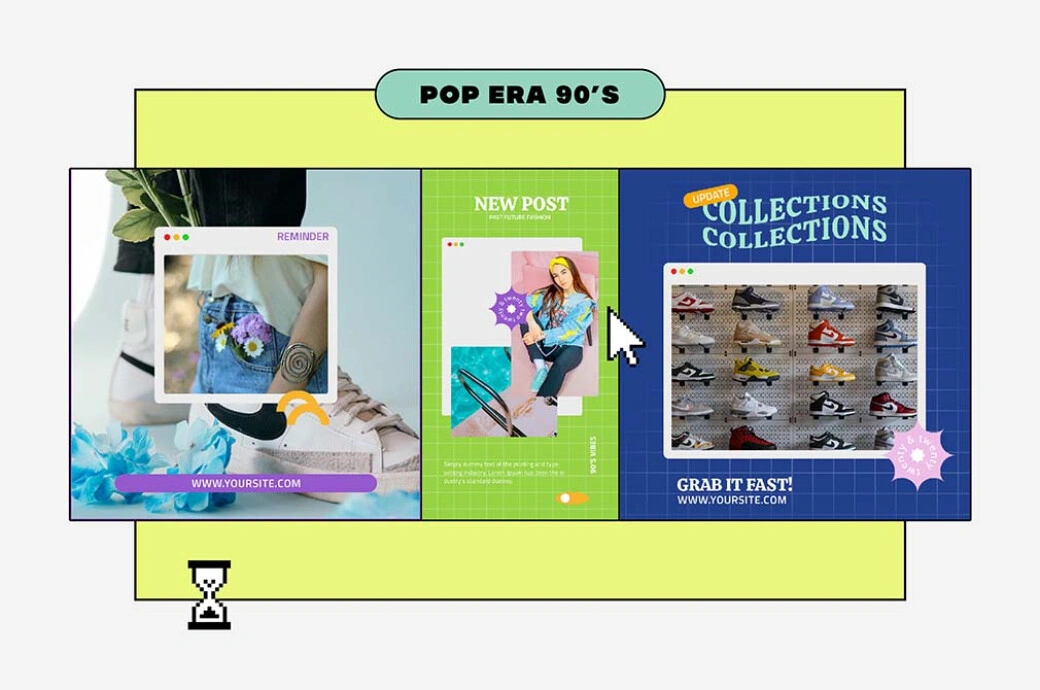
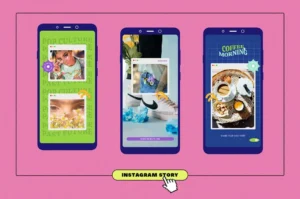
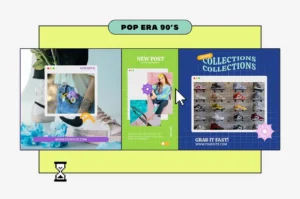
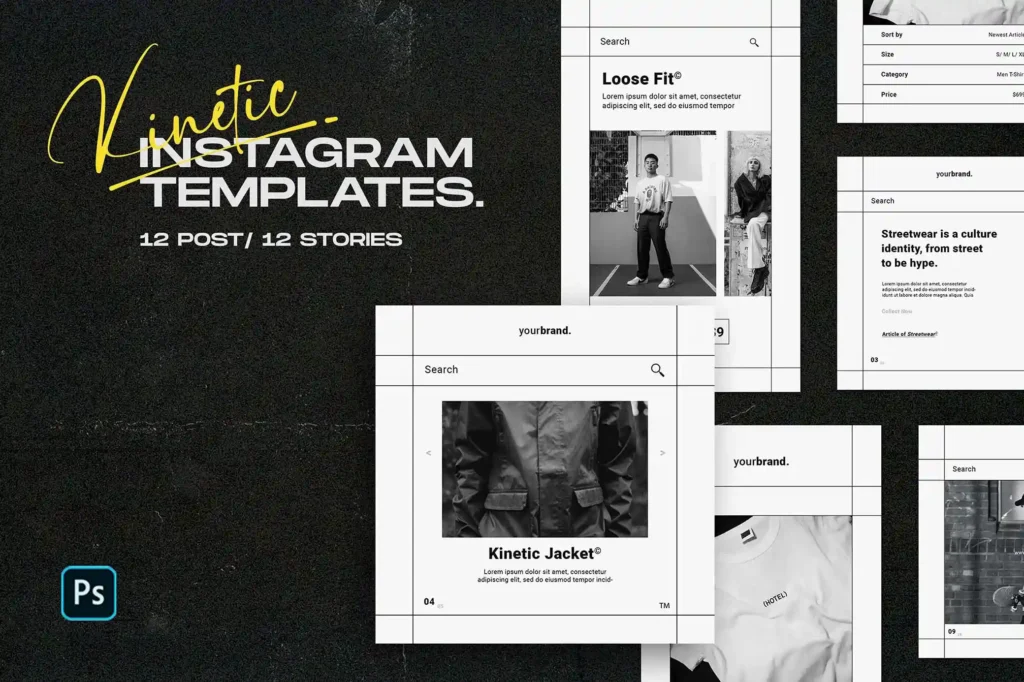
This Free 12 Retro Poster Templates for Instagram – Instapop Edition gives you a collection of colourful, 90s-inspired PSD designs for building connected social media content. The pack includes 12 Instagram post templates and 12 story templates, giving you 24 layouts to customise in Adobe Photoshop.
Bold colours, playful patterns, expressive typography, and nostalgic graphic elements give the collection its Instapop personality. Use the templates for product promotions, event announcements, launches, creative campaigns, or everyday brand content.
One Visual Style, Multiple Types of Content
The real value of a template pack is variety within a recognisable system.
You don’t need every post to use the same composition. Instead, keep a few visual elements consistent across the collection—such as the colour palette, typography, graphic style, or image treatment.
This allows one post to feature a product, another to announce an event, and another to share a message while the overall campaign still feels connected.
The templates give you multiple layouts without forcing every piece of content into the same arrangement.
What’s Included
- 12 Instagram post templates
- 12 Instagram story templates
- 24 PSD layouts in total
- 90s-inspired Instapop aesthetic
- Bold colours and playful patterns
- Editable text
- Customisable colours
- Adjustable layout elements
- Photoshop-compatible PSD files
Best For
This template collection can be used for:
- Product promotions
- Event announcements
- Brand campaigns
- Creative launches
- Fashion content
- Music promotions
- Sale announcements
- Social media storytelling
- Portfolio content
- Retro-inspired marketing
Designer Tip
Don’t customise all 24 templates separately.
Build a small visual system first.
Choose:
- A main colour palette
- One headline font
- One supporting font
- A consistent image treatment
- A small group of repeating graphic elements
Then apply those decisions across the entire pack.
This is faster than redesigning each template from zero, and the final content will feel much more intentional.
Create Roles for Different Templates
Not every layout needs to do the same job.
Choose specific templates for specific content types.
For example, one layout can become your regular product feature. Another can handle announcements. A third might be used for quotes, while a fourth can promote events or launches.
When each layout has a purpose, creating future content becomes faster.
You stop asking, “Which template should I use?” every time you need to publish something.
Use Posts and Stories Together
The story designs shouldn’t be treated as random extras.
When publishing an important post, use a matching story to support it. The post can carry the main visual, while the story can add a call to action, reminder, link, countdown, or extra information.
The two formats should feel connected, but they don’t need to contain exactly the same content.
Repeating the same graphic in two different dimensions wastes the opportunity to say something new.
Keep the 90s Style Under Control
A retro feed can become visually exhausting if every post uses maximum colour, pattern, and decoration.
Choose where the loudest moments should appear.
A major launch or event announcement can use one of the strongest layouts, while supporting posts can be slightly calmer. This creates rhythm across the feed and gives important content more impact.
Nostalgia works better when the eye gets somewhere to rest.
Make the Templates Fit the Brand
The Instapop style gives the pack its personality, but you don’t need to keep every original colour.
Adjust the palette to fit your project while preserving the contrast and energy that make the layouts work. You can also change the typography and graphic details to move the collection closer to your brand.
The goal isn’t to remove the retro character.
It’s to make the retro character feel like it belongs to you.
Preview the Feed Before Publishing
A single post can look great and still feel out of place beside the rest of your content.
Before exporting an entire campaign, place several finished designs next to each other and check the overall balance.
Look for repeated colours, similar compositions, and overly busy areas. If five loud designs appear together, consider replacing one with a simpler layout.
Think about the feed as a sequence, not just a collection of individual posts.
Technical Details
- File Format: PSD
- Total Layouts: 24
- Instagram Posts: 12
- Instagram Stories: 12
- Design Style: 90s-inspired Instapop
- Editable Elements: Text, colours, and layouts
- Software Required: Adobe Photoshop
- Best For: Social media campaigns and retro branding
This Instapop template pack works best when you treat it as a visual system rather than 24 unrelated designs. Define your colours and typography first, give different layouts specific roles, and use posts and stories together to build a campaign that stays recognisable without looking copied and pasted.


Reviews
There are no reviews yet.