Description
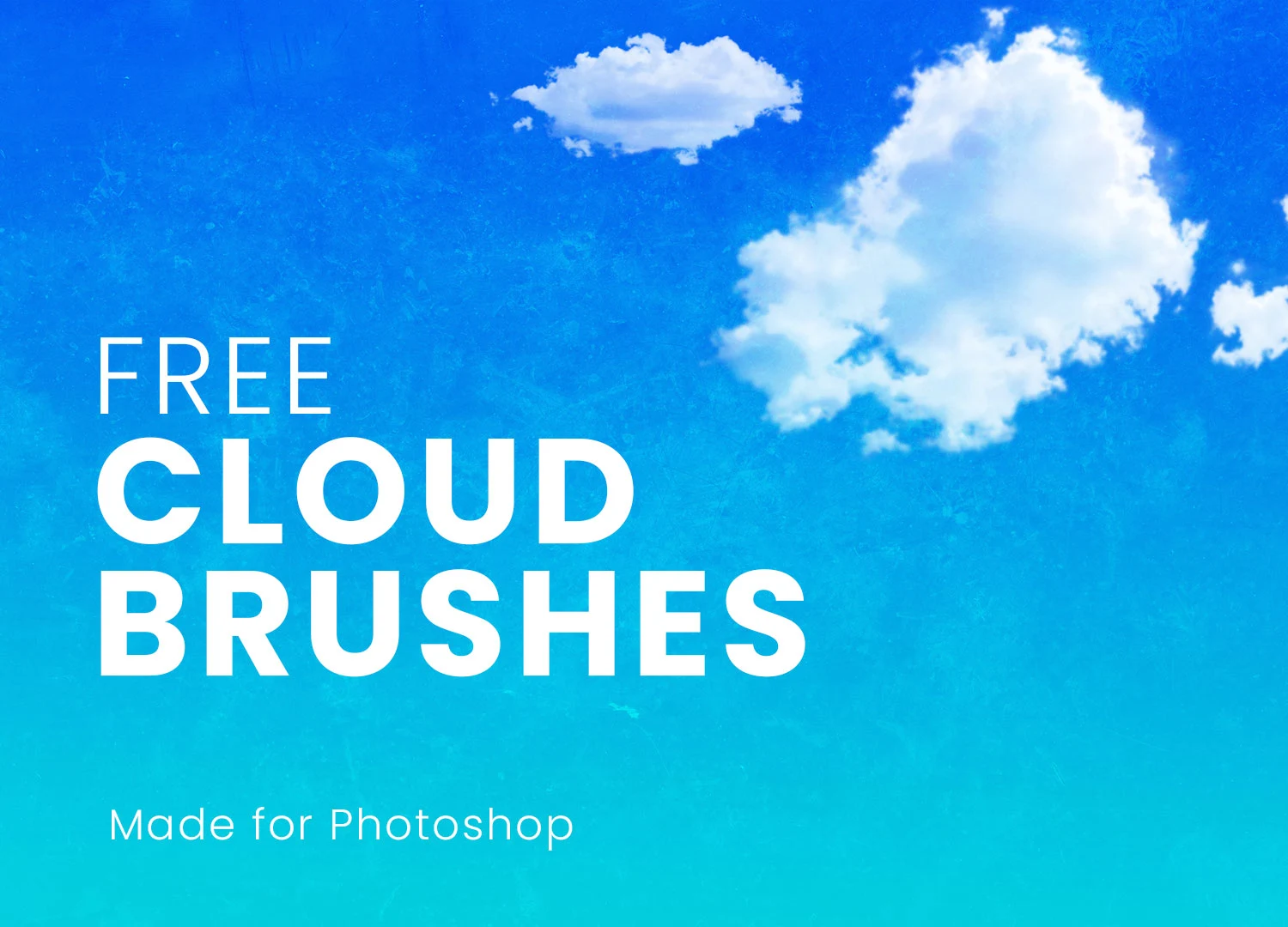
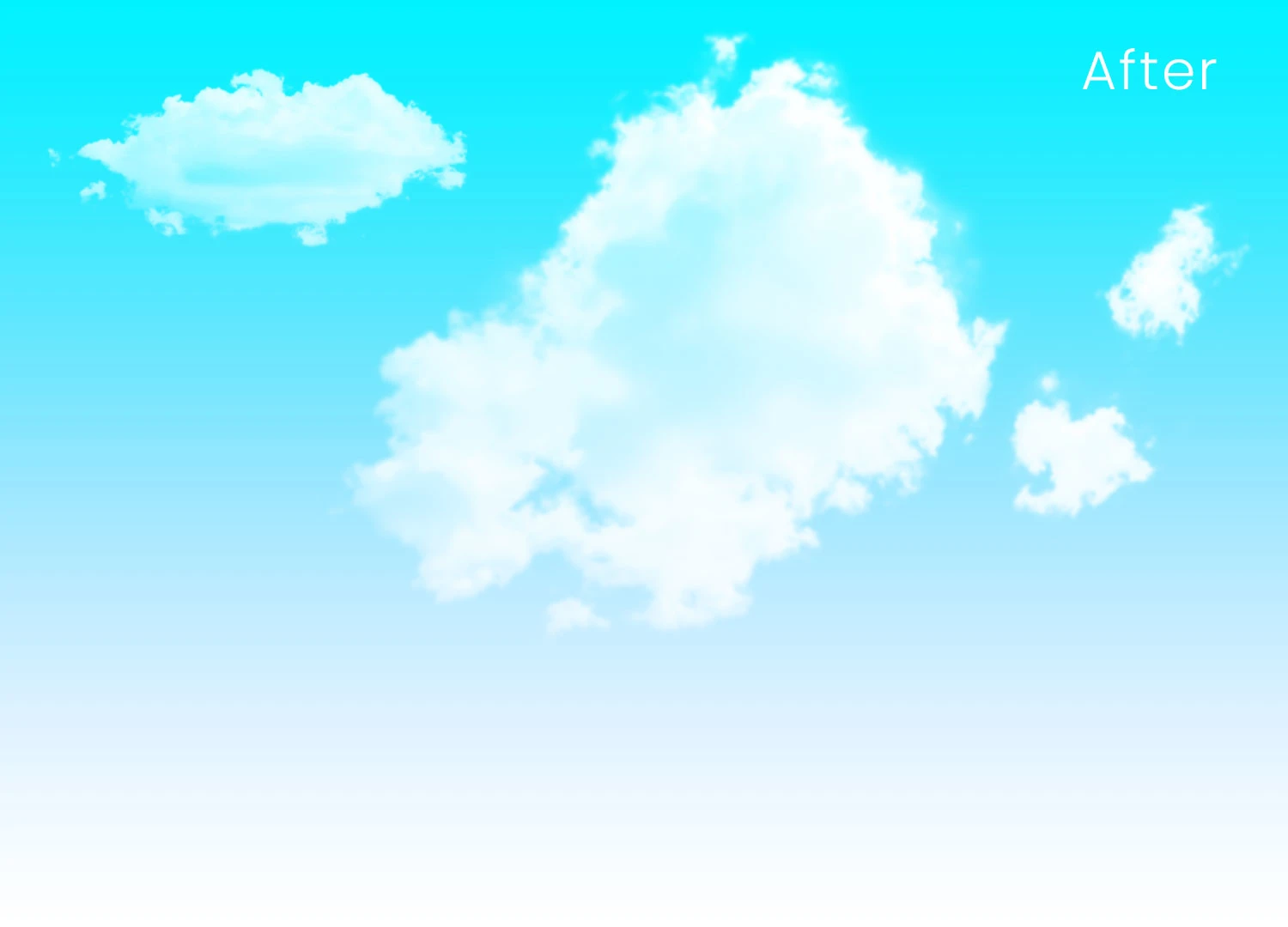
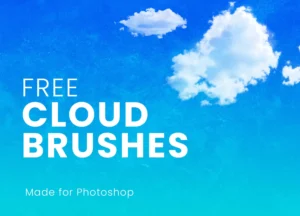
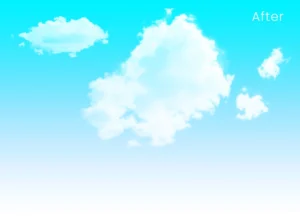
Transform ordinary skies into breathtaking scenes with this Free 20 Cloud Brushes for Photoshop. Whether you’re creating digital paintings, enhancing landscape photography, designing movie posters, or building fantasy environments, this collection of high-resolution ABR cloud brushes helps you paint realistic clouds quickly and naturally.
Instead of searching for stock images or spending hours masking cloud overlays, simply load the brush pack into Photoshop and create soft atmospheric effects with just a few strokes. Each brush is designed to reproduce the natural shape, texture, and movement of real clouds, giving your artwork a more organic and professional finish.
Create Realistic Skies in Minutes
Clouds can dramatically change the mood of an image.
A bright blue sky creates openness, while heavy storm clouds introduce tension and drama. This brush pack gives you the flexibility to build both subtle and dramatic atmospheres without complicated editing techniques.
From soft cirrus clouds and gentle mist to dense formations and cinematic skies, the collection offers enough variety to suit different creative styles and projects.
What’s Included
- 20 high-resolution cloud brushes
- Adobe Photoshop ABR format
- Realistic cloud textures
- Soft and dramatic cloud variations
- Ready for instant use
- Free for personal and commercial projects
Perfect For
These cloud brushes are ideal for:
- Digital painting
- Matte painting
- Fantasy artwork
- Landscape illustration
- Concept art
- Movie poster design
- Photo manipulation
- Composite photography
- Game environment design
- Social media artwork
Simple to Install
Getting started takes only a few moments.
- Download the ABR file.
- Open Adobe Photoshop.
- Load the brush pack through the Brushes panel.
- Select your preferred cloud brush.
- Paint directly onto a new layer.
Once imported, you can use the brushes like any other Photoshop brush while adjusting their size, opacity, flow, and blending mode to match your artwork.
Designer Tip
Don’t rely on a single brush for the entire sky.
Real clouds naturally vary in size, density, and direction.
For more convincing results:
- Combine multiple brushes
- Rotate the brush angle
- Adjust brush opacity
- Build clouds gradually on separate layers
- Use soft erasing to create depth
Layering different cloud formations creates a much more natural atmosphere than repeating the same brush across the canvas.
Customise Every Effect
Although each brush already contains realistic cloud textures, you remain in complete creative control.
You can easily adjust:
- Brush size
- Opacity
- Flow
- Colour
- Layer blending modes
- Brush rotation
- Brush spacing
This flexibility allows you to create anything from light morning haze to dramatic storm clouds.
Perfect for Photo Manipulation
These brushes aren’t limited to digital illustration.
They also work exceptionally well for enhancing photographs.
Use them to:
- Replace dull skies
- Add atmospheric fog
- Create sunset clouds
- Enhance cinematic portraits
- Build fantasy composites
- Add environmental depth
Because the brushes are fully editable, they integrate naturally into existing photographs with minimal effort.
Build Better Atmospheric Lighting
Clouds influence more than just the sky—they affect the entire mood of an image.
After painting your clouds, consider matching the surrounding lighting by adjusting:
- Colour grading
- Highlights
- Shadows
- Contrast
- Atmospheric haze
Small lighting adjustments help the clouds feel like a natural part of the scene instead of an added effect.
Compatible Software
This brush pack is supplied in Adobe Brush (ABR) format.
Compatible with:
- Adobe Photoshop CS6
- Adobe Photoshop CC
- Newer Photoshop versions
- Other software that supports imported ABR brushes (where supported)
Always verify compatibility before importing into third-party applications.
Technical Details
- File Format: ABR
- Number of Brushes: 20
- Brush Type: High-resolution cloud brushes
- Software: Adobe Photoshop CS6 and above
- Use Cases: Digital art, photo editing, concept art, composites, landscapes, and posters
- License: Free for personal and commercial use
Whether you’re designing fantasy worlds, enhancing landscape photography, or creating cinematic digital artwork, these free Photoshop cloud brushes give you a fast and realistic way to build beautiful skies with complete creative control.