
Description
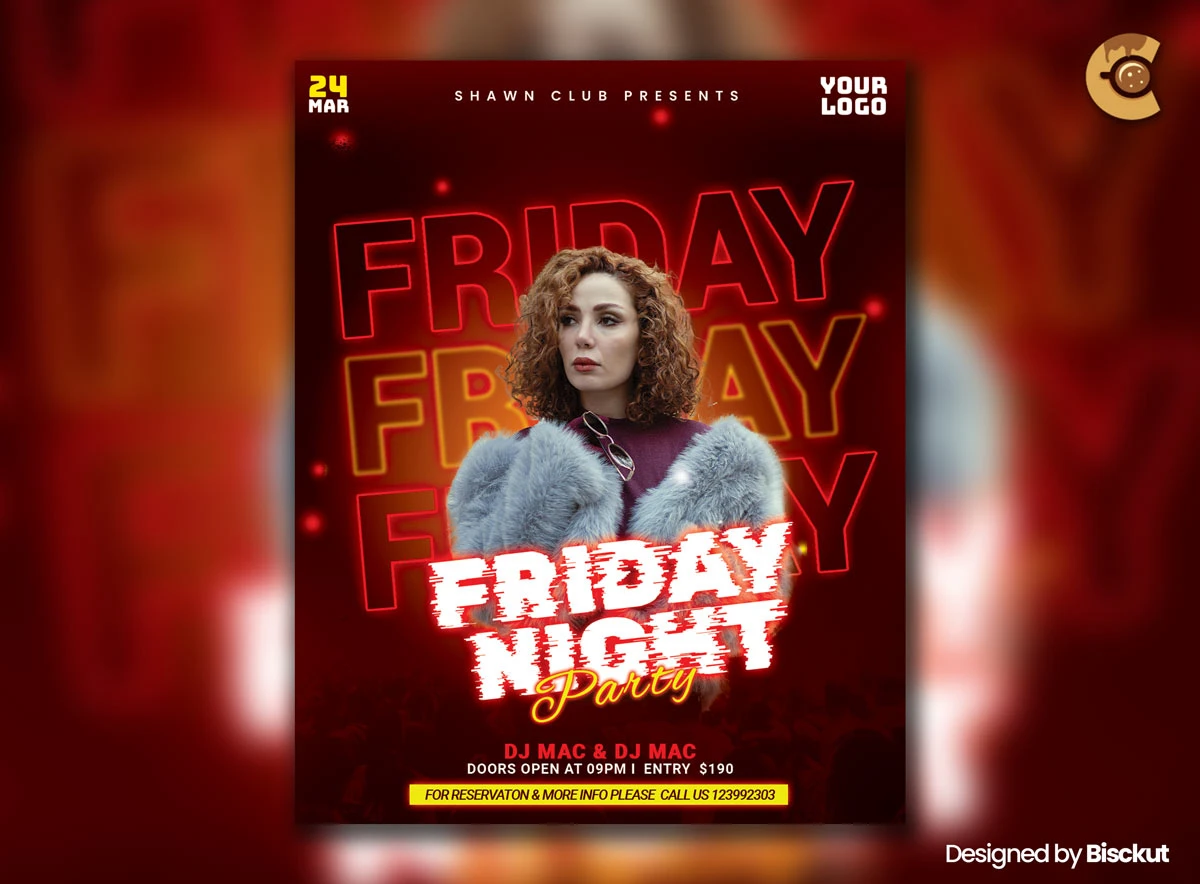
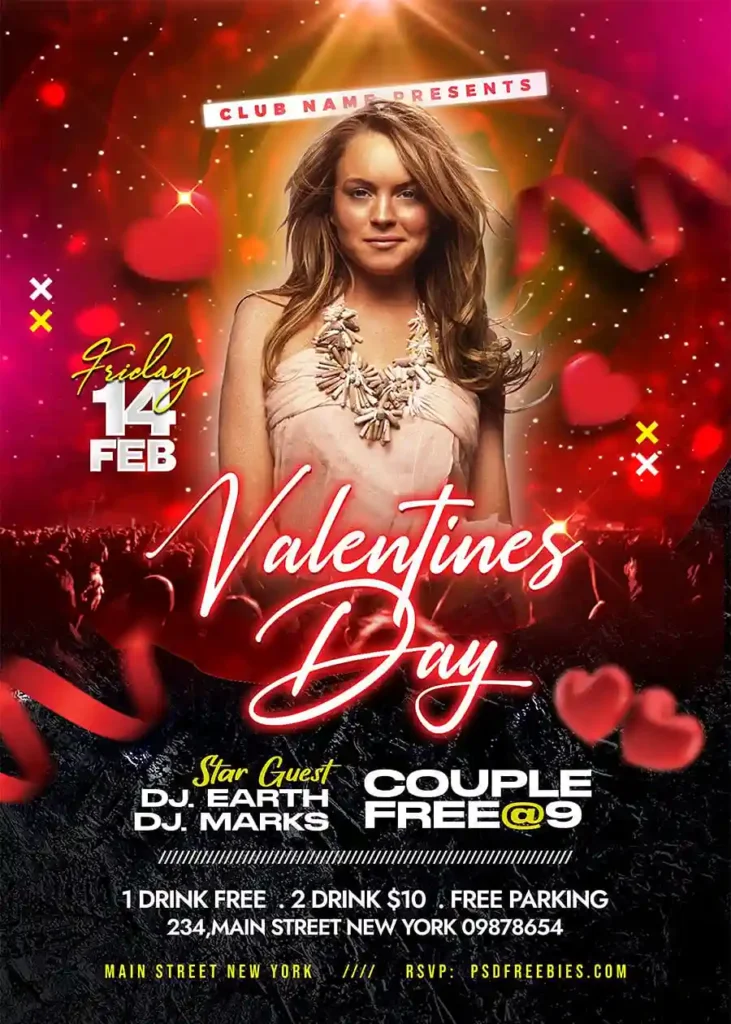
In this flyer, the person and the headline aren’t separate elements. They work as one composition.
This Free Event Party Flyer Template PSD uses a confident central figure, oversized “FRIDAY” typography, glowing details, and a red-orange palette to create a strong nightlife visual. The subject gives the design attitude, while the large text establishes the event theme immediately.
The PSD uses CMYK colour mode and includes organised layers and Smart Object support for editing the event information and featured image in Adobe Photoshop.
The Subject Is Part of the Layout
A central figure can make a party flyer more memorable, but replacing that person requires more care than simply dropping in another photo.
The subject’s position affects the headline, background effects, and overall balance of the flyer. If the replacement image is too wide, important text may become covered. If it’s too small, the composition can lose its impact.
Choose a photo that works with the existing layout rather than forcing the layout to fit any available image.
Key Features
- Fully editable PSD flyer
- CMYK colour mode
- Central figure composition
- Oversized “FRIDAY” typography
- Red-orange nightlife palette
- Glow and neon-inspired effects
- Smart Object support
- Editable event details
- Replaceable featured image
- Well-organised Photoshop layers
- Free for personal and commercial use
Best For
This template can be adapted for:
- Friday night events
- Club parties
- DJ performances
- Dance nights
- Bar promotions
- Lounge events
- Student parties
- Weekly club events
- Guest performer nights
- Local nightlife promotions
Designer Tip
When replacing the central figure, check the silhouette first.
A subject with arms spread wide, large accessories, or a very different pose may cover parts of the headline that were meant to remain visible. On the other hand, a narrow pose can leave awkward empty areas in the composition.
Before adjusting colours or adding effects, place the new subject and view only the basic silhouette against the text.
If the shape doesn’t work with the headline, choose another image.
Decide What Goes in Front
Layer order matters when a person overlaps large typography.
Some letters may sit behind the subject to create depth, while others remain visible in front. This can make the design feel more dimensional, but only when the words are still understandable.
After replacing the image, check whether the event name can still be read without guessing.
Don’t keep an overlap simply because it looks dramatic. If an important letter disappears completely, adjust the mask, subject position, or text placement.
Match the New Image to the Colour System
The original red-orange palette gives the flyer much of its energy.
A replacement image with cool daylight, pale colours, or a completely different lighting style may feel disconnected from the background. Instead of applying a heavy colour filter immediately, first adjust the basic brightness, contrast, and warmth.
The subject should feel like part of the scene, not a photo pasted on top of it.
Preparing the Flyer for Print
The PSD uses CMYK colour mode, making it a suitable starting point for print production.
Before sending the file to a printer, confirm the required dimensions, bleed, safe area, resolution, and export format. Different printing services may use different specifications.
Check the darkest red and orange areas carefully, as strong colours can reproduce differently depending on the paper and printing process.
A physical proof is useful before producing a large quantity.
Using It Online
You can also export a digital version for social media, event pages, and online promotions.
Since the working file is CMYK, review the exported colours on screen before publishing. Some colours may appear different when converted for digital use.
Create separate exports for print and online promotion rather than relying on one file for every purpose.
Technical Details
- File Format: PSD
- Colour Mode: CMYK
- Design Style: Modern nightlife
- Main Composition: Central figure with oversized typography
- Editing: Smart Objects and editable layers
- Editable Elements: Text, images, colours, and event details
- Software Required: Adobe Photoshop
- Layer Structure: Well organised
- License: Free for personal and commercial use
This event party flyer gets its impact from the relationship between the person and the typography. When customising it, choose a replacement image that fits the existing silhouette, check every text overlap, and make sure the subject feels connected to the flyer rather than placed on top of it.

Reviews
There are no reviews yet.