
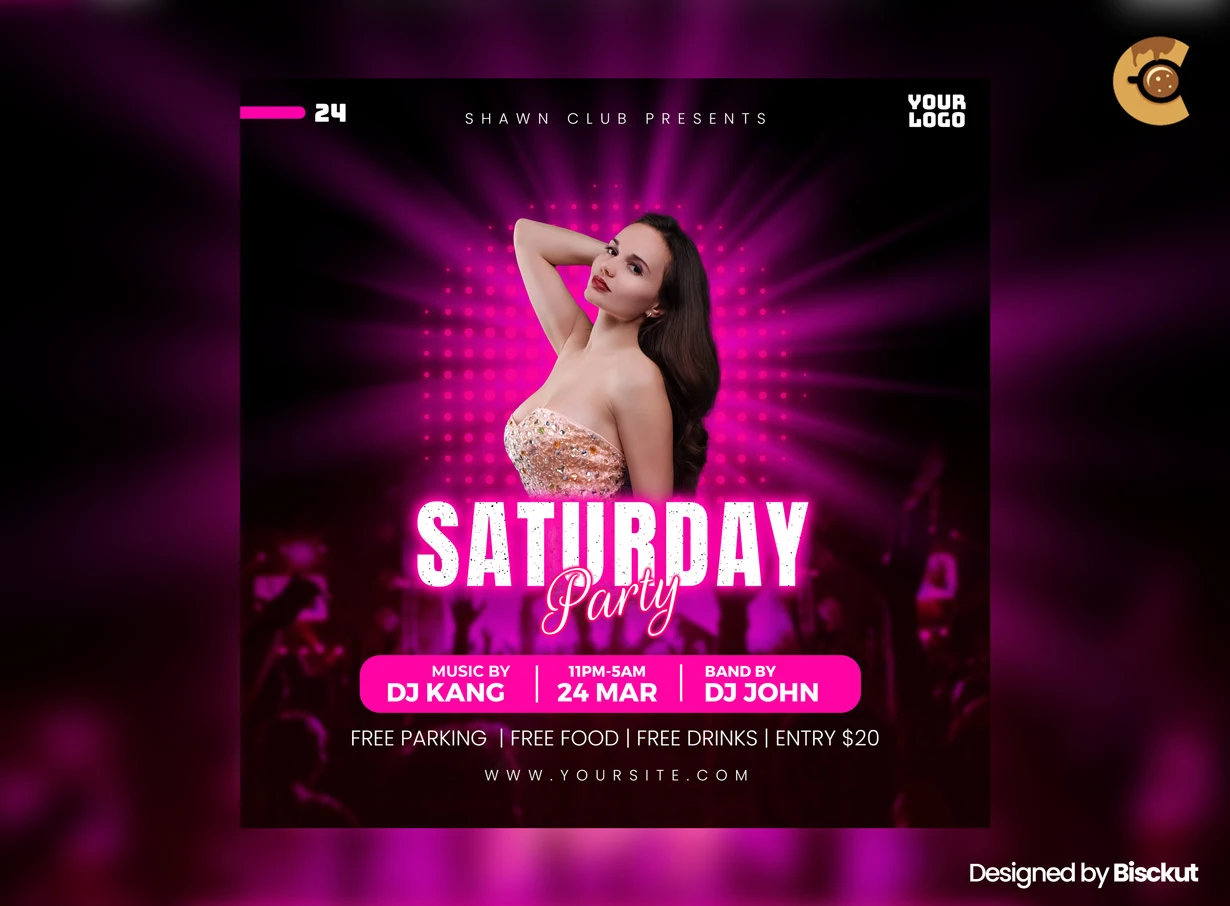
Description
One good nightclub flyer can promote more than one event—but only if you know what to keep and what to change.
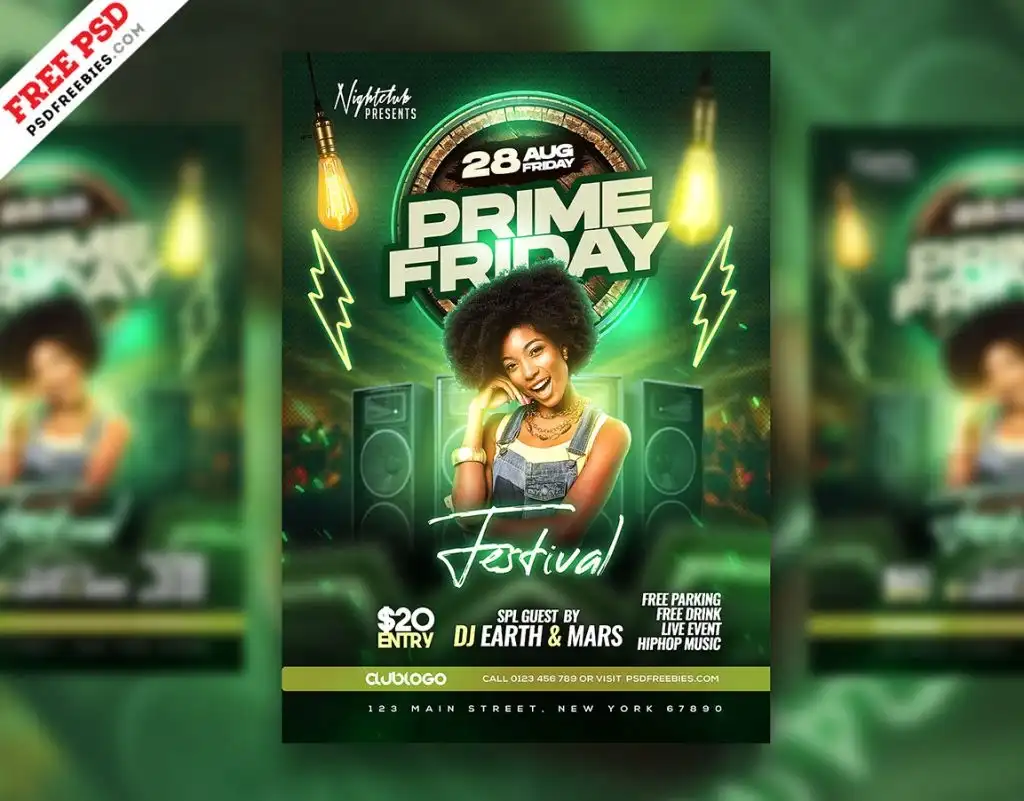
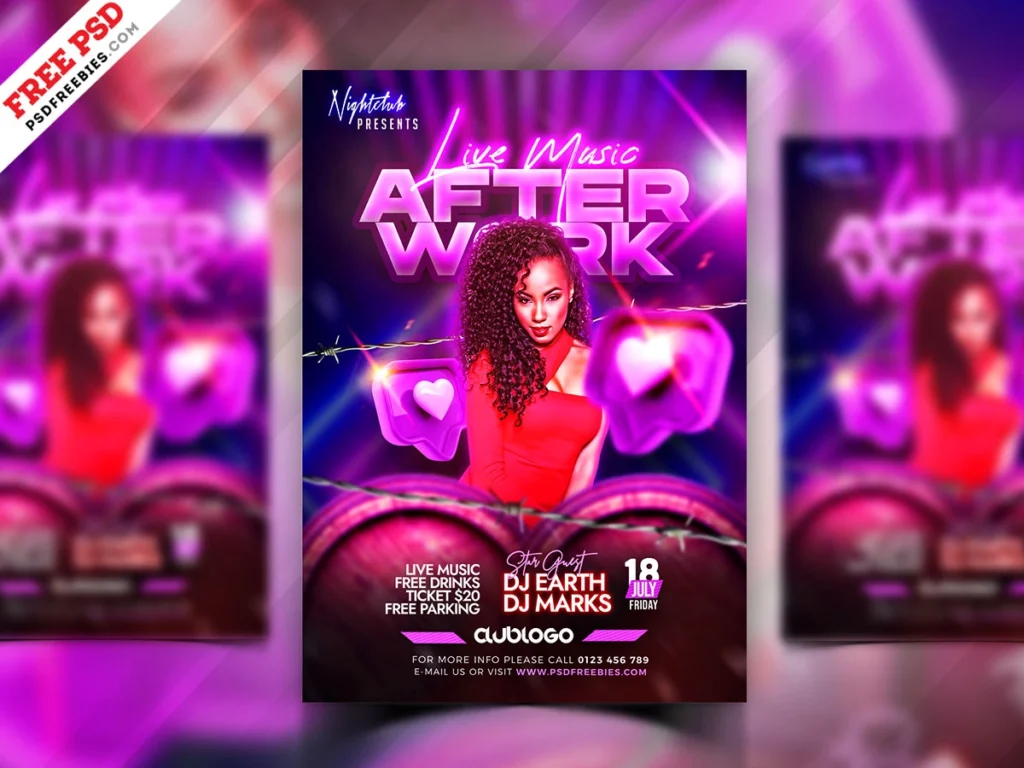
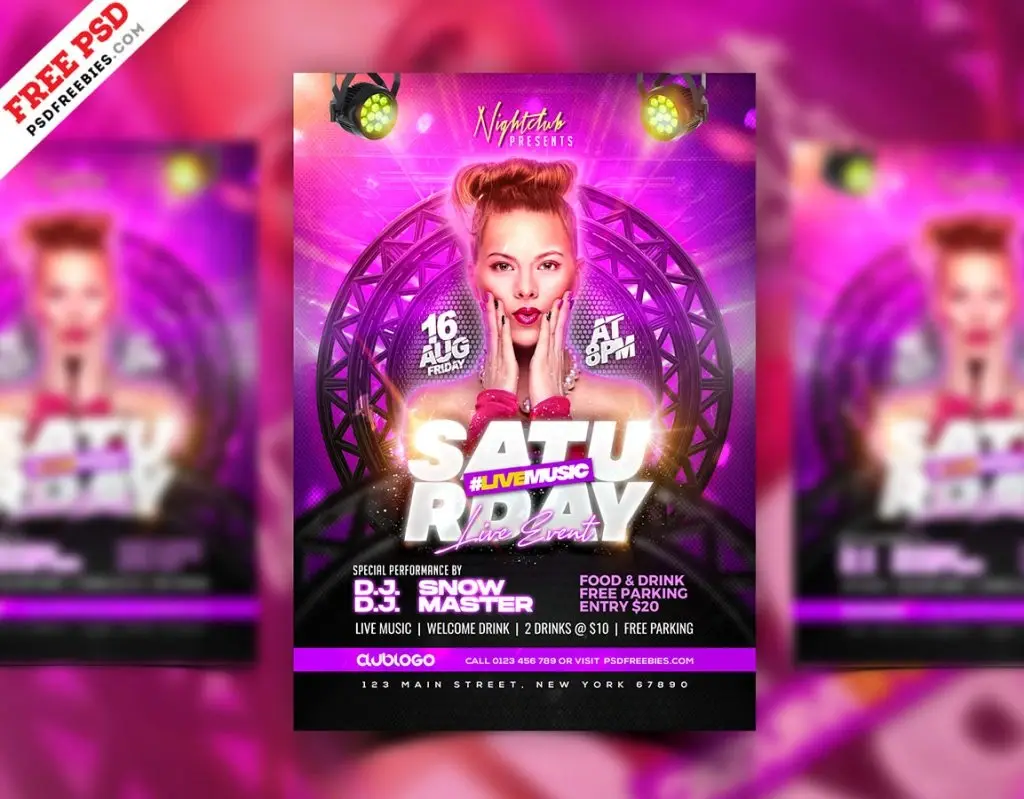
This Free Nightclub Flyer PSD gives club owners, event promoters, DJs, and designers a bold layout for promoting weekend parties, guest performances, club openings, and nightlife events.
Created in high-resolution RGB colour mode, the PSD is well-suited for social media, event pages, website graphics, and other digital promotions. The file is fully layered and organised in Adobe Photoshop, allowing you to edit the text, colours, images, and design elements for your own event.
Build a Repeatable Event Style
If you promote club events regularly, don’t redesign everything from zero each week.
Keep a few elements consistent:
- Logo position
- Main typeface
- Information structure
- Venue details
- Brand colours
- Overall image treatment
Then change the elements that make each event different.
This creates recognition without making every flyer look copied and pasted.
Key Features
- Fully editable PSD file
- High-resolution artwork
- RGB colour mode
- Organised Photoshop layers
- Customisable text
- Editable colours and images
- Modern nightlife styling
- Suitable for digital event promotion
- Free to download
Best For
This template can be adapted for:
- Weekend club events
- Saturday night parties
- Guest DJ promotions
- Club openings
- EDM events
- Bar nights
- Dance parties
- Music performances
- Lounge promotions
- Recurring nightlife campaigns
Designer Tip
Create a “fixed” list and a “change” list.
Keep Fixed
These elements can remain consistent across your club promotions:
- Venue logo
- Brand typography
- Contact information
- Ticket website
- General layout structure
Change Each Event
These details should make the new promotion feel fresh:
- Hero image
- Event name
- Main colour accent
- DJ or artist
- Date
- Theme
This simple system saves time and makes the club easier to recognise across multiple promotions.
Don’t Change Everything Every Weekend
A completely different design style for every event can make the venue look like a different brand each time.
One week may use neon graphics, the next luxury gold, and the next a retro collage. Individually, each flyer might look good—but together, they may have no visual connection.
Keep at least two or three recognisable brand elements across the campaign.
Consistency helps people recognise the promoter or venue before they finish reading the flyer.
Don’t Keep Everything the Same Either
The opposite problem is just as common.
If every Saturday flyer uses the same image position, colours, effects, and typography, people may assume they’ve already seen the post.
Change one strong visual element for each event.
This could be:
- A new hero image
- A different accent colour
- A new headline treatment
- A theme-specific graphic
- A different crop or composition
The event should feel new while the brand remains familiar.
Create Versions for Different Channels
One flyer doesn’t need to do every job.
Use the main design as the campaign foundation, then adapt it for the places where the event will be promoted.
You may need:
- Main social media post
- Story version
- Website banner
- Event page graphic
- Ticketing image
- Venue screen graphic
Keep the same visual identity across these versions, but adjust the layout for each format.
Simply stretching or cropping the original flyer can cut off important information.
Update Recurring Details Carefully
Weekly promotions are especially vulnerable to old information.
Before exporting a new version, check:
- Day and date
- DJ or artist name
- Start time
- Venue details
- Entry price
- Ticket link
- Guest-list information
- Age restrictions, if applicable
Don’t duplicate last week’s PSD and assume every detail has been replaced.
A polished flyer with the wrong date is still a failed promotion.
Use Effects to Support the Brand
Neon tones, glow effects, and electric visuals can create nightlife energy, but they shouldn’t be added automatically.
If the venue already has a recognisable visual identity, adapt the effects to that style.
A club brand built around dark minimalism may need controlled lighting. A high-energy dance venue may suit stronger colour and movement.
The template should adapt to the event brand—not erase it.
Digital and Print Use
The PSD uses RGB colour mode, making it naturally suited to screen-based promotion.
For social media and online campaigns, check the final artwork on a phone before publishing. Make sure the event name, date, and venue remain readable at a smaller size.
If you plan to print the design, confirm the required colour profile, dimensions, bleed, resolution, and export format with your printing service before preparing the final file.
Technical Details
- File Format: PSD
- Colour Mode: RGB
- Design Style: Modern nightclub promotion
- Editable Elements: Text, colours, images, and design elements
- Layer Structure: Organised and editable
- Software Required: Adobe Photoshop
- Best For: Club events and recurring nightlife campaigns
This nightclub flyer becomes more useful when it is part of a repeatable promotional system. Keep the elements that build recognition, change the details that make each event fresh, and always check recurring information before publishing the next version.

Reviews
There are no reviews yet.